Prioritize Feedback by HubSpot Revenue, Not Just Vote Counts





from 124+ reviews
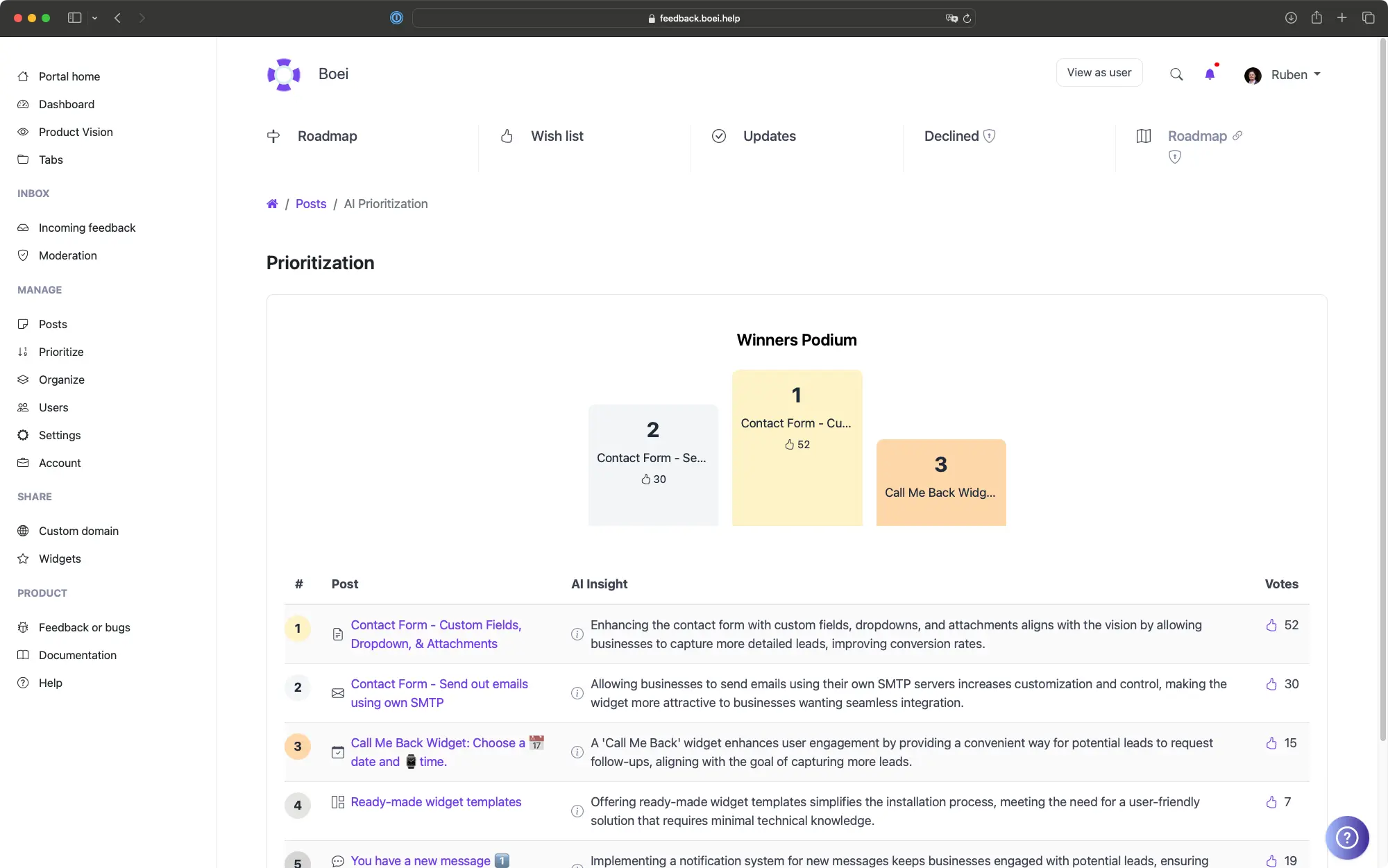
What the HubSpot Integration Does
Contact Match by Email
Company Name and Companies View
MRR and Deal Counts
Lifecycle Stage Sync
Filter Feedback by HubSpot Data
Private App, You Control the Scope
Your Workflow Before and After the HubSpot Integration
Before
With ProductLift
See Feedback Aggregated by Account
- ✓Vote count, MRR, and LTV aggregated per HubSpot company
- ✓Sort accounts by revenue to surface the biggest opportunities
- ✓Click into a company to see every vote, comment, and post from its team
- ✓Reachable from the Users page with one click
- ✓Works alongside RICE, ICE, MoSCoW, and Impact-Effort scoring
- ✓Updates as HubSpot data syncs
Why HubSpot Data Belongs in Your Feedback Pipeline
If your sales and customer success teams live in HubSpot, the answer to "who is asking for this feature?" already exists there. The problem is that feedback tools usually do not know about it. Without a connection, product managers either guess at the value of a request or stop in the middle of prioritization to look up MRR, plan, and lifecycle stage in a separate tab. Either way, the decision is slower and the result is less accurate.
ProductLift's native HubSpot integration closes that gap. A HubSpot Private App in your portal pulls contact, company, MRR, deal counts, and lifecycle stage from HubSpot into ProductLift on a schedule. Every existing user profile gets enriched. Every new vote inherits the same context the moment the contact is matched. Prioritization decisions stop being democratic by default and start being weighted by revenue, lifecycle, and account fit.
Beyond per-request prioritization, the integration unlocks segmentation that a generic feedback tool cannot offer. Filter feedback to only show requests from Customers, only from Evangelists, or only from accounts above a specific MRR threshold. Each segment surfaces a different conversation. Customer requests are usually about depth and reliability. Evangelist requests are usually about reach and integrations. Lead and MQL requests show what the next cohort needs to convert. Splitting these signals turns one noisy roadmap into several focused ones.
The Companies view rolls all of this up to the account level. Instead of seeing 14 separate votes from 14 individuals, you see one company with $18K MRR pushing for a single capability. That is the unit of decision your sales team already operates in, and now your product team operates in it too. The integration is one-way (HubSpot to ProductLift) by design so HubSpot remains the system of record for CRM data and ProductLift remains the system of record for product feedback.
Trusted by SaaS Teams Using HubSpot

Sebastian F.
Entrepreneur
★★★★★
This app will help you connect with your users and gather feedback like never before. The UI is clean and focused. The different pages and forms can be fully customized. Ruben is an amazing developer and entrepreneur with a proven track record. ProductLift is going places and you should get onboard.
AppSumo
Aaron Dye
★★★★★
An excellent product with equally excellent support! Everything just works, and when I had questions, the team was incredibly responsive.
Timothy M.
Product Manager
★★★★★
This tool is literally a needle in a haystack. I was using Frill, and this doesn't even compare. The user interface, the way it lays out — so amazing. Also amazing support team!
AppSumo
Ben
Product Owner
★★★★★
Helped us quickly move away from our antiquated spreadsheet to a user-interactive system. User feedback is now collected in real-time. Support has been super speedy!
AppSumo
Marco
★★★★★
Based in Europe, ideal for privacy-conscious customer interaction. Constant improvements by Ruben together with thorough support make ProductLift a solid and future-proof choice.
AppSumo
Chris R.
Founder
★★★★★
By far the most customizable of all the feedback tools and much better than Feedbear. Developer is super responsive and support has been great. Highly recommend!
AppSumo