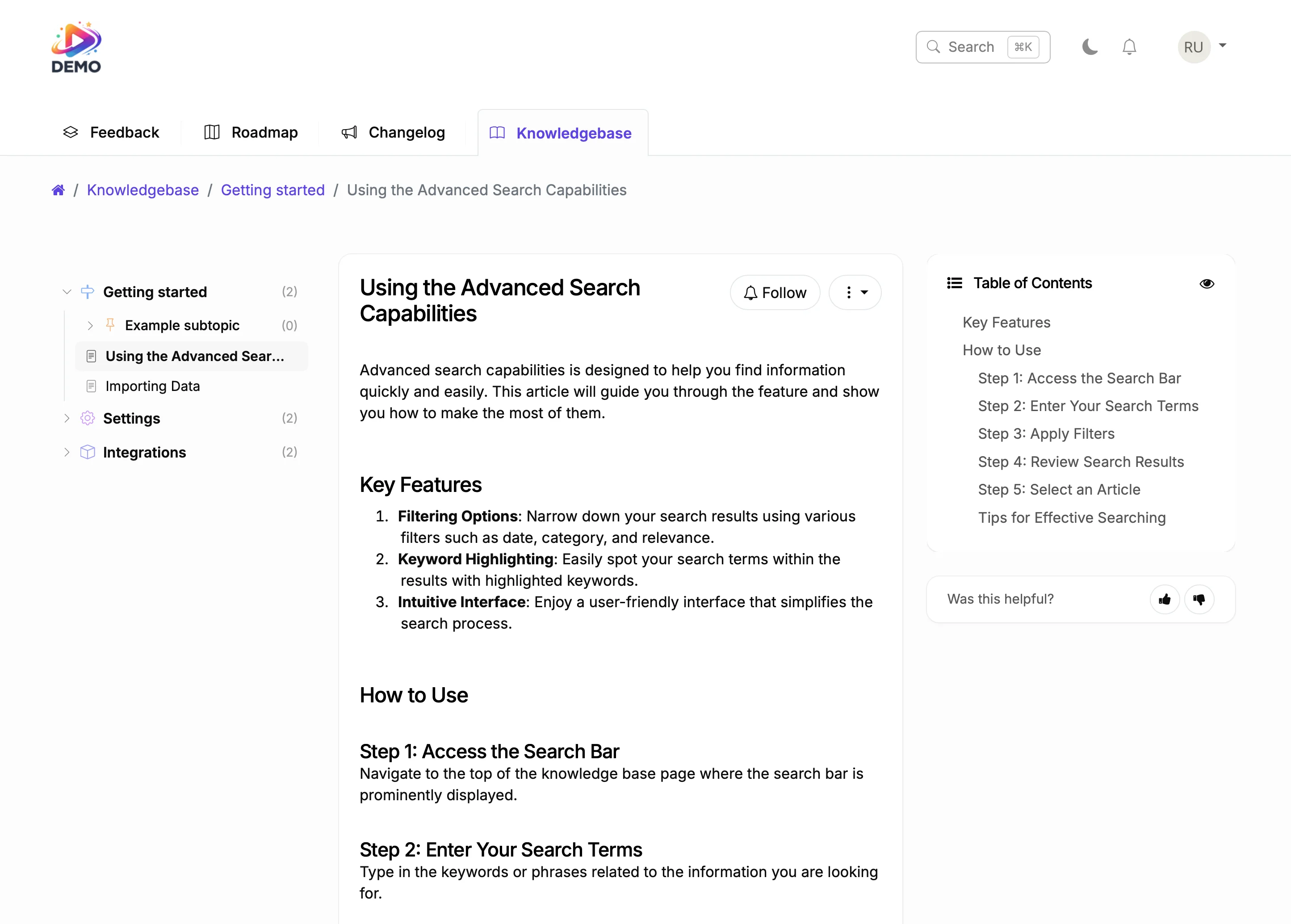
A professional changelog for your Webflow site with categorized updates, rich media, and automatic notifications to everyone who asked for each feature.
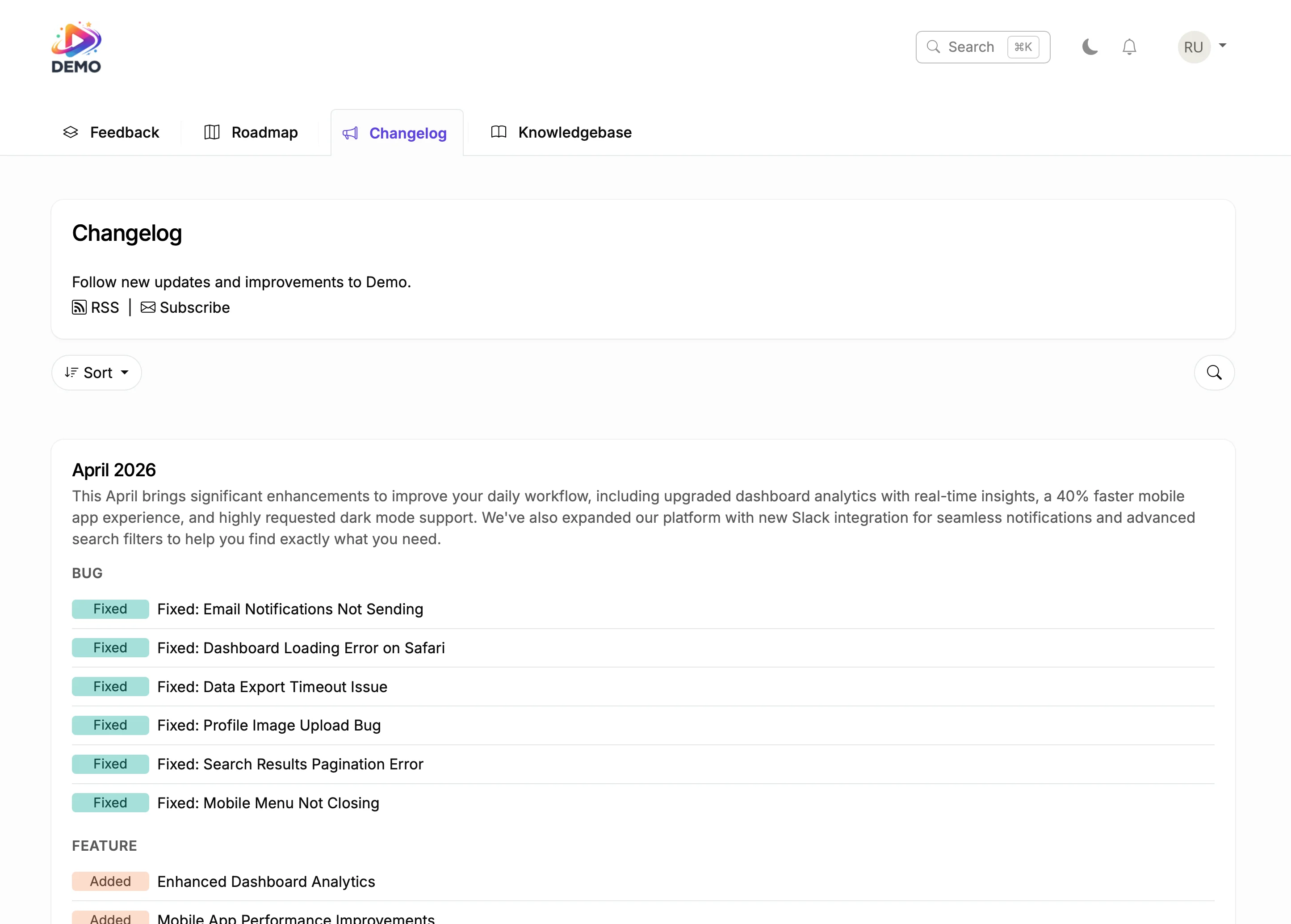
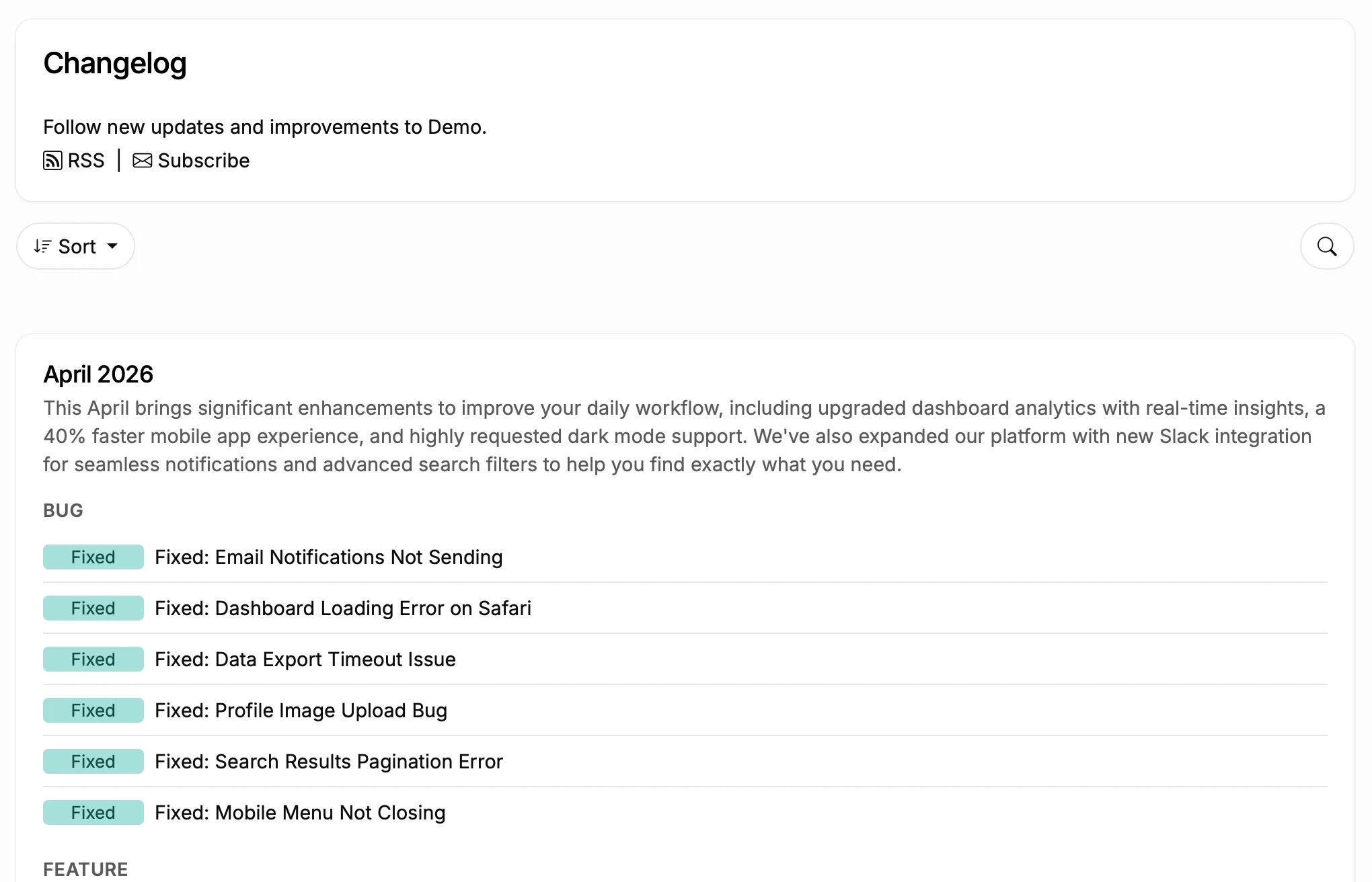
This is a live changelog. Browse the entries. That is exactly how it looks on your Webflow site.
You ship a feature. Everyone who asked for it finds out.
Before
With ProductLift
Git2Log reads your commits and generates polished changelog entries for your Webflow site with AI. Push code, get a draft. Edit and publish.
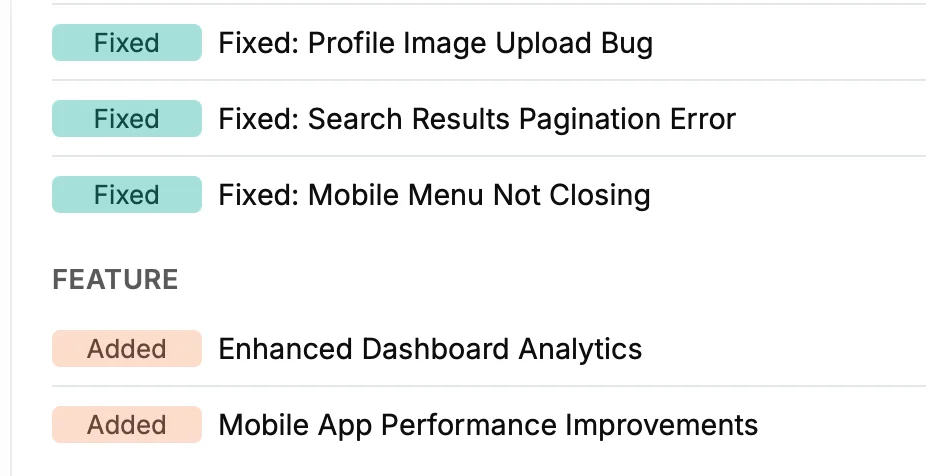
Tag entries as New Feature, Improvement, or Bug Fix on your Webflow changelog. Schedule posts for coordinated launches. Users filter by category.
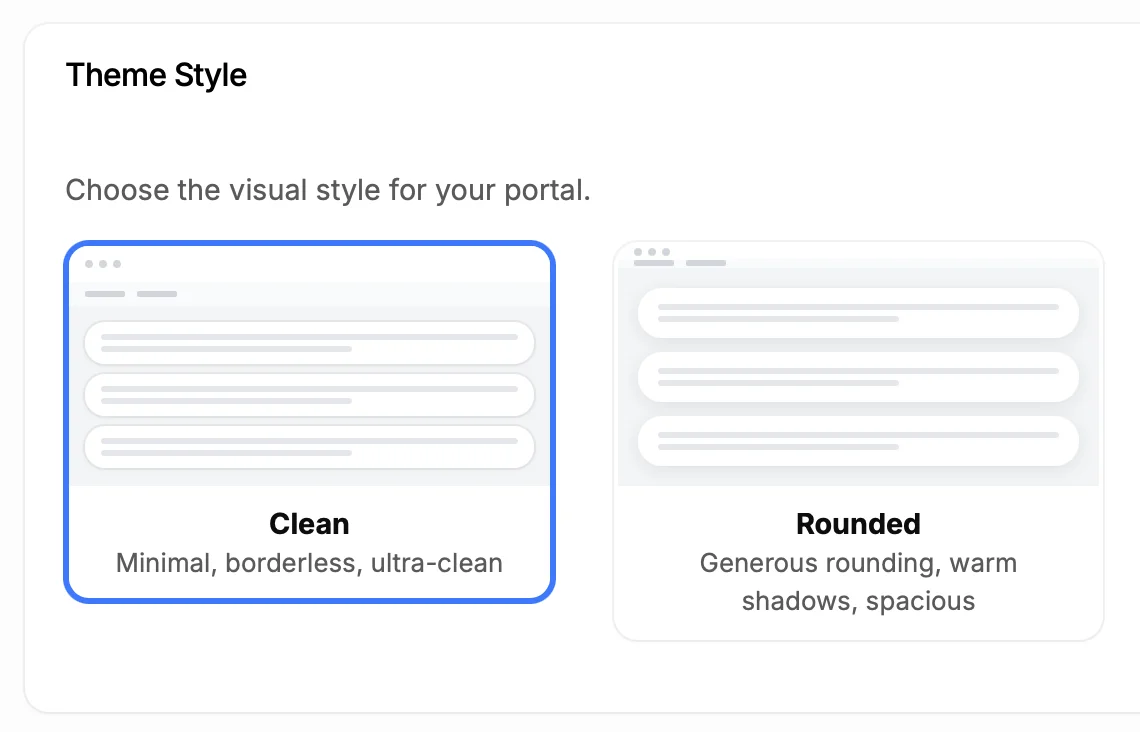
Custom colors that match your Webflow site design. Custom fonts, custom domain. Remove all ProductLift branding. Your visitors see your brand, not ours.
5,204
Teams using ProductLift changelogs
4.8
Rating on G2 and Capterra
5 min
To set up on Webflow
Sebastian F.
Entrepreneur
Aaron Dye
Timothy M.
Product Manager
Ben
Product Owner
Marco
Chris R.
Founder
Show a track record of active development. Prospects see months of updates and know the product is maintained.
Log every update and design change with screenshots and context. Clients see exactly what was delivered and when.
Announce new products, features, and improvements. Subscribers get notified automatically so nothing gets missed.
One platform for the entire product lifecycle. Each step feeds the next.
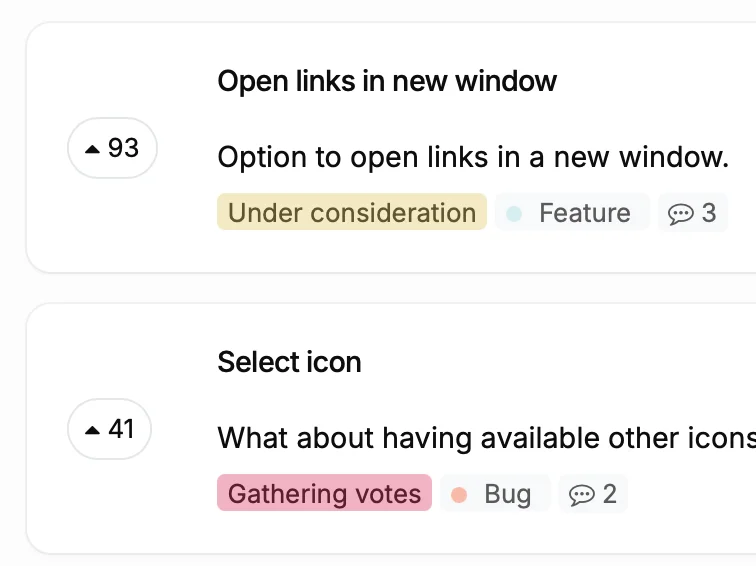
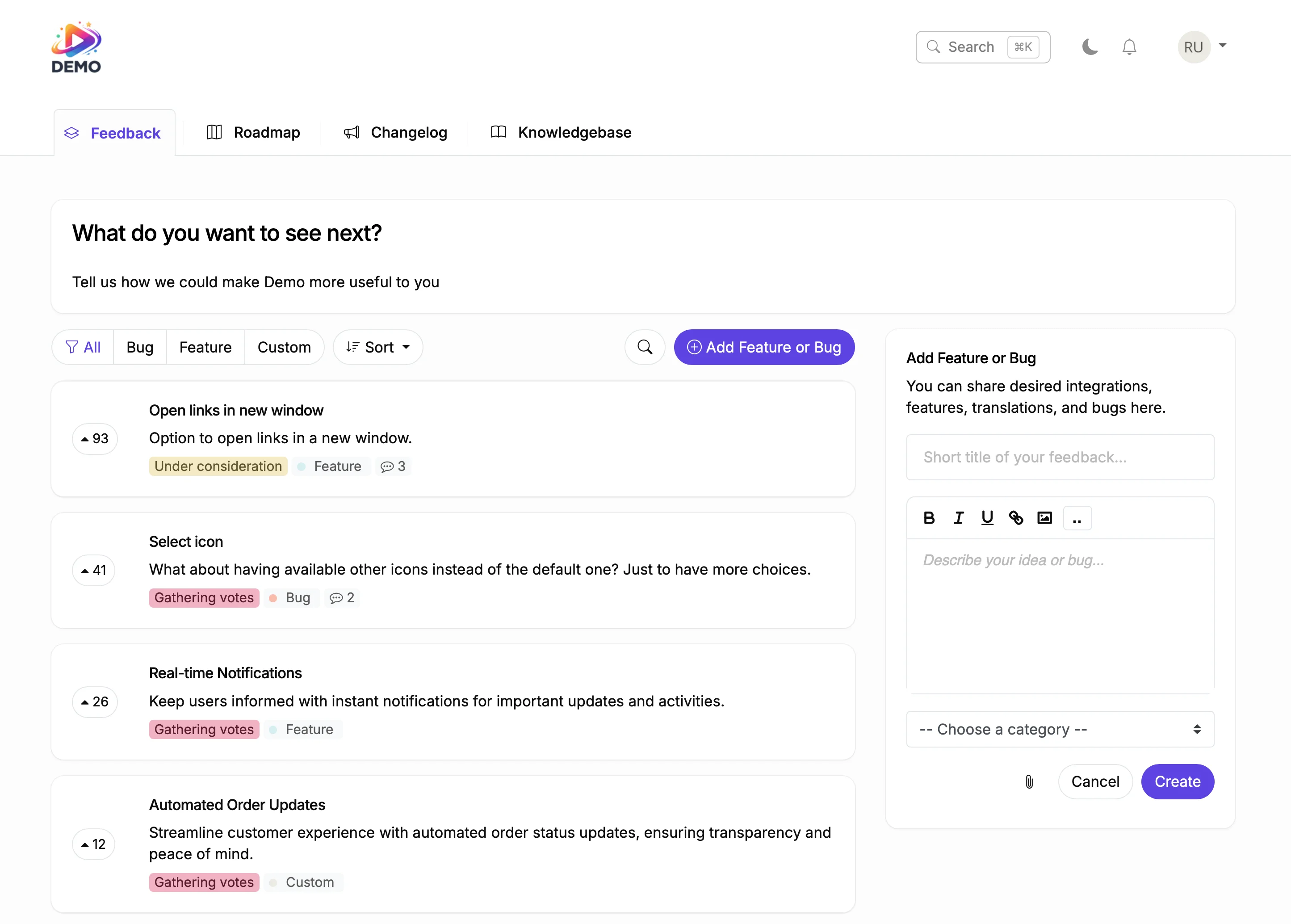
Users submit feature requests and vote on priorities.
Webflow Feedback Board Element
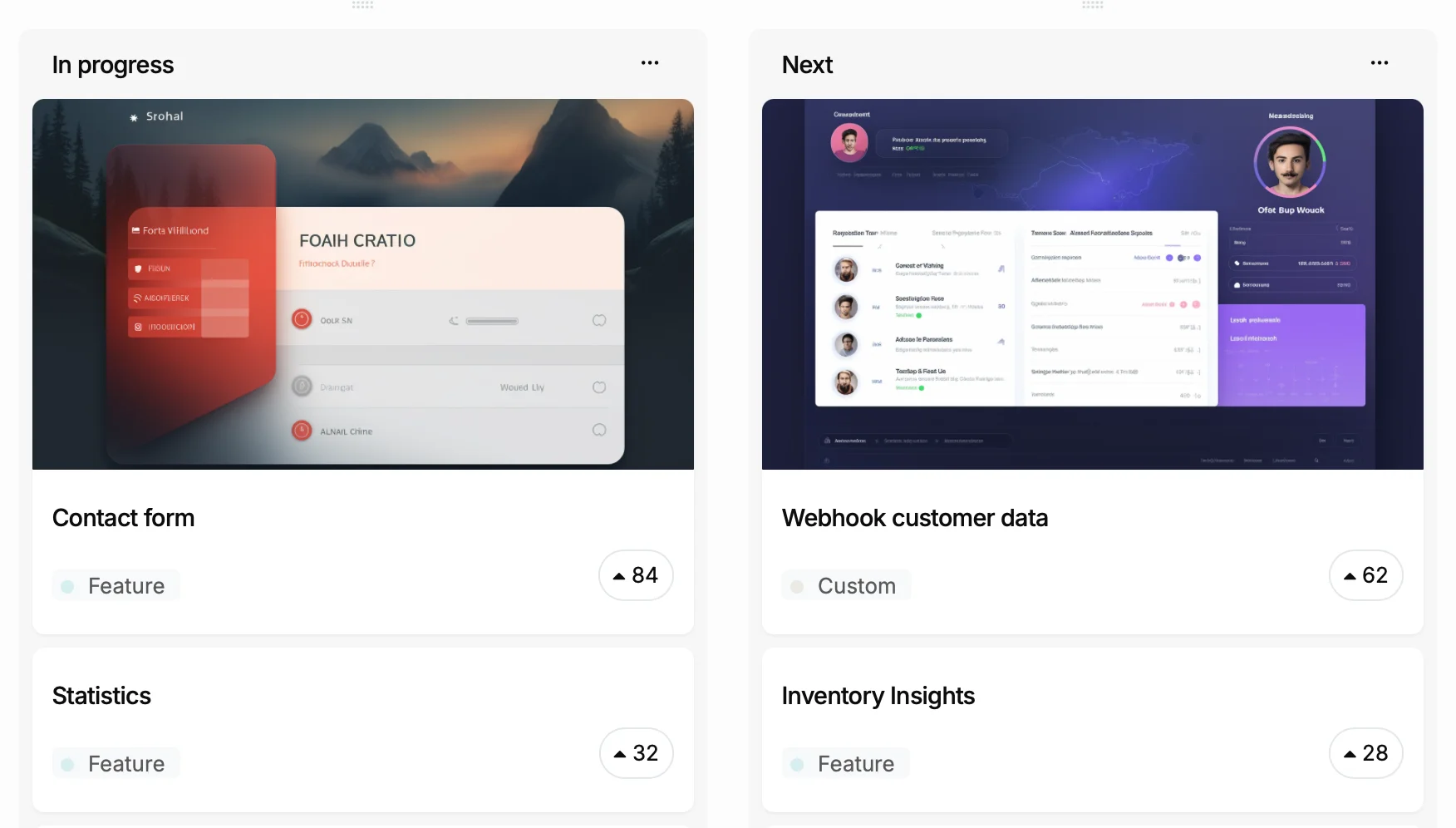
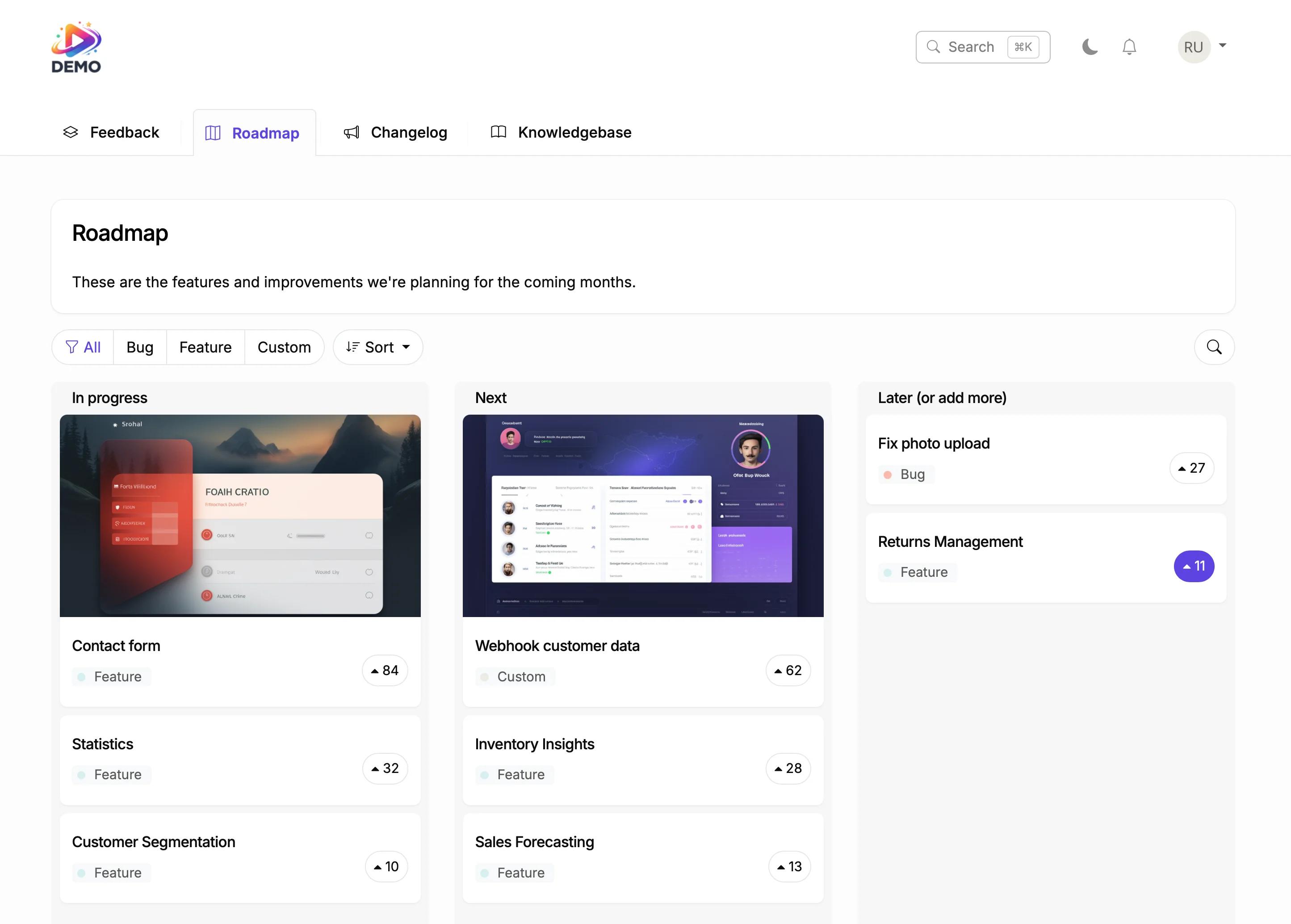
Drag items to Planned. Voters see the status change.
Webflow Product Roadmap Element
Generate a help article from shipped features. AI writes the draft.
Webflow Knowledge Base ElementUsers of website builders expect their tools to keep improving. A changelog proves you are delivering. Categorized updates with screenshots show exactly what changed and why it matters.
ProductLift connects your changelog to your feedback board. When users request a feature and you ship it, they find out automatically. That communication loop is what builds lasting loyalty.
Ruben Buijs
Founder of ProductLift
Webflow's CMS blog template is designed for content marketing, not product changelogs. Blog posts lack update categories like New Feature or Bug Fix, user reactions, and subscriber notifications. Most Webflow teams end up with a blog section that mixes marketing content with product updates, making it hard for users to find what changed.
ProductLift adds a dedicated changelog to your Webflow site through one HTML embed. Each entry is categorized, supports rich media including screenshots and video, and triggers automatic email notifications to subscribers. Visitors filter by update type instead of scrolling through a mixed blog feed.
Installation takes two minutes. Open the Webflow Designer, add an HTML embed component where you want the changelog to appear, paste the ProductLift snippet, and publish. The changelog inherits your page width and loads asynchronously, so your Core Web Vitals stay unaffected.
For SaaS companies using Webflow as their marketing platform, the changelog connects directly to your feedback board and roadmap. When you move a feature from In Progress to Shipped, voters get notified automatically. This closed loop is impossible to build with Webflow's native CMS and blog tools.
See what else you can add to your Webflow site
Create your changelog in 5 minutes. Your next update deserves more than a blog post.