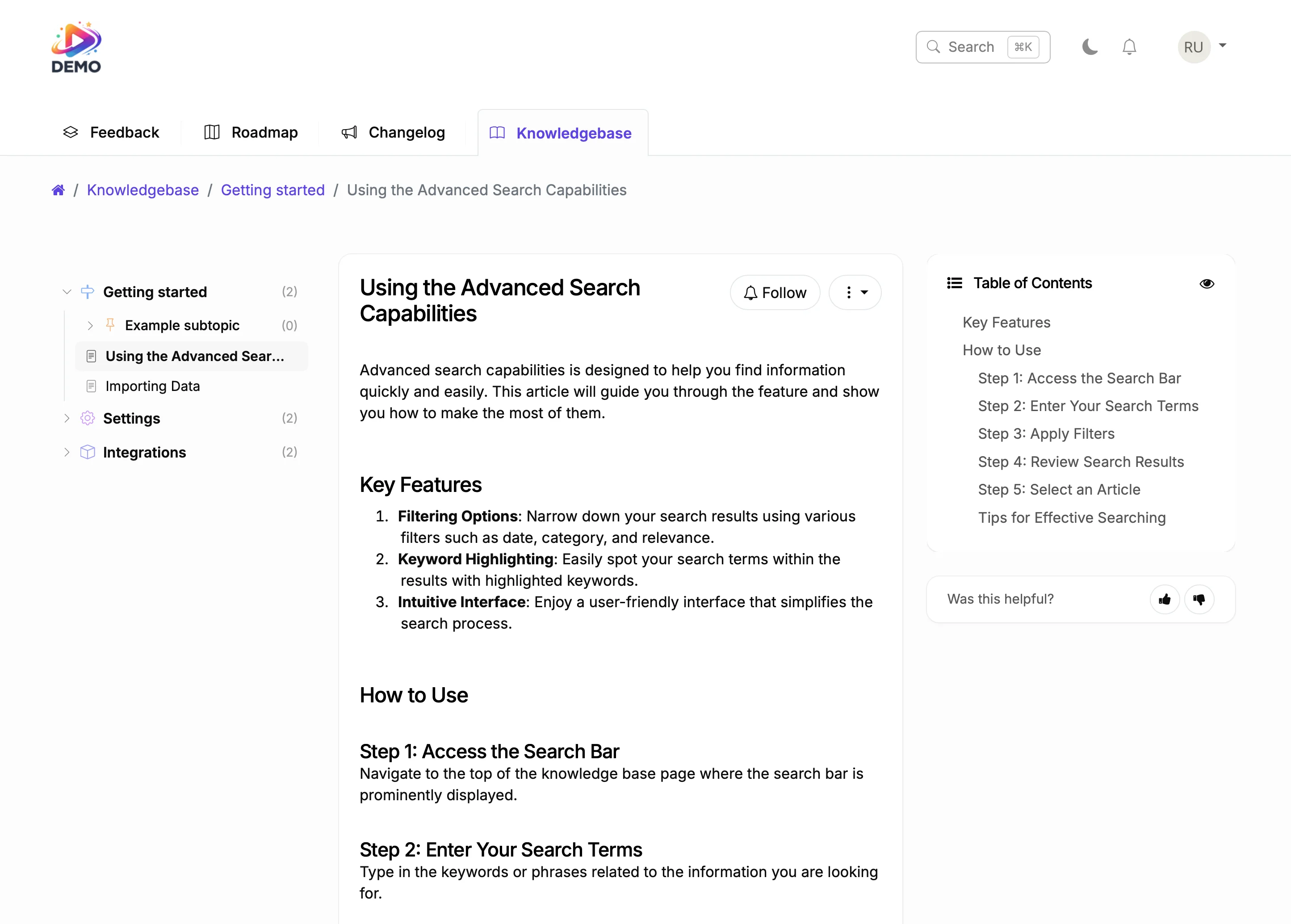
A professional changelog for your Shopify site with categorized updates, rich media, and automatic notifications to everyone who asked for each feature.
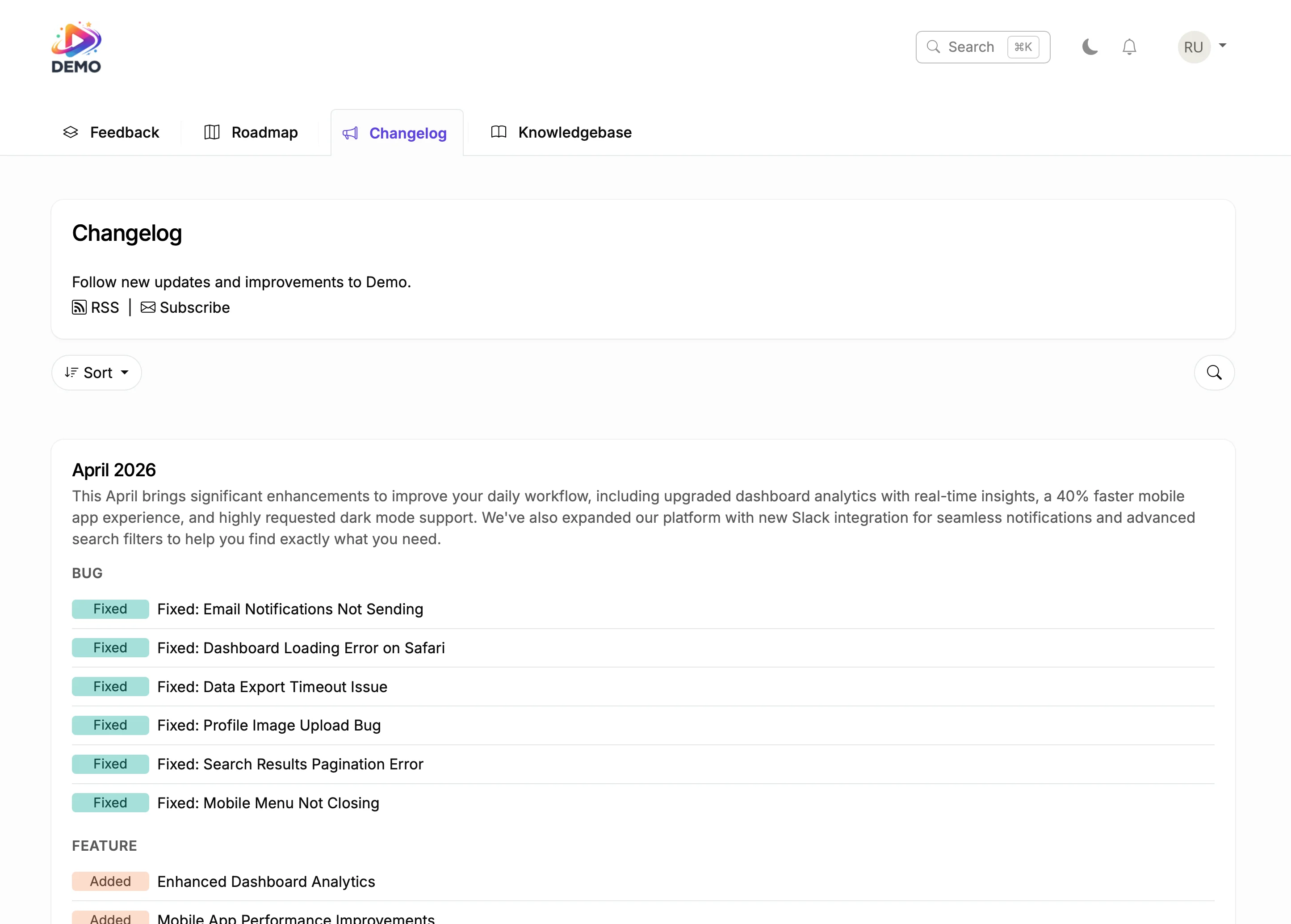
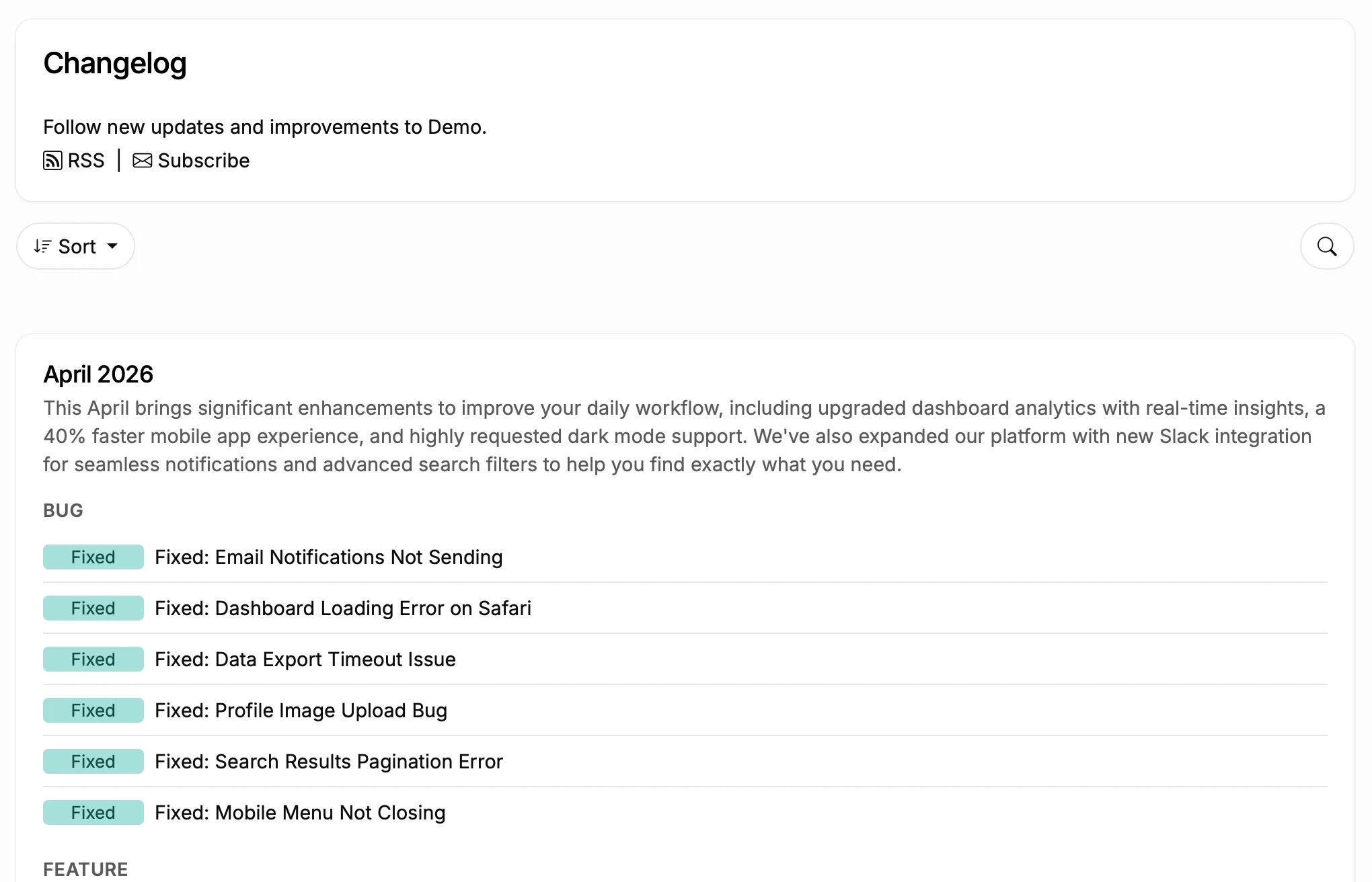
This is a live changelog. Browse the entries. That is exactly how it looks on your Shopify site.
You ship a feature. Everyone who asked for it finds out.
Before
With ProductLift
Git2Log reads your commits and generates polished changelog entries for your Shopify site with AI. Push code, get a draft. Edit and publish.
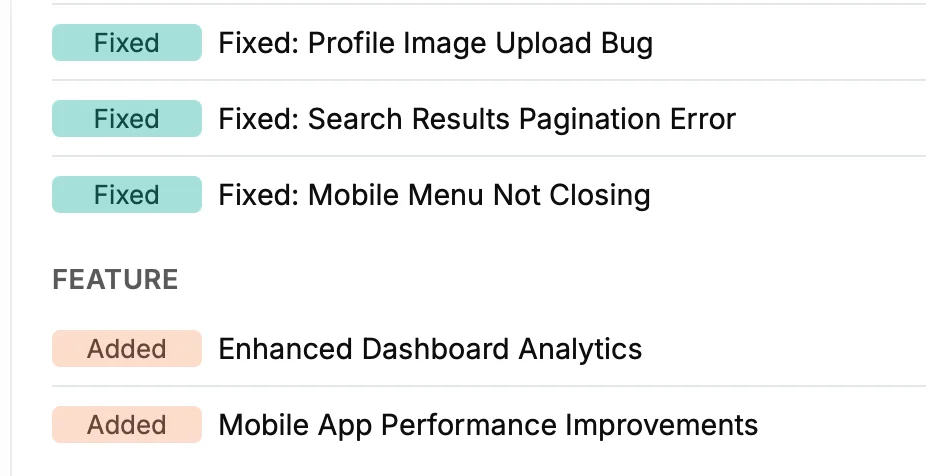
Tag entries as New Feature, Improvement, or Bug Fix on your Shopify changelog. Schedule posts for coordinated launches. Users filter by category.
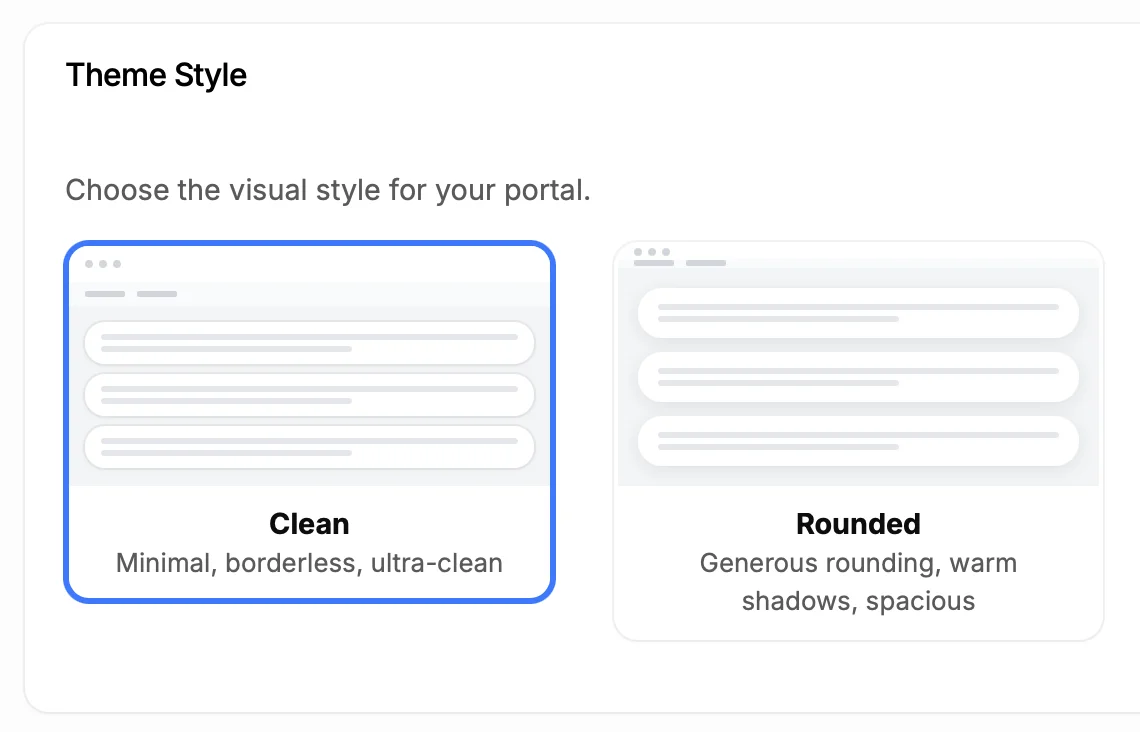
Custom colors that match your Shopify store theme. Custom fonts, custom domain. Remove all ProductLift branding. Your customers see your brand, not ours.
5,204
Teams using ProductLift changelogs
4.8
Rating on G2 and Capterra
5 min
To set up on Shopify
Sebastian F.
Entrepreneur
Aaron Dye
Timothy M.
Product Manager
Ben
Product Owner
Marco
Chris R.
Founder
Announce new payment options, product categories, shipping methods, and checkout improvements. Categorized entries let shoppers filter to updates they care about.
Show a track record of active development. Prospects see months of updates and know the product is maintained. Existing users stay informed without support tickets.
Keep sellers informed about platform changes that affect their stores. Categorize updates by seller impact, buyer experience, and platform infrastructure.
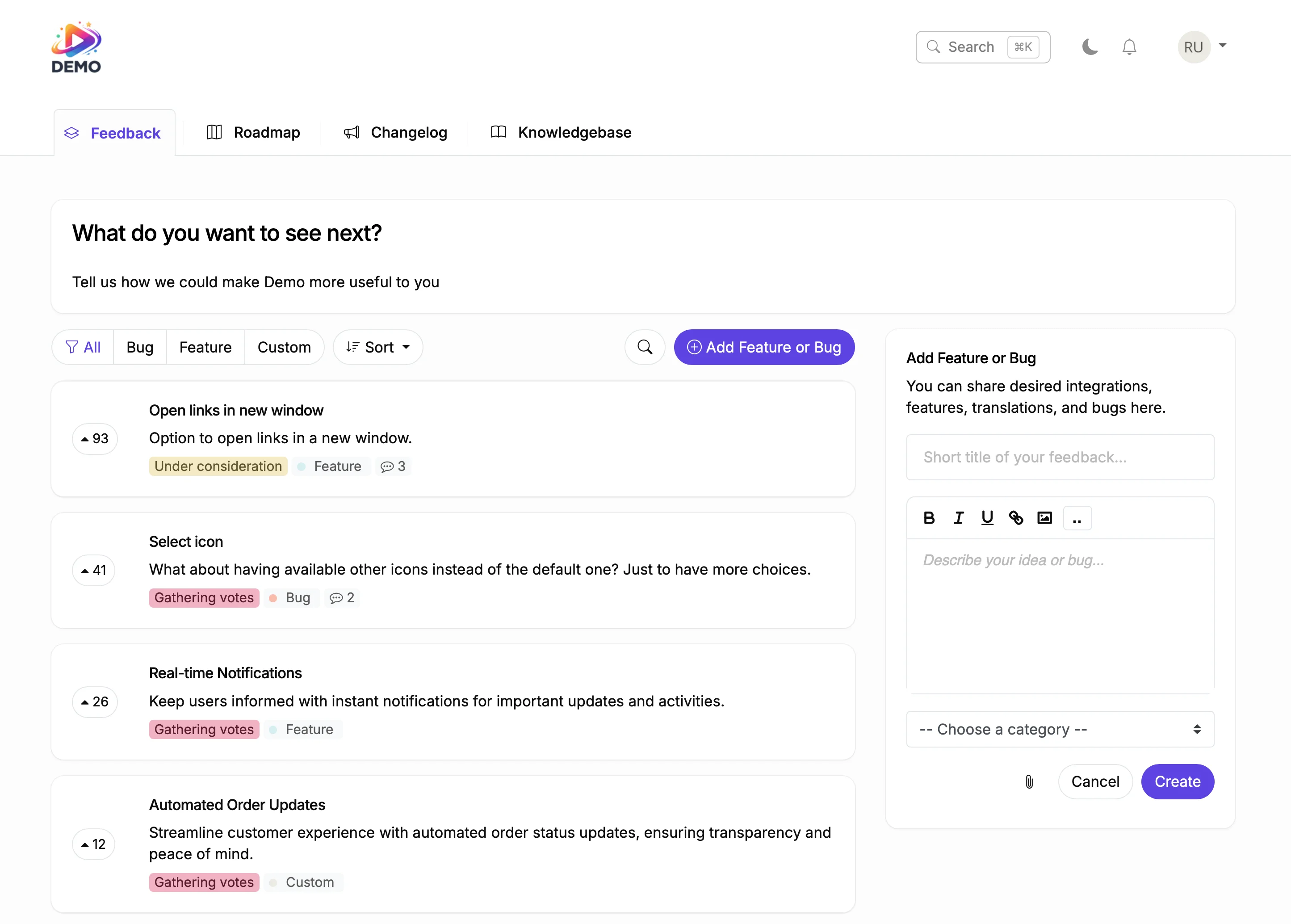
One platform for the entire product lifecycle. Each step feeds the next.
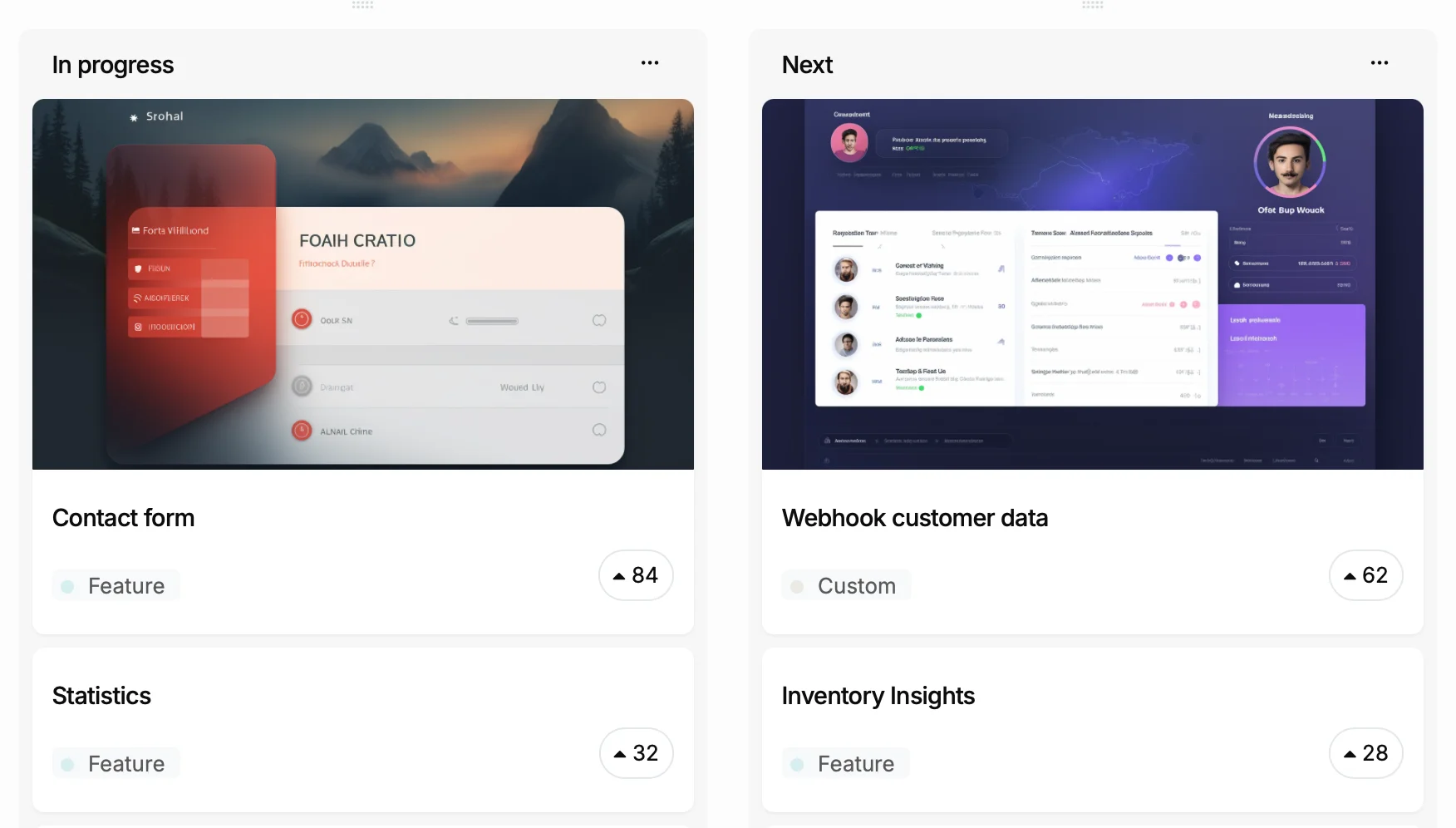
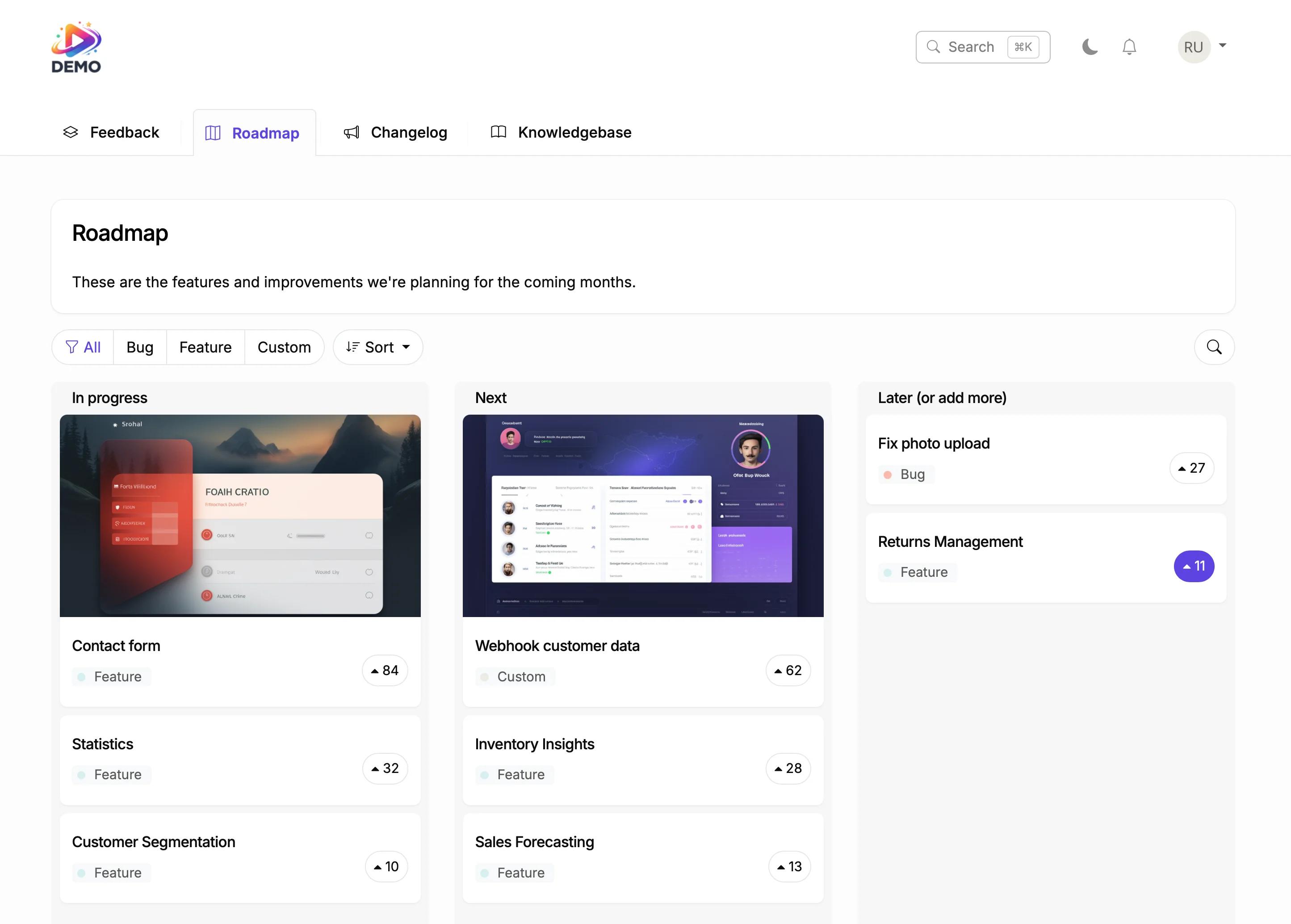
Drag items to Planned. Voters see the status change.
Shopify Product Roadmap App
Generate a help article from shipped features. AI writes the draft.
Shopify Knowledge Base AppStore owners invest in platforms that keep improving. A changelog with months of categorized updates tells merchants the product is alive and evolving. That confidence drives adoption and retention.
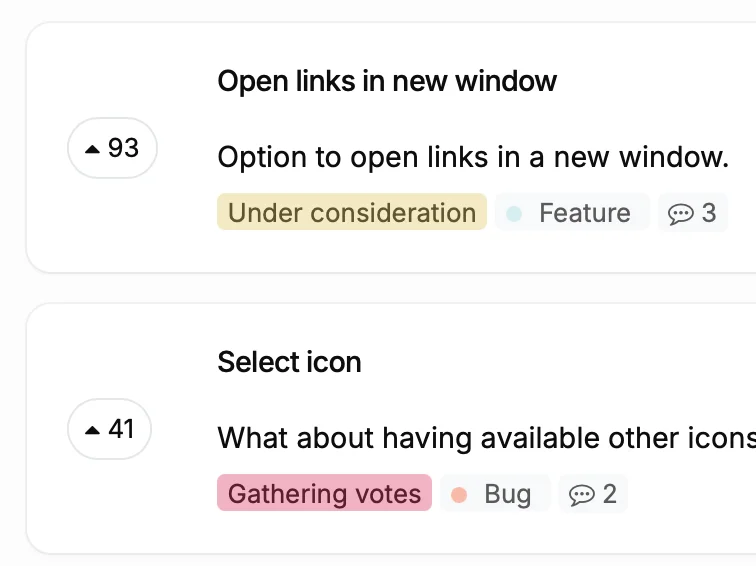
ProductLift connects your changelog to feedback and roadmap. When a merchant votes for a feature and you ship it, they get notified through the changelog. That is the kind of communication that prevents churn.
Ruben Buijs
Founder of ProductLift
Shopify's App Store shows version numbers and plain-text release notes, but that format doesn't do justice to the work your team ships. A dedicated changelog with rich media, categorized entries, and subscriber notifications gives merchants a reason to pay attention to your updates instead of ignoring another version bump.
For Shopify app developers, a public changelog serves a dual purpose. It keeps existing merchants informed and engaged, and it shows prospective merchants that the app is actively maintained. When a merchant evaluates two competing apps and one has months of visible updates with screenshots, that app wins the install every time.
Embedding a changelog on your Shopify app's marketing site or linking it from your app's admin panel takes minutes. Use a code snippet in any Custom HTML block or host the changelog on a subdomain like updates.yourapp.com. There's no Shopify app to install, no Liquid theme edits needed, and no performance impact on merchant stores.
ProductLift connects your changelog to feedback and roadmap features. When a merchant requests a feature through your feedback board and you ship it weeks later, the changelog entry links back to the original request and the merchant receives an automatic notification. That closed-loop communication is what builds long-term loyalty in the Shopify ecosystem.
See what else you can add to your Shopify site
Create your changelog in 5 minutes. Your next update deserves more than a blog post.