Shopify Knowledge Base for Any Theme, No App Install.





from 124+ reviews
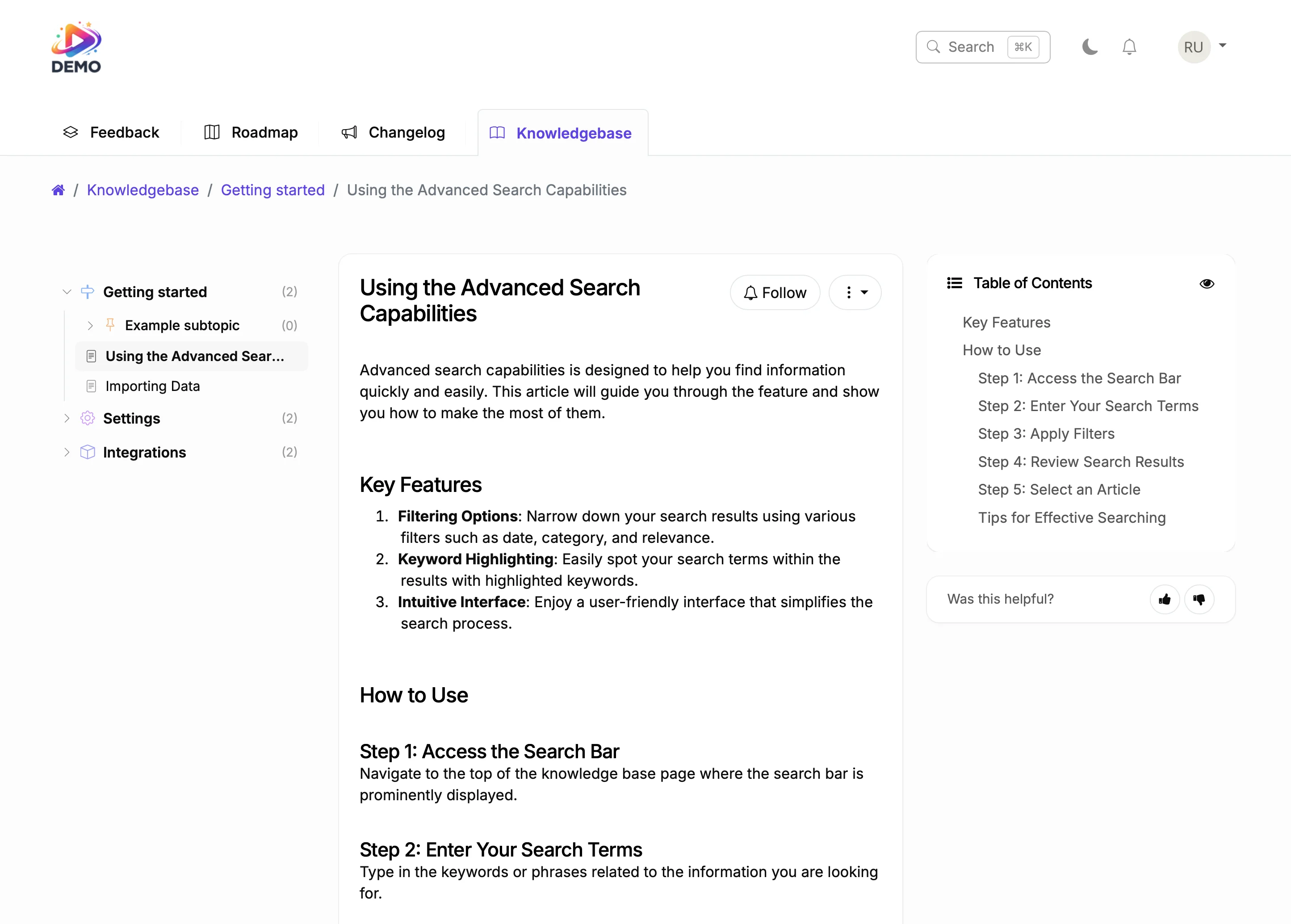





Used by 5,204 teams across e-commerce, SaaS, and marketplaces. 4.8 on G2 and Capterra. 5-minute install with no Shopify app, no Liquid theme edit, no impact on store performance. The knowledge base loads on a subdomain or embeds via a small snippet, so your Shopify checkout and product pages stay untouched.
Try It Right Now
How It Actually Works
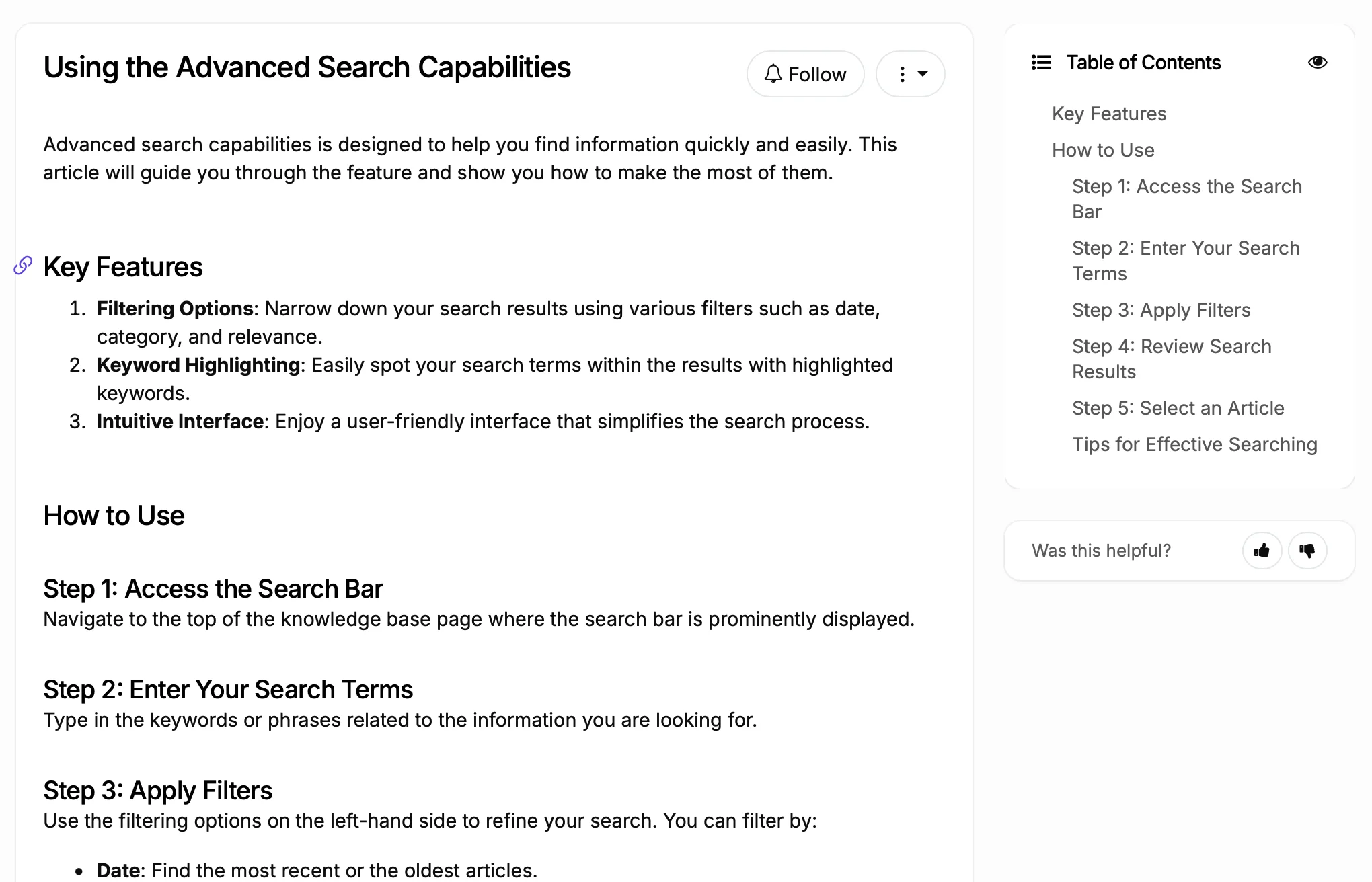
Write articles (AI helps)
Users search and find answers
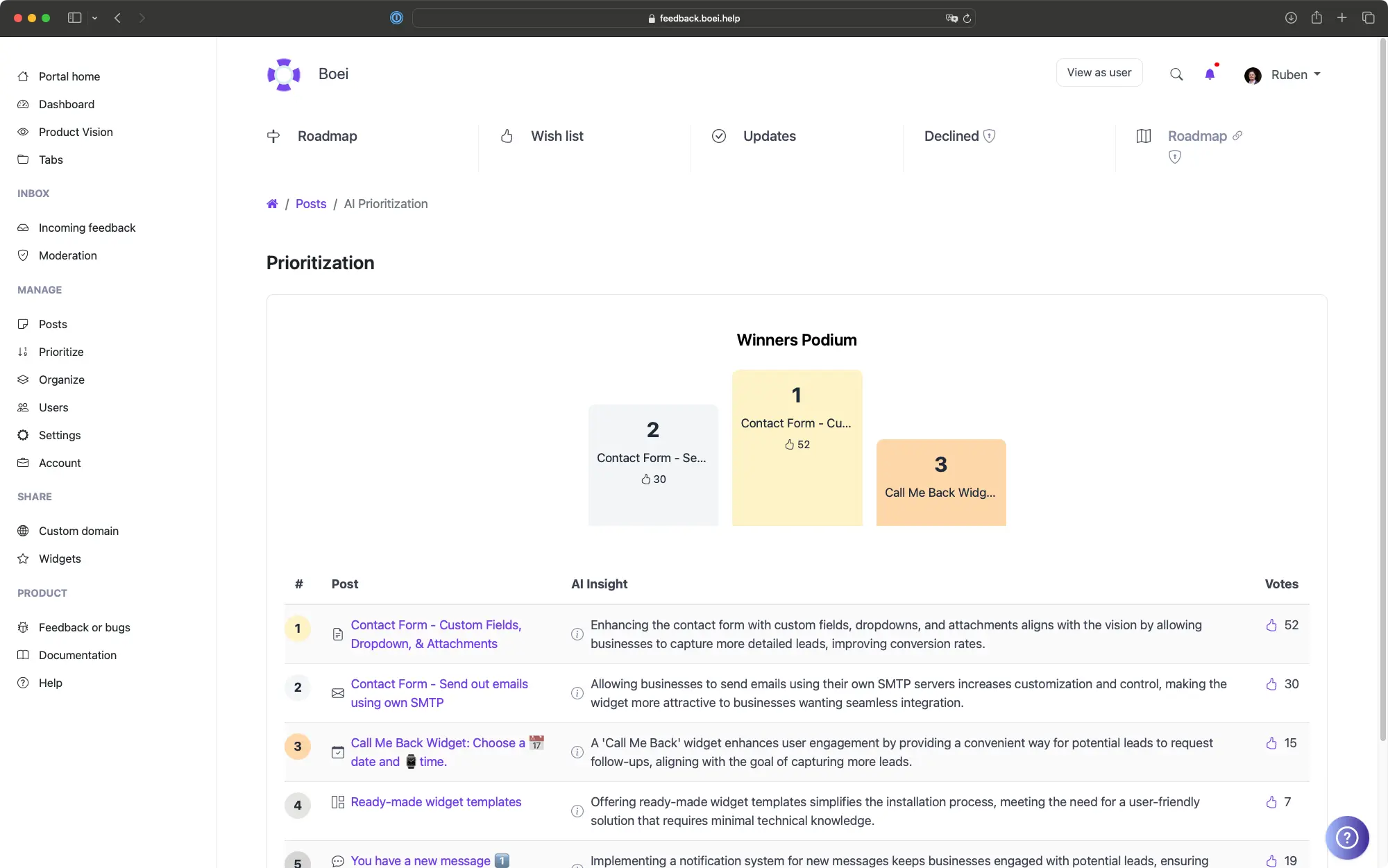
Analytics show content gaps
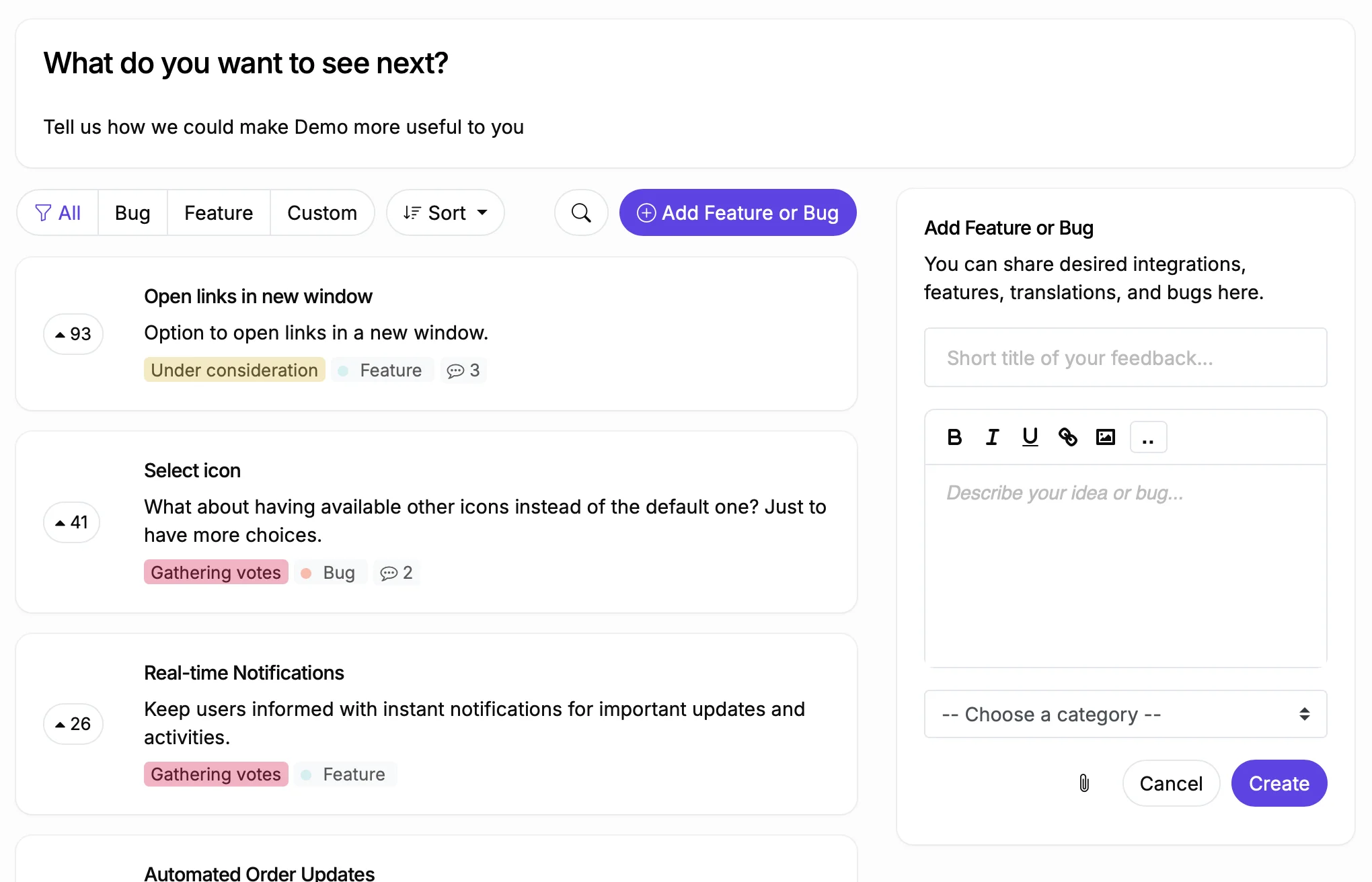
Unanswered questions become feature requests
Why Shopify Sites Need a Better Knowledge Base
Before
With ProductLift
What You Can Do With This
Let AI Write Your Documentation
See What Users Search For
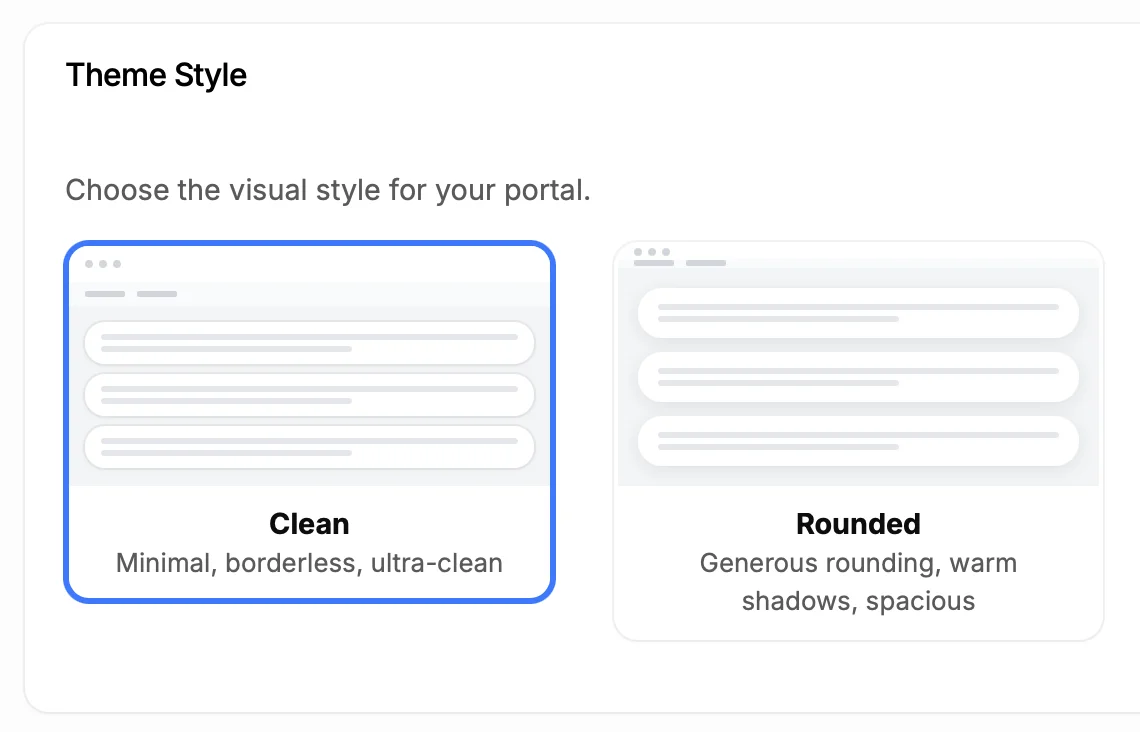
Make It Look Like Part of Your Site
5,204
Teams using ProductLift knowledge bases
4.8
Rating on G2 and Capterra
5 min
To set up on Shopify, no app install
Trusted by Store Owners Worldwide

Sebastian F.
Entrepreneur
★★★★★
This app will help you connect with your users and gather feedback like never before. The UI is clean and focused. The different pages and forms can be fully customized. Ruben is an amazing developer and entrepreneur with a proven track record. ProductLift is going places and you should get onboard.
AppSumo
Aaron Dye
★★★★★
An excellent product with equally excellent support! Everything just works, and when I had questions, the team was incredibly responsive.
Timothy M.
Product Manager
★★★★★
This tool is literally a needle in a haystack. I was using Frill, and this doesn't even compare. The user interface, the way it lays out — so amazing. Also amazing support team!
AppSumo
Ben
Product Owner
★★★★★
Helped us quickly move away from our antiquated spreadsheet to a user-interactive system. User feedback is now collected in real-time. Support has been super speedy!
AppSumo
Marco
★★★★★
Based in Europe, ideal for privacy-conscious customer interaction. Constant improvements by Ruben together with thorough support make ProductLift a solid and future-proof choice.
AppSumo
Chris R.
Founder
★★★★★
By far the most customizable of all the feedback tools and much better than Feedbear. Developer is super responsive and support has been great. Highly recommend!
AppSumo
Who Uses a Knowledge Base on Shopify
Online Store Owners
SaaS Companies
Marketplace Operators
From Idea to Shipped Feature
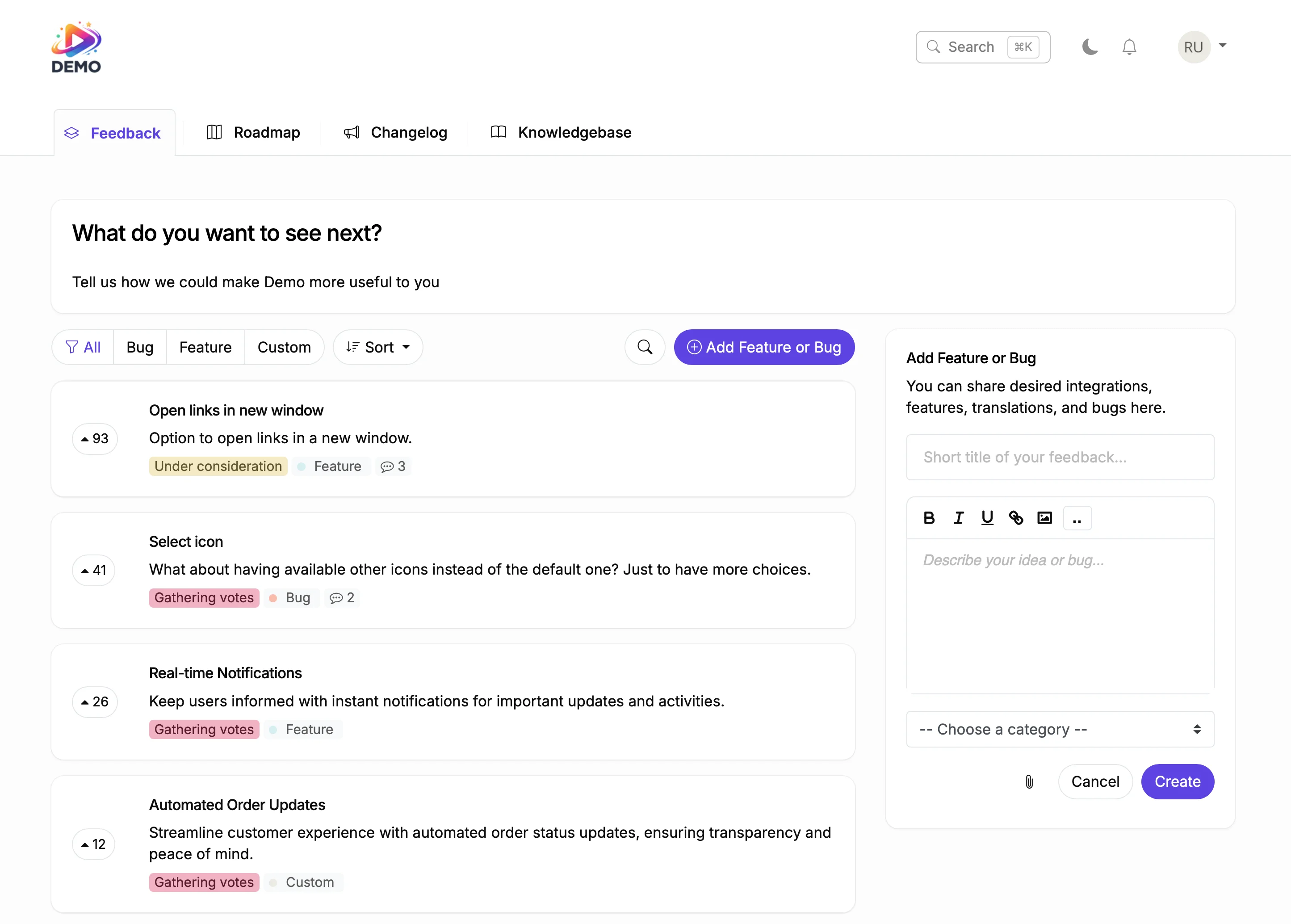
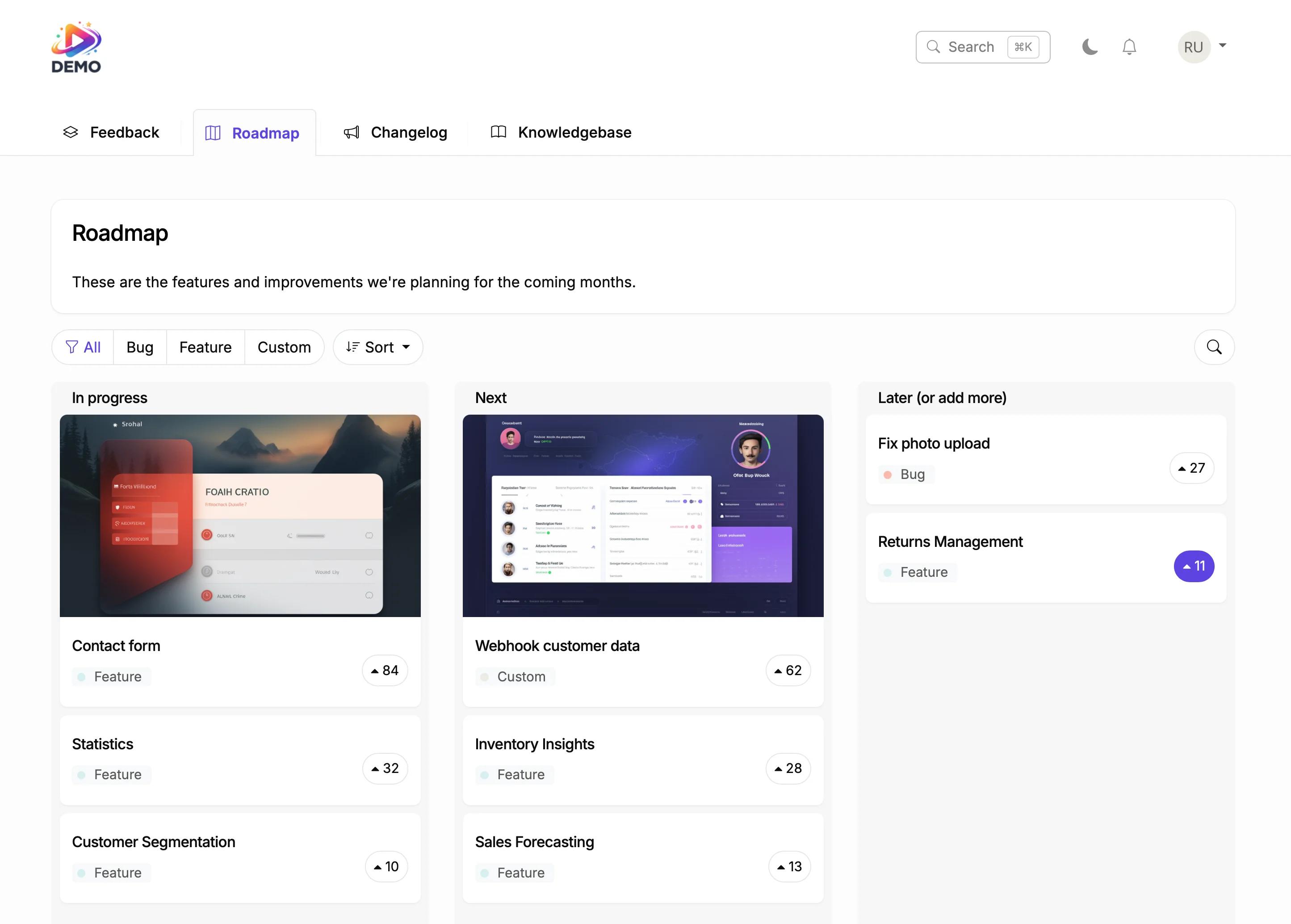
Plan on Your Roadmap
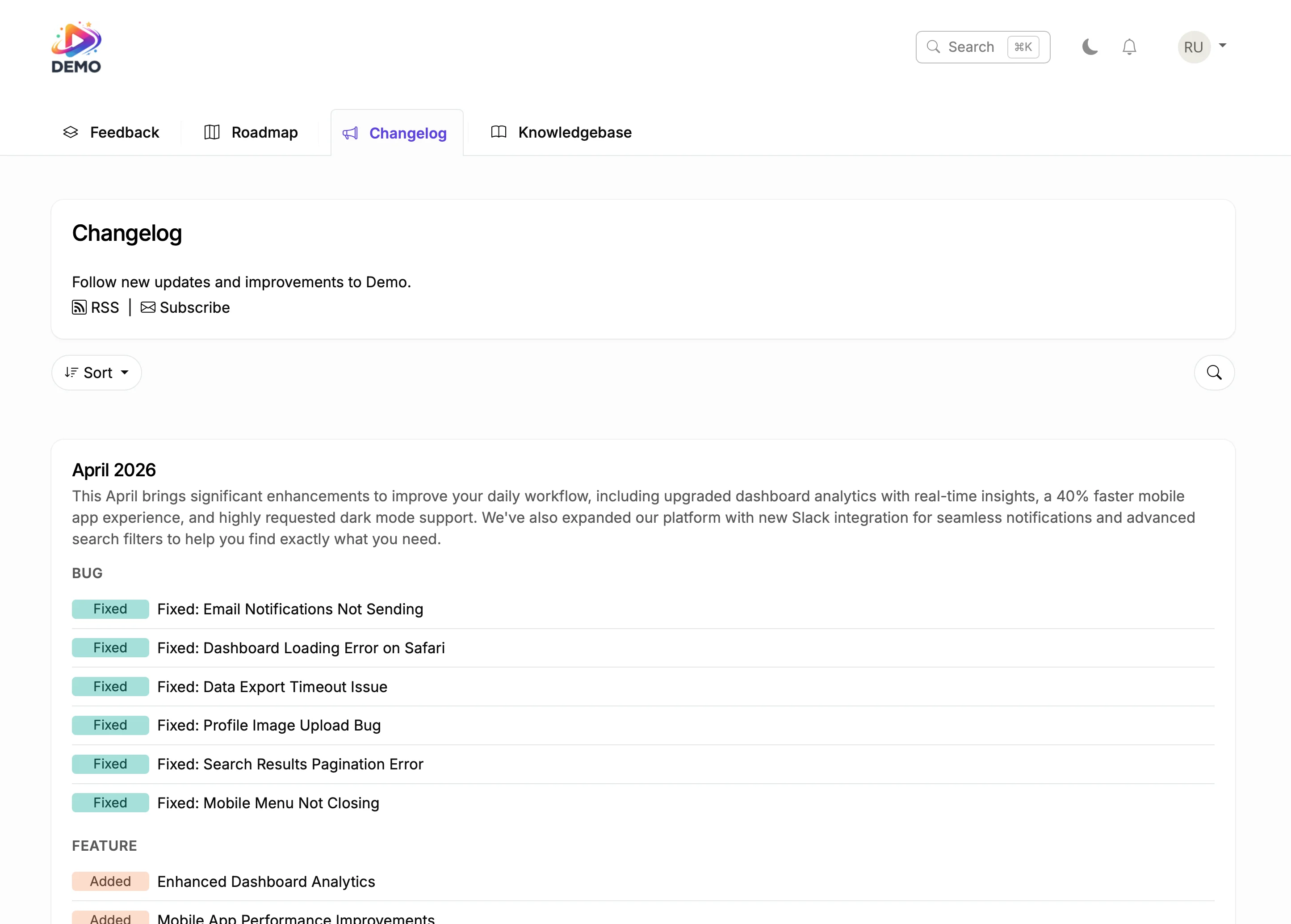
Ship and Announce
Every support ticket has a cost. For e-commerce platforms handling hundreds of requests per month, a knowledge base that deflects even 30% of those tickets saves thousands. The key is making articles easy to find.
ProductLift uses AI-powered search so customers find answers instantly, and analytics to show you where your documentation has gaps. Combined with feedback boards and roadmap, you get a complete product communication platform.

Ruben Buijs
Founder of ProductLift
Why Shopify Store Owners Need a Knowledge Base
Shopify merchants are action oriented. When they hit a problem, they search for an answer before they open a support ticket. If your documentation is scattered across PDF guides, blog posts, and Notion pages, those merchants won't find what they need. They'll either contact your support team or switch to a competitor whose help center actually works.
For Shopify app developers, support volume spikes during major sales events like Black Friday and Cyber Monday. A knowledge base with AI-powered search handles the surge by deflecting common questions automatically. Merchants type their question, get an instant answer, and keep selling. Your support team stays focused on complex issues instead of answering the same setup questions over and over.
Embedding a knowledge base on your Shopify app's website takes minutes. Add a code snippet to any Custom HTML section or point a subdomain like help.yourapp.com to ProductLift. There's no Shopify app to install, no Liquid theme customization required, and no impact on merchant store performance. The knowledge base loads independently from your Shopify infrastructure.
ProductLift's analytics show you exactly where your documentation falls short. See which search queries return no results, which articles have the lowest satisfaction ratings, and which topics drive the most support tickets. For Shopify app teams, this data is invaluable for reducing support costs while improving the merchant experience.
Explore More ProductLift Features
Changelog
Feedback Board
Public Roadmap
Shopify Knowledge Base App FAQ
How do I add a knowledge base to my Shopify site without installing an app?
Does this work with any Shopify theme?
Do I need to install a Shopify app?
How is this different from Shopify's own Knowledge Base app?
Can AI help me write knowledge base articles?
Can the knowledge base be private?
How do I track what users are searching for?
Can I customize the appearance?
Is there a free trial?
How Is This Different From Shopify's Own Knowledge Base App?
Shopify launched its native Shopify Knowledge Base app in May 2025 as a FAQ layer that AI shopping agents (like Shop's AI) read to answer buyer questions. That is a different job. Shopify's app is a data feed for AI agents. It does not render a searchable help center on your storefront. Buyers who land on your site cannot browse or search articles.
ProductLift renders an actual on-site help center. Shoppers open a search box, type a question, and read the answer without leaving your Shopify store. The two can coexist: use Shopify's Knowledge Base for AI-agent FAQ ingestion and ProductLift for on-site self-service. Every failed search on ProductLift also becomes analytics data you can act on, which Shopify's app does not expose.
How Does This Compare to Other Shopify FAQ and Help Center Apps?
Most Shopify knowledge base apps in the App Store are installed as apps and read as page blocks inside your theme. That means Liquid customization, theme-update risk, and a small load hit on every page. ProductLift takes a different path: no app install, no theme block, hosted on a subdomain or embedded via a snippet only where you want it.
| Tool | Install | Theme edits | Free plan | Paid start | AI included |
|---|---|---|---|---|---|
| ProductLift | Snippet or subdomain | None required | 14-day trial | $19/mo (annual) | AI search + AI article drafting |
| Shopify Knowledge Base (native) | Shopify app | N/A (data feed only) | Free | Free | Store-fact AI FAQs for shopping agents |
| SB: HelpCenter | Shopify app | Theme blocks | Yes, 10 tickets/mo | $5.99/mo | ChatGPT FAQ generator on paid plan |
| BetterDocs FAQ Knowledge Base | Shopify app | App blocks | Yes, capped at 5 FAQs and 12 docs | $5.99/mo | Magic AI Autowrite |
Competitor detail verified from Shopify App Store listings on 2026-08-23. Prices and plan structure change; check the source listings for current terms.
Comparing Knowledge Base Tools Beyond Shopify?
If you also run help content outside Shopify, compare 14 of the top help-center and internal-wiki platforms side-by-side in our best knowledge base software guide. Real pricing, free-plan detail, AI-search notes, and ticket-deflection features for Zendesk Guide, Document360, Confluence, Notion, Guru, ProductLift, and more. Building on a different platform? Look at our Wix knowledge base and Framer knowledge base guides too, since the install pattern is the same.