Publish release notes your users actually read. Turn git commits into entries with Git2Log, auto-notify every voter who asked for a feature, and let subscribers follow along by email. Connected to your feedback board and roadmap.
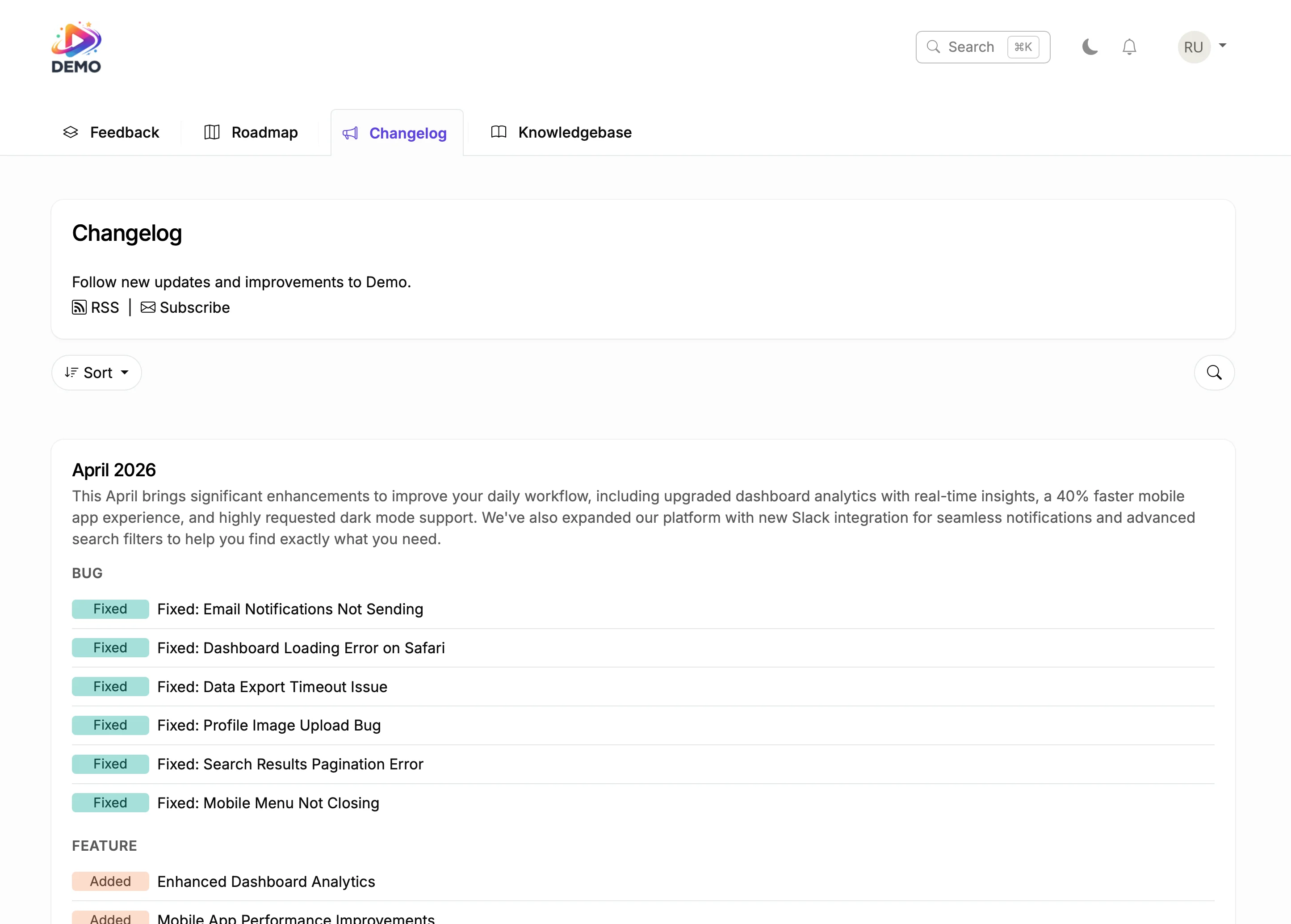
This is a live changelog. Browse entries, react to updates, and subscribe. This is exactly what your users will see.
From shipped feature to happy user in four steps.
Before
With ProductLift
Connect your repository. Git2Log reads your commits and generates a clean, user-facing release note with AI. Review, edit if needed, publish.
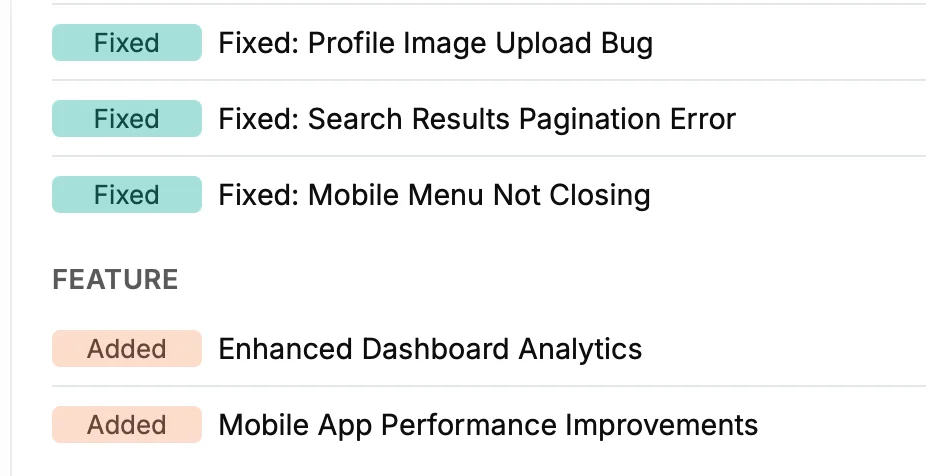
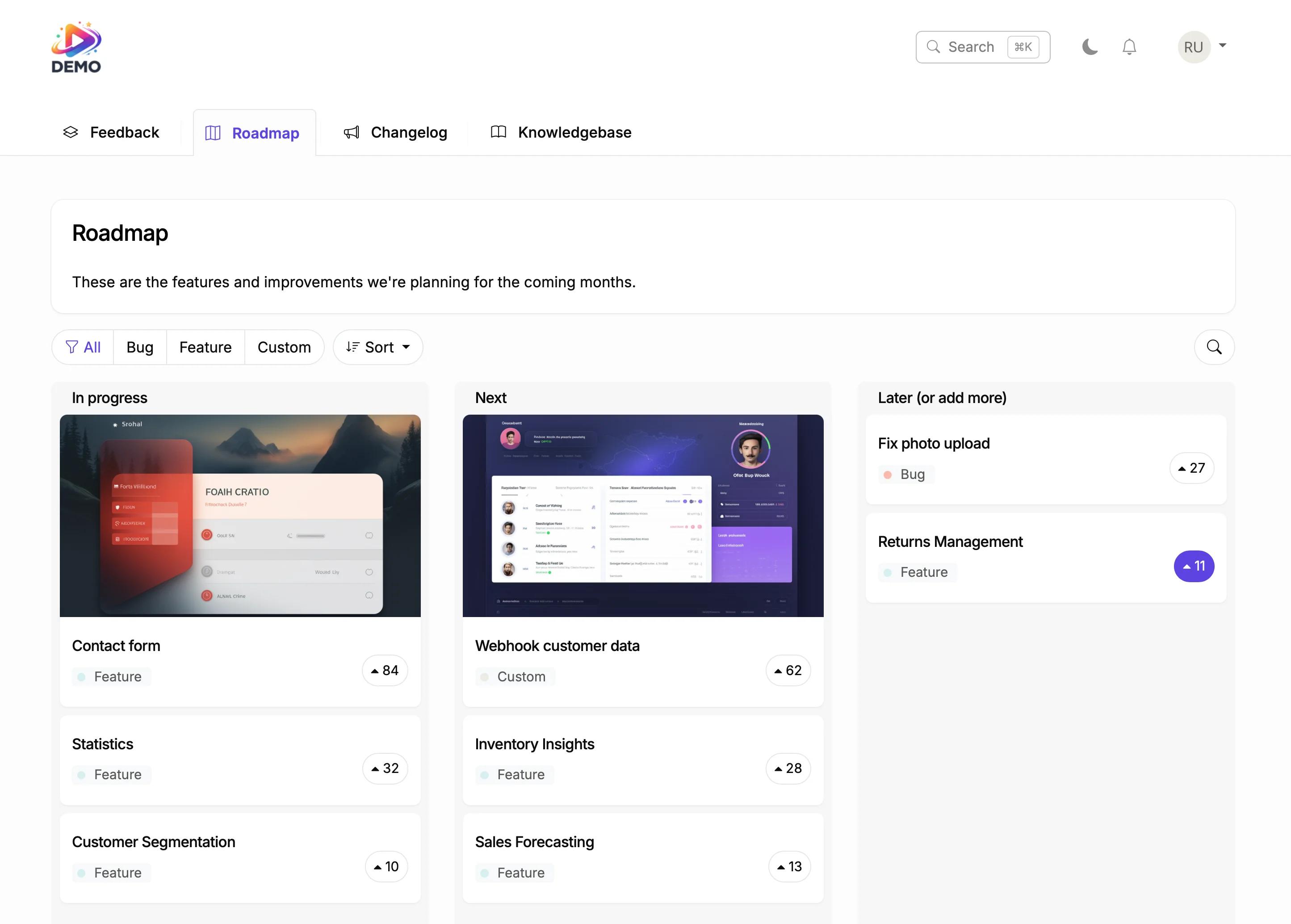
Tag entries as Added, Fixed, Improved, Removed, or create your own categories. Users can filter by category to find what matters to them.
Show a notification bell inside your app. When you publish a release note, users see a badge. They click and read the update without leaving your product.
Users subscribe to your changelog. When you publish, they get an email. No Mailchimp, no newsletter setup. Built into ProductLift.
Users react to each release note entry. See which updates get excitement and which ones go unnoticed. A signal you can't get from blog posts.
Release notes aren't standalone. They are the final step in the journey from user request to shipped feature. Context is preserved from the first vote.
6,000+
Teams publishing release notes with ProductLift
4.8
Average rating on G2 and Capterra
1 click
From git commit to published changelog entry
Sebastian F.
Entrepreneur
Aaron Dye
Timothy M.
Product Manager
Ben
Product Owner
Marco
Chris R.
Founder
Ship weekly? Your users need to know what changed. A dedicated release notes page beats scattered blog posts. Voters get notified, subscribers get emailed, and your product feels alive.
Your users read changelogs. Git2Log turns your commits into user-facing release notes with AI. Categorize entries by version, tag breaking changes, and let developers filter what they care about.
Store owners want to know when you fix checkout bugs, add payment options, or improve performance. A changelog gives them confidence that your platform is actively maintained.
Show clients exactly what you shipped and when. Each release note entry becomes proof of progress. No more writing update emails or preparing status decks.
One platform for the entire product lifecycle. Each step feeds the next.
Generate a help article from shipped features. AI writes the draft.
Knowledge Base SoftwareMost release notes tools are standalone. You write an update, publish it, and hope someone reads it. ProductLift is different because your changelog is connected to everything: feedback board, roadmap, and knowledge base.
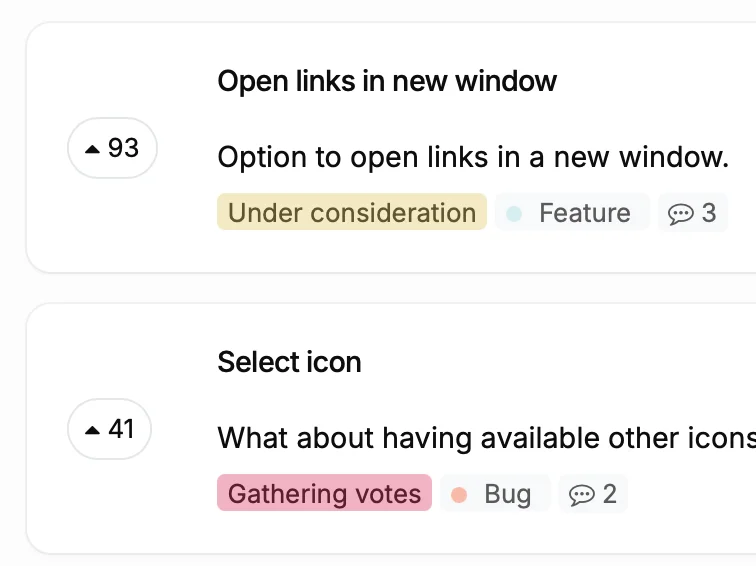
When a user votes for a feature on your feedback board and you ship it six months later, they get notified automatically. The release note links back to the original request. That closes the loop. Users feel heard, retention goes up, and your changelog becomes proof that you listen.
Ruben Buijs
Founder of ProductLift
Many teams announce product updates through blog posts. The problem: blog posts get buried under marketing content, SEO articles, and company news. A user looking for "what changed in the last month" has to scroll through unrelated content to find it.
A dedicated release notes page solves this. Every entry is categorized (Added, Fixed, Improved), searchable, and lives at one URL. Users can subscribe by email, react to entries, and filter by category. It is the single source of truth for what you shipped.
Release notes vs changelog: These terms are often used interchangeably. Some teams use "release notes" for detailed per-version documentation and "changelog" for a running list of changes. ProductLift supports both styles. You decide the format, frequency, and level of detail.
Why a dedicated tool beats blogging about updates: Blog platforms like WordPress, Ghost, and Medium are designed for long-form content, not categorized product updates. They lack subscriber notifications tied to specific features, user reactions, in-app widgets, and the connection between a feature request and its release. A release notes tool is purpose-built for this workflow.
The real advantage: When your release notes are connected to your feedback board and roadmap, every update carries context. Users see that the feature they voted for six months ago just shipped. That isn't something a blog post can do.
Your first entry can be live in under 10 minutes. Free trial, no credit card.