Pricing new features is one of the trickiest decisions in SaaS. You've just built something exciting. Now what? Bundle it with current plans, introduce a new plan, offer it as an add-on, or make it free? Let's find the best fit for your product.
This article will help you navigate this challenge by exploring four main pricing approaches and when to consider immediate pricing.
To kickstart our exploration, let's look at a recent X.com discussion initiated by Arvid Kahl, the creator of Podscan and writer of Zero to Sold. This real-world example will help ground our analysis in practical considerations.
Before we dive into pricing strategies, let's talk about usage patterns. These are the ways people actually use your product or feature in real life. Understanding these patterns is key to figuring out the right price.
Usage patterns are like a window into how your customers value and interact with your feature. As Qayyum pointed out in the X thread, "I think without usage patterns ya don't know." This insight is spot on.
What to Look For in Usage Patterns:
By looking at these patterns, you can get a good idea of how valuable your feature is to users and how it impacts your business. This info is super important when you're deciding on a price.
For instance, if you see that power users love your feature and use it a lot, you might want to charge extra for it. But if lots of people use it a little bit, it might be better as part of your basic package.
In Arvid's case with his new Podscan API feature, he's not sure about the usage patterns yet. That's why it makes sense for him to start slow with pricing and gather more info first.
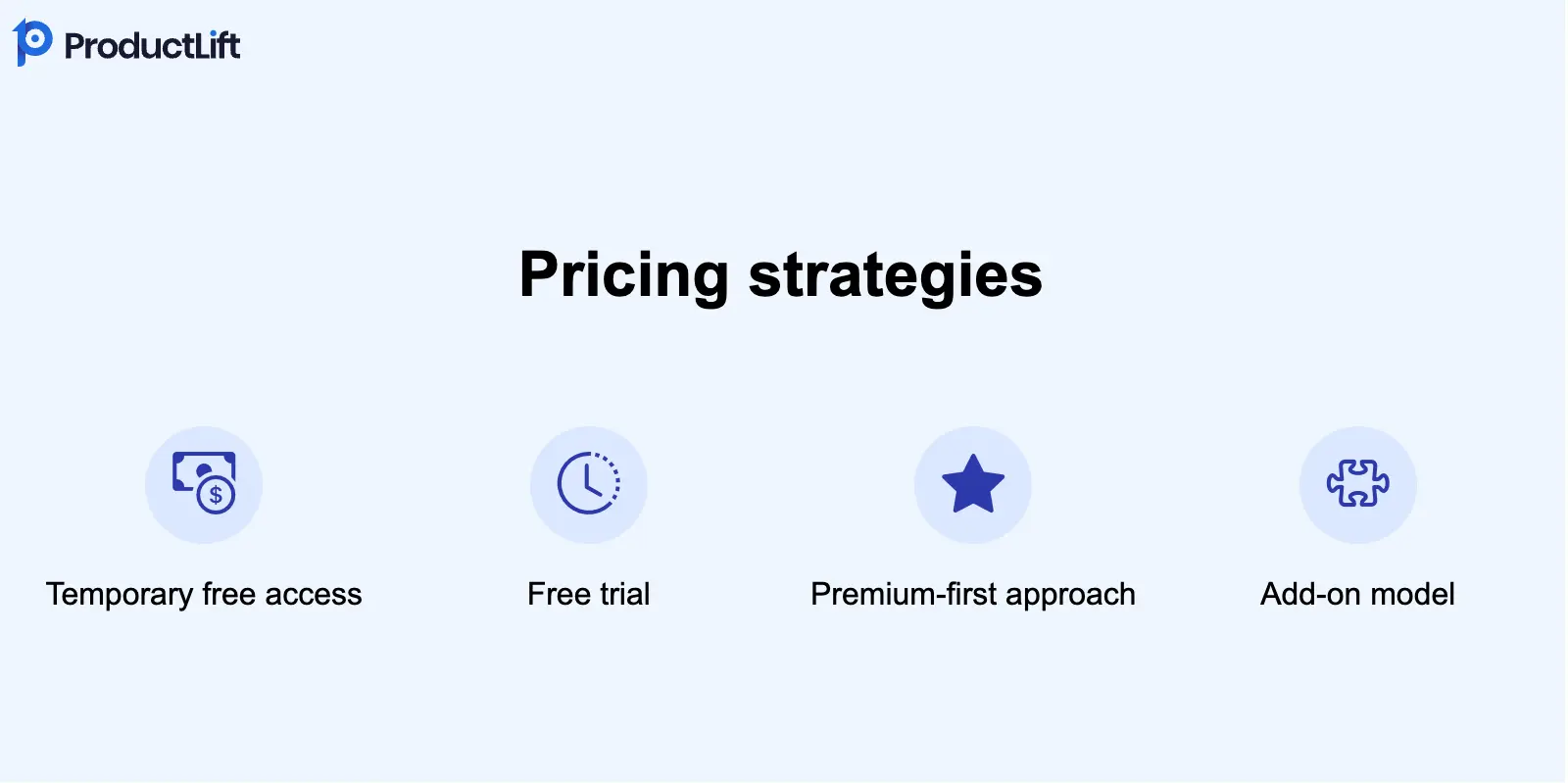
Now that we get why usage patterns matter so much, let's look at four different ways you can price your new feature.
Offer the feature for free during a beta period to gather usage data and user feedback.
Benefits:
Drawbacks:
I'm a big fan of this approach for most new features. It's a win-win situation: users get to try out something new for free, and you get invaluable data on usage patterns and potential bugs. However, it's crucial to set clear expectations from the start.
I'd recommend setting a specific timeframe for the free period, like 30 or 60 days, and communicating this clearly to users. This creates a sense of urgency and helps manage expectations. After the trial, you can make data-driven decisions on pricing tiers or whether to keep the feature free.
Remember, though, that some users might be disappointed when the free period ends. To mitigate this, consider offering a discount or grandfathering in heavy users of the feature.
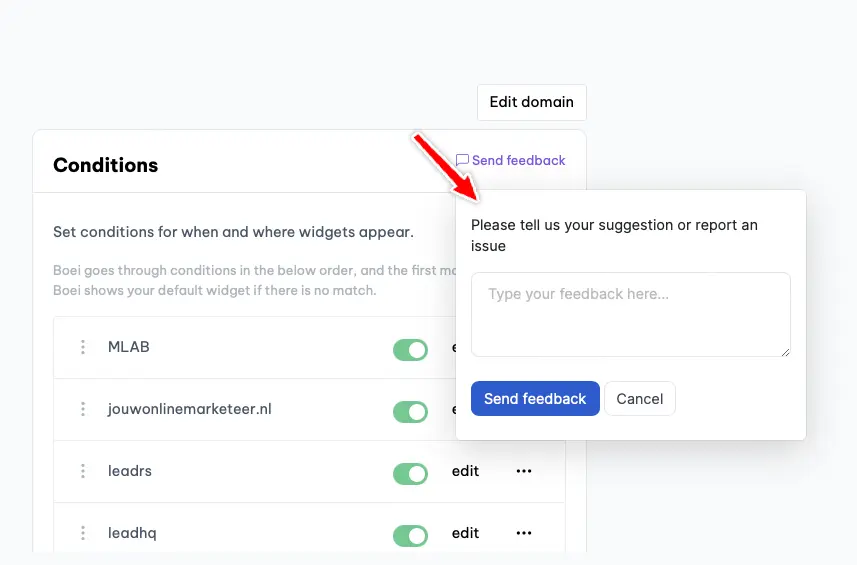
Tools like ProductLift can help you gather and analyze user feedback during this trial period, giving you valuable insights for your pricing decisions.
You can integrate a small feedback widget into your new feature to collect user feedback seamlessly. The feedback collected will be analyzed by AI for sentiment, keywords, and potential feature requests, ensuring you gain valuable insights without overwhelming the user.
This strategy involves offering the new feature to all existing customers initially, then adjusting the pricing for new customers based on usage patterns.
Pros:
Cons:
This approach can be effective for features with uncertain market value, offering a user-friendly experience that fosters strong loyalty among your existing customer base. Additionally, it provides valuable data to guide future pricing decisions.
However, by grandfathering existing users at their current price while introducing the new feature, you may risk losing revenue. The extent of this impact depends on your user base size but could be significant. A safer alternative might be to consider Strategy One for a more balanced approach.
Initially offer the new feature only to premium subscribers, with the option to extend it to other tiers later.
Advantages:
Challenges:
The premium-first approach can be powerful, especially for high-value features that align with your premium users' needs. It's a great way to drive upgrades and increase the perceived value of your higher-tier plans.
It's most effective when:
For example, if you're a project management tool adding Gantt charts, a feature common in the industry with clear value, you might price it immediately.
Users understand its worth, and there are market standards for pricing.
However, in cases like Arvid's with Podscan API, a gradual approach makes more sense to me because the feature's value isn't yet fully understood by the market, there aren't many competitors offering similar functionality, and it's unclear how clients will use and benefit from the feature.
In my experience, this strategy works best when the new feature truly delivers significant value and when you have a solid base of premium users to provide feedback. It's also a good choice if the feature is costly to provide or resource-intensive.
However, be cautious about limiting your feedback pool too much. You might miss out on valuable insights from your broader user base. Consider offering limited-time trials to lower-tier users to gather more comprehensive feedback.
Offer new features as separate add-ons that users can purchase alongside their existing plan.
Pros:
Cons:
The add-on model is often overlooked but can be very effective when used right. It works best with a diverse user base that has different needs, allowing them to personalize their experience.
I've seen this model succeed with specialized features that only some users require. It lets you provide niche functions without increasing prices for everyone.
However, be cautious not to make your pricing too complex. Too many options can confuse customers and lower conversions. Setting up and managing add-ons requires a flexible pricing system, which can be an investment in itself, like configuring everything in Stripe and keeping track of who has access to what.
I suggest keeping add-ons limited to a few high-value features and ensuring your base plans still offer great value on their own.
When deciding on a pricing strategy for new features, consider these factors:
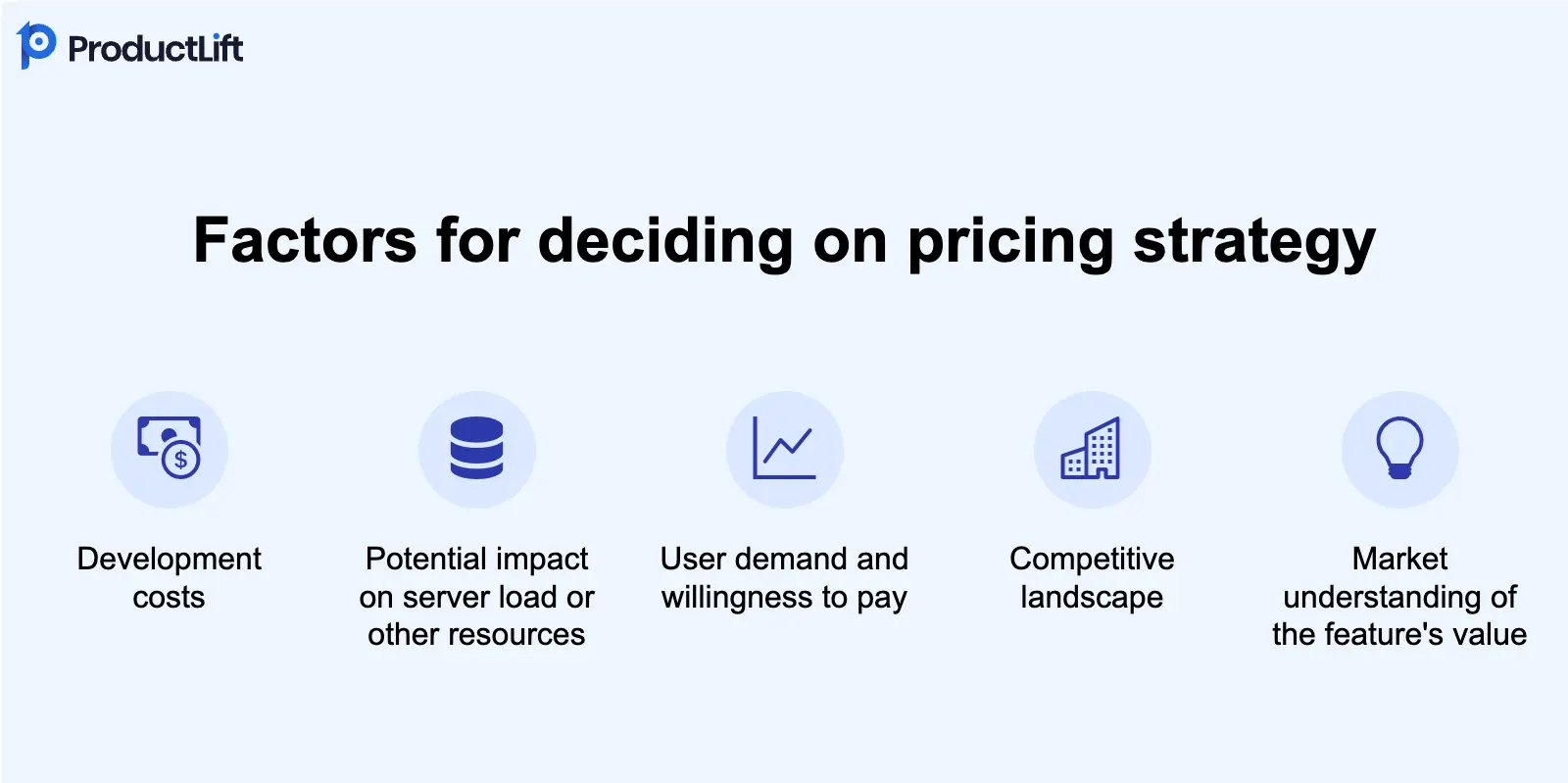
The key is to balance your business needs with user expectations and market realities. If you're confident in the feature's value and your users' willingness to pay, immediate pricing can be a good strategy. It sets clear expectations from the start and can help recoup development costs faster.
I'd suggest creating a simple decision framework for your product:
If you answer "yes" to most of these, premium-first pricing might be appropriate. If there's uncertainty, consider one of the gradual approaches such as temporary free.
Here's an updated quick reference table to help you choose:
| Strategy | Best For | Consider When |
|---|---|---|
| 1. Temporary Free Access | Most new features | You need more data on usage and value |
| 2. Free Access with Future Adjustments | Features with unclear market value | You have a loyal user base and can afford short-term revenue loss |
| 3. Premium-First | High-value features | The value is clear and there's established market demand |
| 4. Add-on Model | Diverse feature set | Your users have varying needs and budgets |
Pricing new features is more art than science. The best strategy depends on your specific situation, user base, and business goals. Don't be afraid to experiment with different approaches or even combine strategies.
Remember, pricing isn't set in stone. You can always adjust your strategy based on user feedback and market response.
This nuanced approach to feature pricing demonstrates a sophisticated understanding of your market and a commitment to delivering value to your users while sustaining your business. It's this kind of thoughtful decision-making that sets successful product managers and indie hackers apart.
Whatever approach you choose, clear communication with your users about the value of the new feature and any pricing changes is key to maintaining trust and satisfaction.
Join over 3,051 product managers and see how easy it is to build products people love.






Did you know 80% of software features are rarely or never used? That's a lot of wasted effort.
SaaS software companies spend billions on unused features. In 2025, it was $29.5 billion.
We saw this problem and decided to do something about it. Product teams needed a better way to decide what to build.
That's why we created ProductLift - to put all feedback in one place, helping teams easily see what features matter most.
In the last five years, we've helped over 3,051 product teams (like yours) double feature adoption and halve the costs. I'd love for you to give it a try.

Founder & Digital Consultant
Learn how to implement a customer-led growth strategy to build products customers love, improve marketing, and drive sustainable business growth.
Product Manager vs Product Owner: what's the difference? Compare responsibilities, salaries, and career paths for PMs and POs.
The CPO or Chief Product Officer leads the entire product organization. This article explains the role, position in organization, and much more.
Product managers have to tell customers how their product is distinctive from others. You can stand out from the crowd if you can do that well. It can be your way to get a competitive advantage in a market where more significant players dominate. This article describes which factors are relevant to SaaS companies with some examples.
See how real product teams use RICE, ICE, MoSCoW, and other prioritization frameworks. 6 practical examples with actual scores, decisions, and outcomes.
With bike energy  from Utrecht
KVK: 20145923 - BTW: NL001143413B86