10 Best Changelog Tools for SaaS in 2026

Find the perfect changelog tool for SaaS teams who ship weekly. Compare tools that auto-notify users, connect to roadmap, and keep customers informed.

Ruben Buijs Ruben Buijs January 2026 13 min read
Last updated: January 2026
10 SaaS-focused tools
Auto-notification features

Why This Comparison is Different

Most changelog tool comparisons focus on features. This guide focuses on workflow—because for SaaS teams who ship weekly, the real question is: "How do I keep customers informed without manual busywork?"

What makes this guide useful for SaaS teams:

Full disclosure: ProductLift has a built-in changelog that auto-notifies voters when you ship features from the roadmap. Yes, it's on this list, but we'll be honest about where standalone changelog tools have more features.

Why SaaS Teams Need Different Changelog Tools

SaaS changelogs are fundamentally different from traditional product announcements:

1. You Ship Features Weekly (Not Quarterly)

Traditional companies release updates 2-4 times per year. SaaS teams ship weekly—sometimes daily:

Reality check: If your changelog tool requires 20 minutes to publish, you'll skip updates. It needs to be effortless.

2. Your Changelog Connects to Feedback & Roadmap

In SaaS, changelogs aren't just announcements—they close the feedback loop:

Traditional changelog tools (Beamer, Headway) don't connect to feedback/roadmap. You manually recreate content in 3 places.

3. Customers Should Discover Updates In-App

Most customers don't read your changelog blog. They need in-app notifications:

4. Changelogs Should Drive Feature Adoption

SaaS changelogs aren't passive announcements—they drive usage:

Bottom line: Generic changelog tools are built for announcements. SaaS teams need tools that connect feedback → roadmap → changelog and drive feature adoption.

Quick Picks by Use Case

🏆 Best All-in-One (Changelog + Feedback + Roadmap): ProductLift – Ship from roadmap → Auto-create changelog → Auto-notify voters. $14/mo.

📣 Best Standalone Changelog: Beamer – Beautiful announcements, in-app widgets, powerful segmentation. $49-99/mo.

🎯 Best for Product Announcements: AnnounceKit – Multi-channel distribution (email, Slack, in-app). $49+/mo.

💰 Best Free Option: Headway – Free tier available, simple changelog. But 3.0 G2 score is concerning.

🚀 Best for Developer-Focused SaaS: ReadMe – Changelog integrated with API docs. $99+/mo.

📊 Best Analytics & Feedback: Canny – Changelog with feedback collection. Free (25 tracked users) or $19+/mo.

🎨 Best for Design-Focused Teams: Beamer or FeatureBase – Beautiful UI, customizable.

⚡ Best Feedback → Changelog Workflow: ProductLift – Only tool where feedback items become changelog entries automatically.

What SaaS Teams Should Look For

✅ Must-Have Features

🚀 SaaS-Specific Features

📊 Analytics & Distribution

⚡ Workflow Integration

1. ProductLift – Best All-in-One (Changelog + Feedback + Roadmap)

⭐ G2 Rating: 5.0/5 | 💰 Starting Price: $14/mo flat (changelog included)

Best for: SaaS teams who want changelog + feedback + roadmap with automatic voter notification

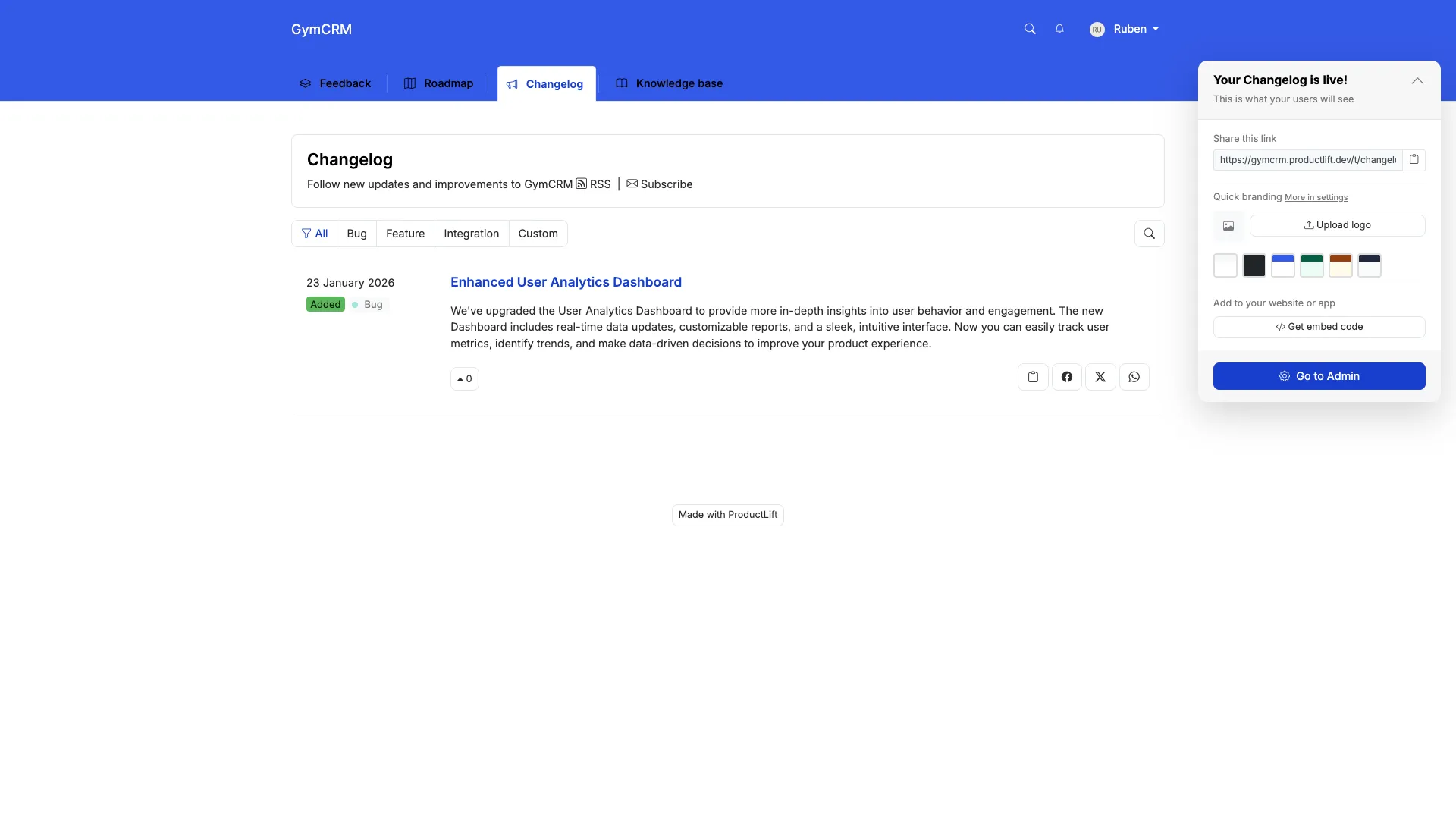
ProductLift changelog

What ProductLift's Changelog Does Well

The SaaS Workflow That Saves Hours

Traditional changelog workflow (using separate tools):

  1. Mark feature as shipped on roadmap (Productboard/Aha)
  2. Manually create changelog entry (Beamer/Headway)
  3. Manually email customers who requested it
  4. Update KB article if needed (Zendesk/Intercom)

That's 20-30 minutes per feature. If you ship 4 features/week, that's 2 hours/week of busywork.

ProductLift workflow:

  1. Mark feature as Shipped on roadmap
  2. ProductLift auto-creates changelog entry
  3. Auto-notifies all voters
  4. Optionally: AI generates KB article

Takes 30 seconds. Same item, same votes, automatic workflow.

Where ProductLift Falls Short

Why SaaS Teams Choose ProductLift

SaaS teams ($0-5M ARR) choose ProductLift because:

Pricing

Who should use ProductLift: SaaS teams who ship weekly and want changelog + feedback + roadmap in one affordable, automated tool.

Who should look elsewhere: Teams needing advanced changelog features (A/B testing, NPS surveys, modal popups) without roadmap/feedback integration.

Try ProductLift Free →

2. Beamer – Best Standalone Changelog Tool

⭐ G2 Rating: 4.5/5 | 💰 Starting Price: $49/mo (Starter, 5,000 MAU), $99/mo (Pro)

Best for: SaaS teams who need powerful changelog with advanced segmentation and modal popups

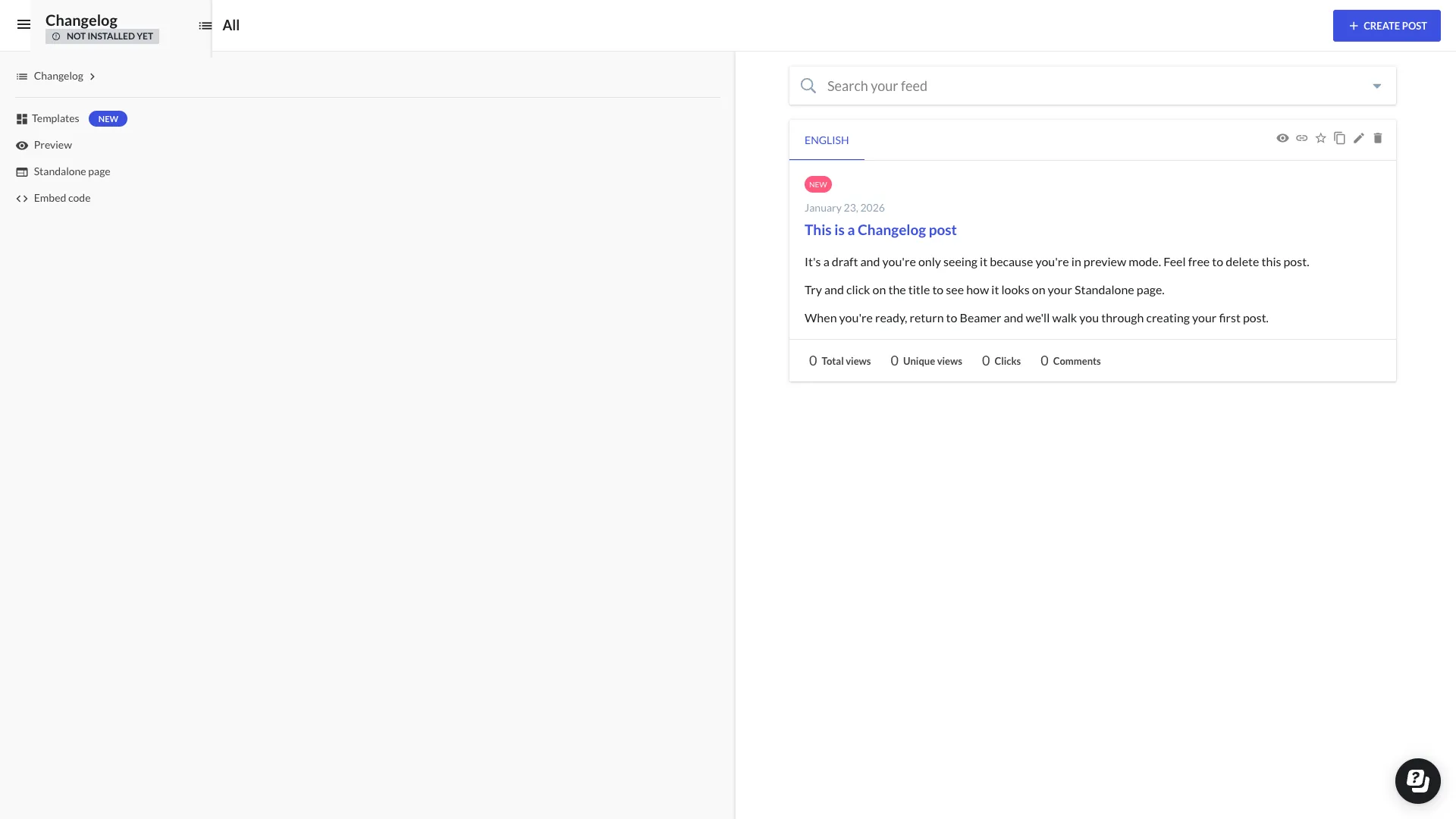
Beamer changelog

What Beamer Does Well

Why SaaS Teams Choose Beamer

Growth SaaS teams ($500K-$10M ARR) choose Beamer when they need:

Why SaaS Teams Avoid Beamer

Pricing

What Users Say

"Beamer is the best changelog tool if that's all you need. But we were paying $99/mo for Beamer + $79/mo for Canny + $59/mo for Productboard. Switched to ProductLift for $42/mo total." – Product Manager, B2B SaaS

Who should use Beamer: SaaS teams with budget ($500K+ ARR) who already have feedback/roadmap tools and want best-in-class changelog with advanced features.

Who should look elsewhere: Early-stage SaaS, teams needing integrated feedback/roadmap, or anyone wanting automatic voter notifications.

3. AnnounceKit – Best Multi-Channel Distribution

⭐ G2 Rating: 4.6/5 | 💰 Starting Price: $49/mo (Starter), custom pricing higher tiers

Best for: SaaS teams who need changelog distributed across email, in-app, Slack, social media

What AnnounceKit Does Well

Why SaaS Teams Choose AnnounceKit

SaaS teams choose AnnounceKit when distribution matters more than simplicity. If you want announcements across 5 channels (email, in-app, Slack, Twitter, blog), AnnounceKit handles it.

Why SaaS Teams Avoid AnnounceKit

Who should use AnnounceKit: SaaS teams who need changelog across many channels and have budget for $50-150/mo.

Who should look elsewhere: Teams needing simple changelog or integrated feedback/roadmap tools.

4-7. Other Changelog Tools

Canny – Changelog + Feedback Platform

💰 Price: Free (25 tracked users), Core $19/mo, Pro $79/mo | ⭐ G2: 4.6/5

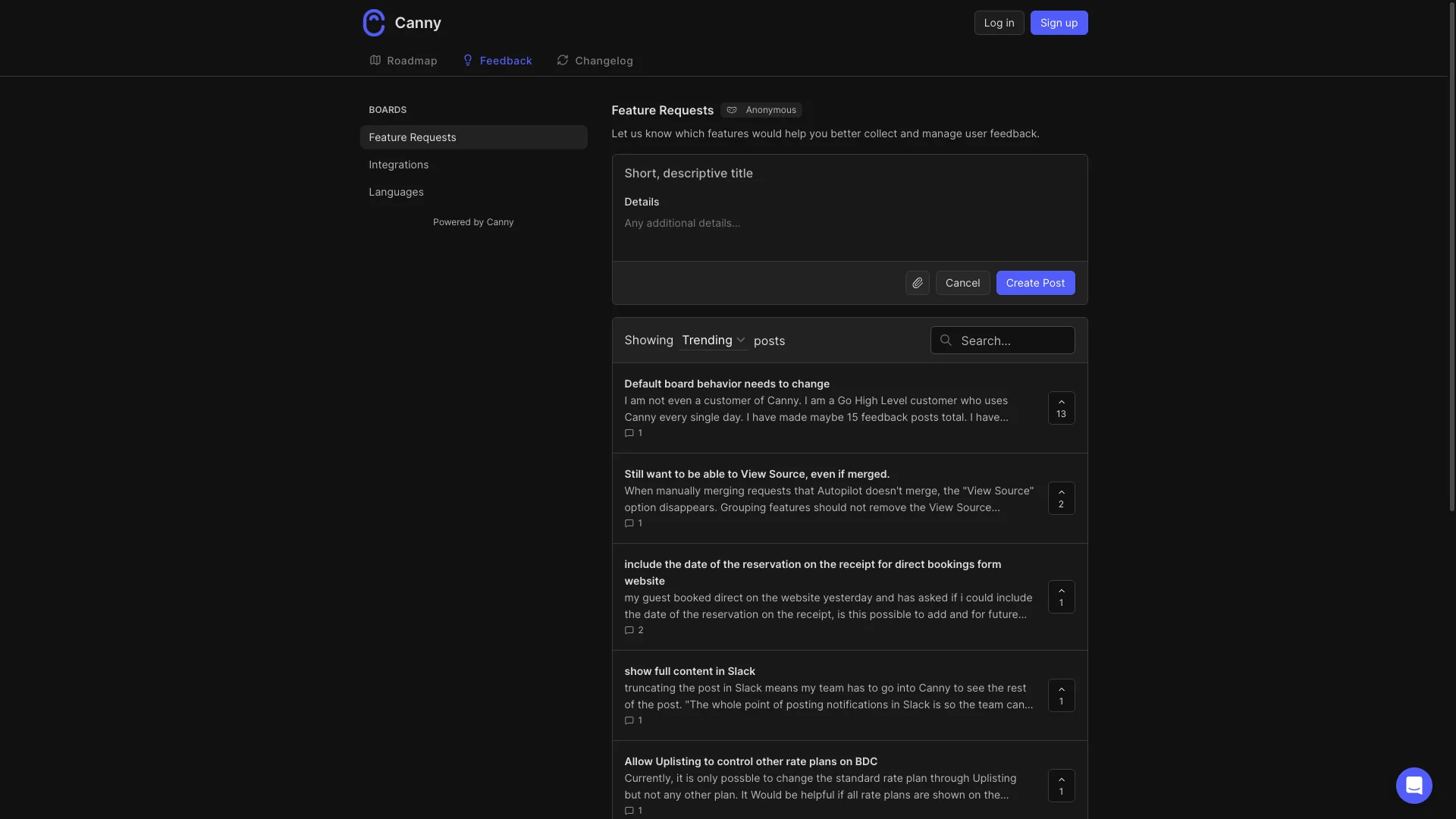
Canny

Why SaaS teams choose it: Changelog + feedback + roadmap in one tool. Free plan works for tiny SaaS (<25 tracked users). Clean UI, GitHub integration.

Why SaaS teams avoid it: Tracked user pricing scales painfully (Core $19 → Pro $79 → custom as you grow). English-only. No AI features. No auto-notify voters workflow.


Headway – Free Changelog Option

💰 Price: Free tier, paid from $19/mo | ⭐ G2: 3.0/5 (⚠️ Low!)

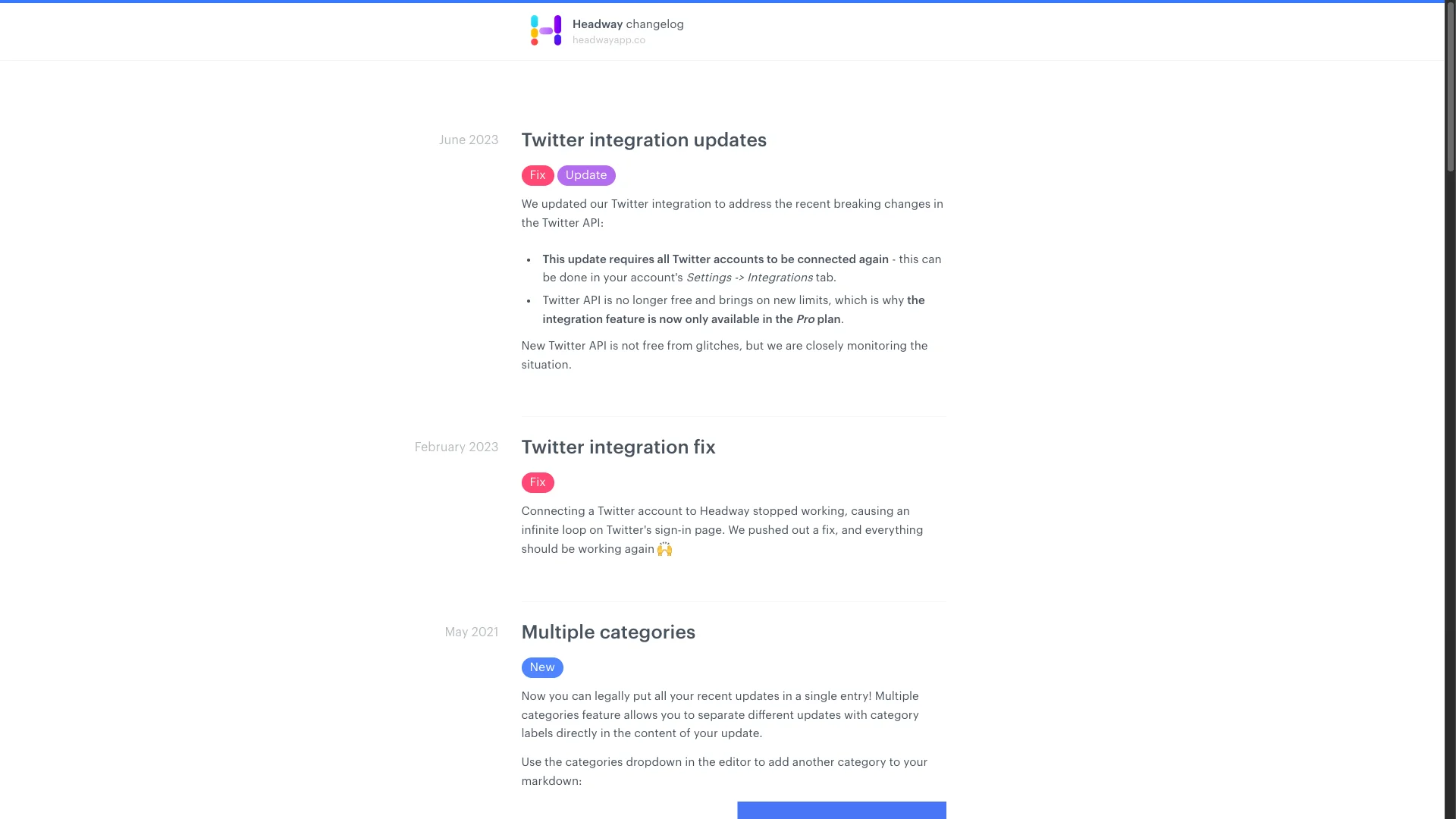
Headway

Why SaaS teams use it: Free tier available. Simple, basic changelog. Good for bootstrapped startups with $0 budget.

Why SaaS teams avoid it: 3.0 G2 score is a red flag. Changelog ONLY—no feedback, no roadmap. Limited features even on paid plans. Most teams outgrow it fast.


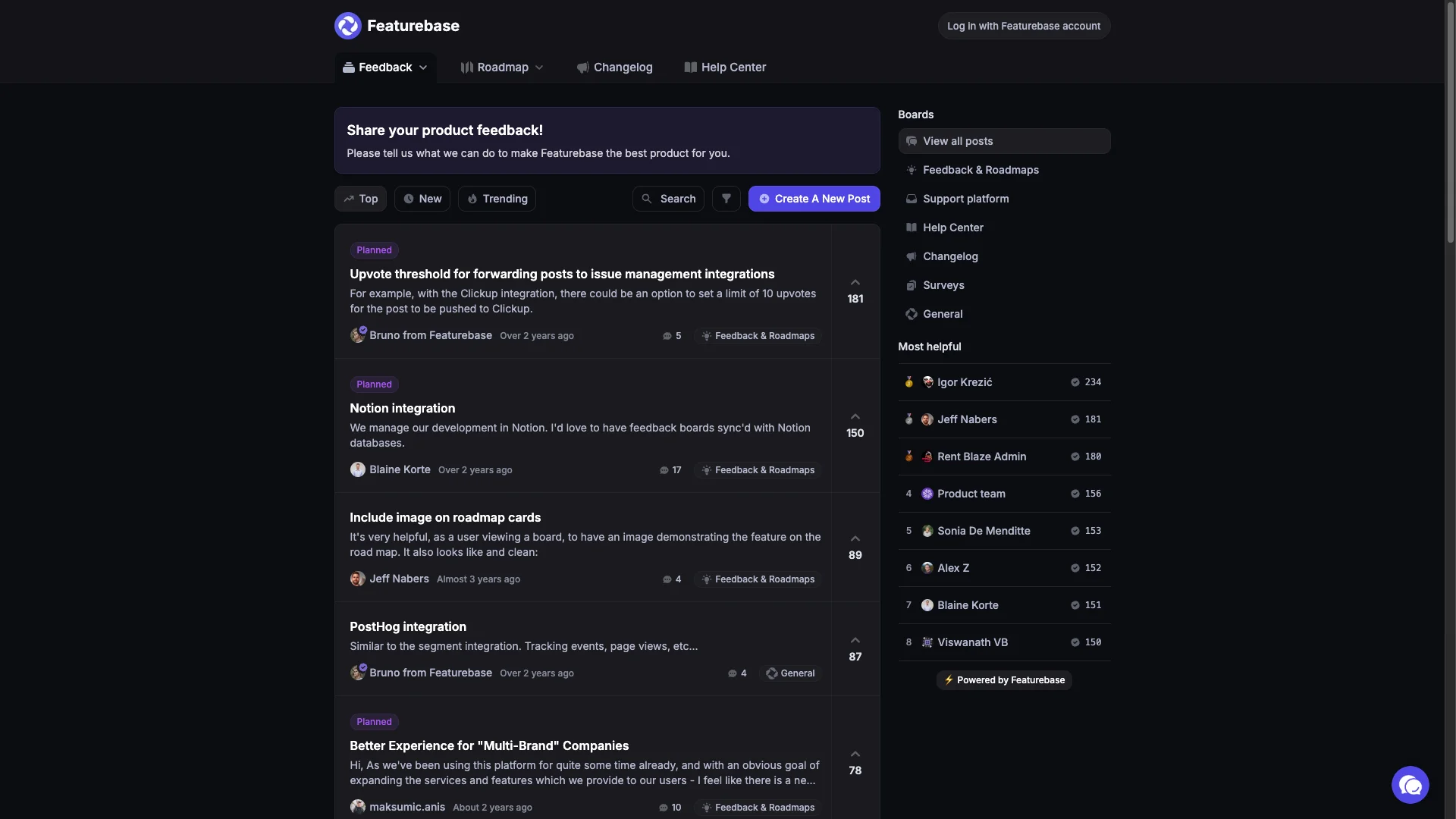
FeatureBase – Modern All-in-One

💰 Price: Free tier, paid from $49/mo | ⭐ G2: 4.9/5

FeatureBase

Why SaaS teams choose it: Modern UI with AI features (duplicate detection, content generation). Includes feedback, roadmap, changelog, help desk. Growing fast.

Why SaaS teams avoid it: Newer player (less proven at scale). Pricing can increase at higher tiers. Some advanced features locked behind premium.


ReadMe – Changelog for Developer-Focused SaaS

💰 Price: $99/mo (Startup) | ⭐ G2: 4.7/5

Why SaaS teams choose it: If your SaaS is API-first (like Stripe, Twilio), ReadMe integrates changelog with API documentation. Developers see updates in context.

Why SaaS teams avoid it: Specifically for API docs + changelog. Overkill if you don't have API. $99/mo minimum, pricing increases with traffic.

8-10. Lightweight & DIY Options

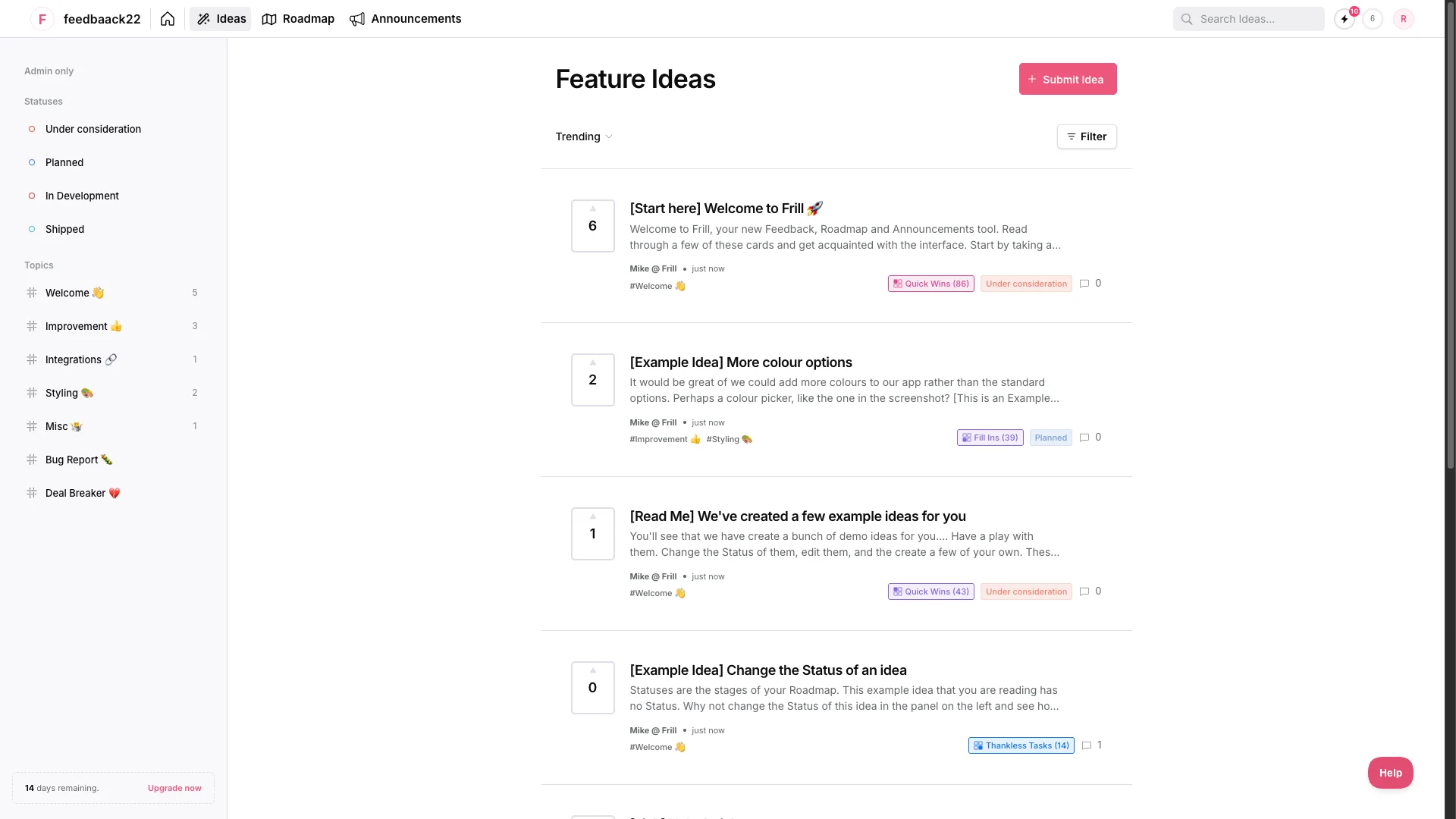
Frill – Budget Changelog + Feedback

💰 Price: $25/mo flat | ⭐ G2: 4.7/5

Frill

Why SaaS teams choose it: Affordable alternative to Canny. Includes roadmap, feedback, changelog for $25/mo flat. No per-user pricing traps.

Why SaaS teams avoid it: English-only (dealbreaker for international SaaS). No internal comments. No knowledge base. Simpler feature set.


Noticeable – Widget-Focused Changelog

💰 Price: $49/mo (Starter) | ⭐ G2: 4.8/5

Why SaaS teams choose it: Beautiful in-app widgets with various styles. Good if your primary goal is in-product changelog visibility.

Why SaaS teams avoid it: Changelog only—no feedback or roadmap features. Similar price to Beamer but less features.


Notion/Blog – DIY Changelog

💰 Price: Free-$10/user/mo | ⭐ G2: 4.7/5

Why SaaS teams use it: Tiny SaaS startups create changelog using Notion or blog.yoursite.com/changelog. $0 cost, full control.

Why SaaS teams outgrow it: Manual everything—no auto-notifications, no in-app widget, no analytics. Works for 2-3 person teams, breaks at scale. No customer engagement (can't vote or react).

Feature Comparison

Feature ProductLift Beamer AnnounceKit Canny Headway
In-App Widget
Modal Popups
Email Notifications✅ Auto⚠️ Basic
Auto-Notify Voters⚠️ Manual
Roadmap Integration✅ Auto✅ Manual
Feedback Collection✅ Built-in⚠️ Comments✅ Built-in
User Segmentation✅ Advanced✅ Advanced⚠️ Basic
Analytics⚠️ Basic✅ Advanced✅ Advanced⚠️ Basic
Multi-Language✅ (22)
AI Features
API Access⚠️ Limited

Pricing Reality

Tool Standalone Price With Feedback/Roadmap What's Included
ProductLift$14/admin/moIncludedChangelog+Feedback+Roadmap+KB
Beamer$49-99/mo+$80-200/moChangelog only (need Canny/etc)
AnnounceKit$49+/mo+$80-200/moChangelog only
CannyFree-$19/moIncludedChangelog+Feedback+Roadmap
HeadwayFree-$19/mo+$80-200/moChangelog only (basic)
FeatureBaseFree-$49/moIncludedChangelog+Feedback+Roadmap+Support
Frill$25/moIncludedChangelog+Feedback+Roadmap

SaaS Reality: If you buy standalone changelog ($50-100/mo) + feedback tool ($80-200/mo) + roadmap tool ($100-300/mo), you're paying $230-600/mo. All-in-one tools (ProductLift, Canny, FeatureBase, Frill) cost $14-79/mo (annual).

Which Changelog Tool Should You Choose?

🚀 Early-Stage SaaS (<$100K ARR)

Choose ProductLift ($42/mo for 3 admins) if you want changelog + feedback + roadmap with auto-notify voters workflow.

Choose Canny (free plan) if you have <25 tracked users and just need changelog + feedback.

Choose Frill ($25/mo) if you need changelog + roadmap + GitHub integration on tight budget.

Choose Headway (free) if you literally have $0 budget (but beware 3.0 G2 score).

📈 Growth SaaS ($100K-$1M ARR)

Choose ProductLift ($140/mo for 10 admins) if you ship weekly and want automatic workflow (roadmap → changelog → notify voters).

Choose Beamer ($99/mo) if you need advanced changelog features (modal popups, NPS, segmentation) and already have feedback/roadmap tools.

Choose AnnounceKit ($49+/mo) if multi-channel distribution (email, Slack, Twitter, in-app) is critical.

🏢 Scale SaaS ($1M+ ARR)

Choose Beamer ($99-249/mo) for enterprise-grade changelog with advanced segmentation and analytics.

Choose AnnounceKit (custom) if you need complex distribution workflows and custom features.

Choose ProductLift ($280+/mo) if you still want integrated solution (changelog + feedback + roadmap) at scale.

🎯 Specific Scenarios

Ship weekly, need auto-notify voters: ProductLift (only option with automatic workflow)

Need changelog + feedback + roadmap in one: ProductLift > Canny > FeatureBase > Frill

Just need changelog (have other tools): Beamer > AnnounceKit > Noticeable

API-first SaaS (developer customers): ReadMe > ProductLift > Beamer

International SaaS (multilingual): ProductLift (22 langs) > Beamer > AnnounceKit

Bootstrapped, $0 budget: Headway free > Notion DIY > wait until you can afford $25-42/mo for real tool

SaaS Changelog FAQs

How often should SaaS companies publish changelog updates?

Whenever you ship something customers will notice. Weekly shipping SaaS teams publish 2-4 changelog entries per week. Monthly shipping teams publish 4-8 entries per month. Don't bundle too much—customers prefer frequent small updates over monthly mega-posts. Rule of thumb: if you told your support team about it, it deserves a changelog entry.

Should I auto-notify all customers about every changelog entry?

No—use segmentation. Major features (everyone needs to know) → notify all. Minor improvements → notify in-app widget only. Plan-specific features (Pro only) → notify Pro users only. Bug fixes → usually skip notification unless it was a painful bug. Over-notification trains customers to ignore your updates. ProductLift, Beamer, and AnnounceKit all support targeted notifications.

How do I write good changelog entries?

Format: [Feature name] - [What it does] - [Why it matters]. Example: "Bulk Actions - Select multiple items and update status at once - Save 10+ clicks when triaging feedback." Use plain language (not Jira ticket speak), add screenshots/GIFs, explain the benefit (not just the feature), keep it under 100 words. ProductLift's AI can generate first draft from your feature description.

What's the difference between changelog and product announcements?

Changelog = every feature/fix you ship (even small ones). Product announcements = major launches that deserve blog posts, social media, maybe press. Most changelog entries don't become announcements. Example: changelog has "Fixed bug in export" while announcement is "Introducing Enterprise Plan." Some tools (Beamer, AnnounceKit) handle both; others (Headway) are changelog-only.

Should my changelog be public or behind login?

Public. Modern SaaS companies publish changelogs at changelog.yourcompany.com (no login required). Benefits: SEO, transparency, prospects see you ship fast. Only exception: enterprise SaaS with security concerns might restrict to customers-only. All tools reviewed support public changelog. ProductLift, Beamer, Canny default to public.

How do I get customers to actually read my changelog?

In-app widget ("What's New" badge in your app header) gets 10-100x more views than email. Modal popups (Beamer, AnnounceKit) get 3-5x more engagement than passive widget. Email notifications work for major features. Push notifications (Beamer) work for web apps. Don't rely on customers visiting changelog.yourcompany.com—they won't. Bring changelog to them via in-app widgets.

Can I connect my changelog to my roadmap?

Yes, and you should. ProductLift does this automatically (roadmap item → mark shipped → changelog entry created → voters notified). Canny requires manual linking. Productboard, Aha!, and standalone changelog tools (Beamer, AnnounceKit) don't connect—you manually create changelog entries. The automation saves 5-20 minutes per shipped feature.

What analytics should I track for changelog?

View count (how many saw it), click rate (did they try the feature), emoji reactions (sentiment), and most importantly: feature adoption rate (% of users who use new feature within 7 days). Beamer and AnnounceKit have best analytics. ProductLift tracks views and reactions. Headway has minimal analytics.

Should I use changelog tool or just blog on my website?

Use changelog tool if you ship weekly+. Blog posts take 30+ minutes to write and publish. Changelog tools take 2-5 minutes. Blog also lacks in-app notifications, user segmentation, and analytics. DIY blog works for early-stage (<$50K ARR) but you'll outgrow it. Start with Headway free or ProductLift $42 instead of building custom solution.

How do I migrate my existing changelog entries?

Most tools let you bulk import via API or CSV. ProductLift offers free migration assistance. Process: export old entries (markdown/HTML), import to new tool, set up 301 redirects (old-changelog.com → new-changelog.com), update in-app widget. Takes 2-4 hours for 50-100 entries. Don't obsess about migrating every entry—focus on last 6-12 months, older entries rarely matter.

Related Comparison Guides

Explore more tool comparisons to find the right software for your team:

Browse all comparison guides

Ship Features. Auto-Notify Voters. Done.

ProductLift's changelog connects to your roadmap. Mark feature as shipped → changelog entry created → voters notified automatically.

No credit card required · 14-day free trial · Auto-notify voters when you ship · Changelog + Feedback + Roadmap included