Beamer is a popular changelog and announcement tool used by SaaS companies to keep users informed about product updates. It does that one job well. But many teams adopt Beamer expecting a complete feedback and product management solution. They then find they need additional tools to fill the gaps.
In this guide, we break down Beamer's pricing for 2026, show what each plan includes and what it does not, calculate costs at different scales, and compare it against an all-in-one alternative.
Quick verdict: Beamer is an excellent changelog tool starting at $49/month (billed annually). Plans come with MAU (Monthly Active User) limits starting at 5,000, and core features like feedback and NPS are paid add-ons. If in-app announcements are your only need, it delivers. But if you also need feedback boards, voting, prioritization, or a knowledge base, you will need to stack Beamer with other tools. The combined cost quickly exceeds an all-in-one solution.
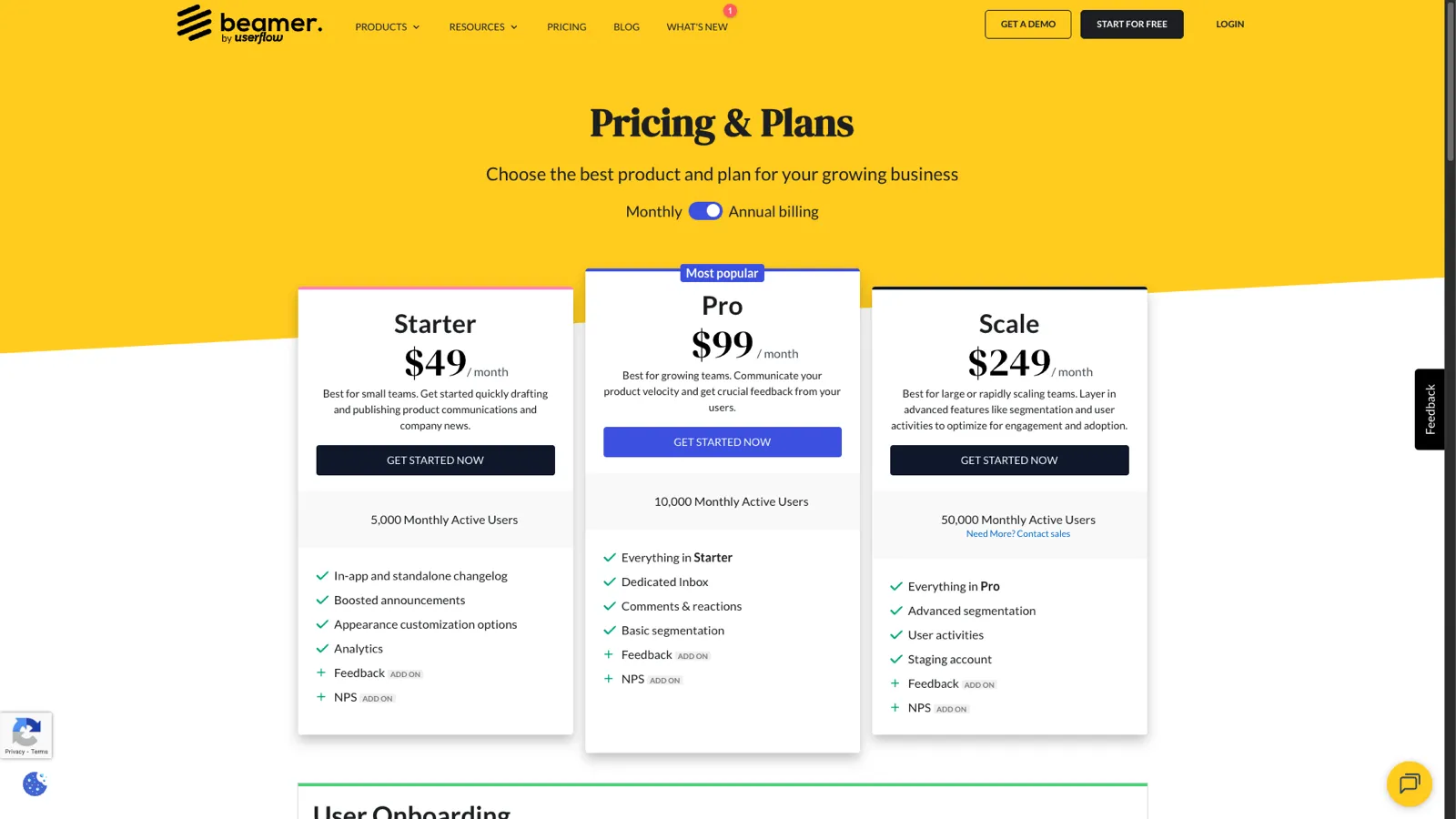
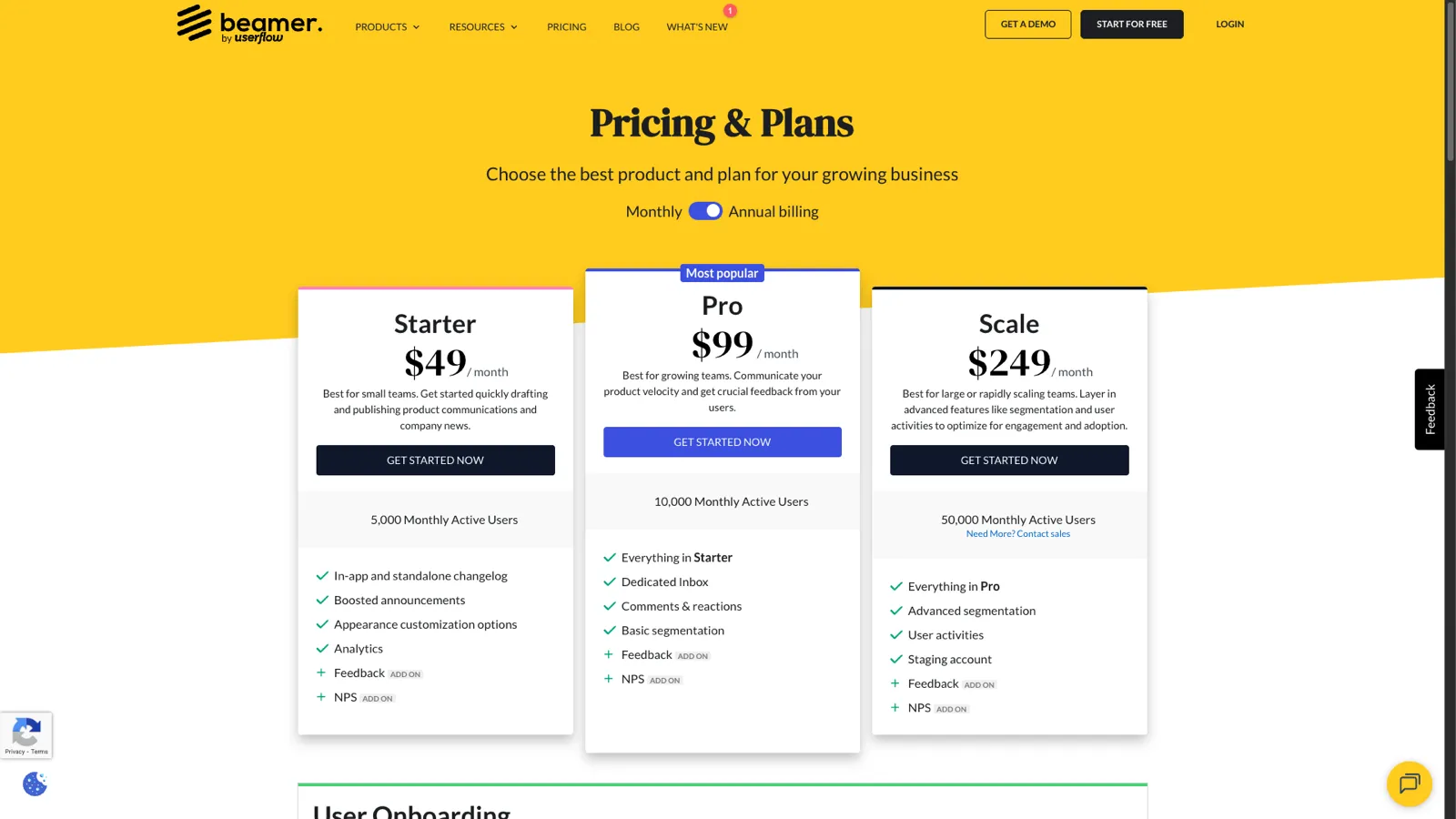
Beamer offers three plans, all focused primarily on changelog and announcement functionality. Each plan has a Monthly Active User (MAU) cap, and features like Feedback and NPS are paid add-ons across all tiers. Prices below reflect annual billing.
| Detail | Info |
|---|---|
| Price | $49/month (billed annually) |
| MAU limit | 5,000 Monthly Active Users |
| What you get | In-app and standalone changelog, boosted announcements, appearance customization options, analytics |
| Paid add-ons | Feedback, NPS |
| What you don't get | Dedicated inbox, comments & reactions, segmentation, user activities, staging account |
| Detail | Info |
|---|---|
| Price | $99/month (billed annually) |
| MAU limit | 10,000 Monthly Active Users |
| What you get | Everything in Starter, plus dedicated inbox, comments & reactions, basic segmentation |
| Paid add-ons | Feedback, NPS |
| What you don't get | Advanced segmentation, user activities, staging account |
| Detail | Info |
|---|---|
| Price | $249/month (billed annually) |
| MAU limit | 50,000 Monthly Active Users |
| What you get | Everything in Pro, plus advanced segmentation, user activities, staging account |
| Paid add-ons | Feedback, NPS |
| What you don't get | Feedback and NPS included (both are paid add-ons even at this tier) |
Beamer's Feedback and NPS capabilities are available as paid add-ons on all plans, which can increase the monthly bill significantly beyond the base plan price.
Unlike per-seat tools, Beamer charges per plan rather than per user. This sounds simpler, but every plan comes with a MAU (Monthly Active User) cap. Once your product grows past these limits, you are forced to upgrade. The cost question becomes: what do you get for that flat fee, what are the MAU limits, and what are you missing?
| Plan | Annual Price | MAU Limit | Annual Cost (Billed Annually) |
|---|---|---|---|
| Starter | $49/mo | 5,000 MAU | ~$490/yr (est. annual discount) |
| Pro | $99/mo | 10,000 MAU | ~$990/yr (est. annual discount) |
| Scale | $249/mo | 50,000 MAU | ~$2,490/yr (est. annual discount) |
Note: Feedback and NPS add-ons cost extra on top of these base prices. Monthly billing is higher than the annual prices shown above.
Because Beamer focuses on changelogs and announcements, most teams need additional tools for:
Here is what a typical tool stack looks like alongside Beamer:
| Need | Tool | Typical Cost |
|---|---|---|
| Changelog | Beamer Pro | $99/mo |
| Feedback | Beamer Feedback add-on or Canny | Add-on pricing TBD, or $79-399/mo for Canny |
| Public roadmap | Separate tool | $49-199/mo |
| Knowledge base | Helpscout or similar | $20-65/mo per user |
| Total stack | 2-4 tools + add-ons | $200-700+/mo |
That is the hidden cost of Beamer: even with the Feedback add-on, you still lack a public roadmap, prioritization, and knowledge base. The gaps force you into a multi-tool stack that fragments your workflow and inflates your total spend. And with MAU caps (5,000-50,000 depending on plan), growing teams face forced upgrades.
Beamer does offer a Feedback add-on, but it is not included in any plan. On every tier (Starter, Pro, and Scale), Feedback costs extra. Even then, Beamer's feedback capabilities do not include dedicated feedback boards, structured feature request tracking, public upvoting, or a way for customers to submit and track ideas independently. If collecting and organizing customer feedback is a core need, you will pay more on top of Beamer's base price and still may find the functionality limited compared to purpose-built tools.
There is no built-in feature voting, no RICE scoring, no ICE prioritization, no MoSCoW framework. You cannot let customers vote on what to build next. You also cannot prioritize your backlog within the tool. This means you need a separate system for deciding what to build.
Beamer does not offer a public roadmap feature. If you want to show customers what is coming next, you will need another tool or a manually maintained page.
There is no knowledge base or help center functionality. For self-service support content, you need yet another tool in your stack.
Beamer's core experience is an in-app widget. While this is great for in-product announcements, it means your changelog is tied to your app. It is not a standalone, SEO-friendly page that drives organic traffic.
Beamer generally receives positive reviews for its core changelog functionality. The criticism usually centers on what it does not do:
"Beamer is fantastic for announcements but we still needed Canny for feedback and a separate roadmap tool. Three tools to do what one should."
"We loved the changelog widget but outgrew it fast. Once we needed feedback boards and prioritization, we had to migrate everything."
"Great if you only need a changelog. Expensive if you factor in all the other tools you need alongside it."
"The feedback add-on is nice but it's not a substitute for proper feature request tracking with voting and prioritization."
These reviews highlight a consistent pattern: Beamer does changelogs well, but teams that need broader product management capabilities find themselves stitching together multiple tools.
ProductLift offers three tiered plans: Starter at $29/mo ($19/mo annual) with 2 admins, Pro at $79/mo ($49/mo annual) with 5 admins, and Business at $199/mo ($129/mo annual) with 25 admins. All plans include unlimited end-users and all features. No MAU limits. Here is how the costs compare:
| Team Size | Beamer Pro (10K MAU) | Beamer Pro + Add-ons & Tools (est.) | ProductLift |
|---|---|---|---|
| 2 admins | $99/mo | $200-500/mo | From $19/mo (Starter) |
| 5 admins | $99/mo | $200-500/mo | From $49/mo (Pro) |
| 10 admins | $99/mo | $200-500/mo | From $129/mo (Business) |
| 25 admins | $99/mo | $200-500/mo | From $129/mo (Business) |
For small teams (1-2 admins), ProductLift's Starter plan at $19/mo (annual) delivers far more functionality than Beamer Pro for a fraction of the cost. The moment you add the Feedback add-on plus other tools for roadmaps and knowledge base to Beamer, the comparison shifts dramatically.
For teams of 5 or more admins, ProductLift's Pro and Business plans provide more total functionality at a lower total cost than Beamer Pro alone. This is before even accounting for the additional tools and add-ons you would need alongside Beamer. And ProductLift has no MAU caps. Your tracked users are unlimited regardless of plan.
| Feature | Beamer Starter ($49/mo) | Beamer Pro ($99/mo) | Beamer Scale ($249/mo) | ProductLift (from $19/mo) |
|---|---|---|---|---|
| Changelog | Included | Included | Included | Included |
| In-app widget | Included | Included | Included | Included |
| Feedback boards | Paid add-on | Paid add-on | Paid add-on | Included |
| Feature voting | Not available | Not available | Not available | Included |
| Anonymous voting | Not available | Not available | Not available | Included |
| Public roadmap | Not available | Not available | Not available | Included |
| Knowledge base | Not available | Not available | Not available | Included |
| RICE prioritization | Not available | Not available | Not available | Included |
| NPS surveys | Paid add-on | Paid add-on | Paid add-on | Not available |
| Comments & reactions | Not available | Included | Included | Included |
| Advanced segmentation | Not available | Not available | Included | Not available |
| White-label / custom domain | Included | Included | Included | Included |
| Stripe integration | Not available | Not available | Not available | Included |
| Multi-language | Limited | Limited | Limited | 22 languages |
| AI features | Not available | Not available | Not available | Included |
| MAU limit | 5,000 | 10,000 | 50,000 | Unlimited |
Beamer is worth $49-249/month (billed annually) if in-app changelog announcements are your only need. The tool is polished and does changelogs well. Keep in mind that each plan has MAU limits (5,000 to 50,000) and core features like Feedback and NPS are paid add-ons. If you also need feedback boards, a roadmap, or prioritization, you will pay for add-ons and additional tools. The combined cost often exceeds an all-in-one alternative.
Beamer's cheapest paid plan is Starter at $49/month (billed annually) with a 5,000 MAU limit. There is a limited free tier for testing, but it includes Beamer branding and significant feature restrictions.
Beamer offers a limited free tier for testing, but it includes Beamer branding and significant restrictions. Most teams need the Starter ($49/mo) or Pro ($99/mo) plan for production use (annual billing prices).
ProductLift starts at $19/month (annual) and includes feedback boards, voting, a public roadmap, changelog, knowledge base, and prioritization with unlimited end-users. Beamer starts at $49/month (annual) with a 5,000 MAU cap and only covers changelogs (feedback is a paid add-on). ProductLift's Starter plan costs less than half of Beamer Starter with far more functionality and no MAU limits.
The main hidden costs are the add-ons and additional tools you need alongside Beamer. Feedback and NPS are paid add-ons on every plan (not included in the base price). Beyond that, you still need separate subscriptions for a public roadmap and a knowledge base. Additionally, every plan has MAU caps (5,000 to 50,000), so growing past those limits forces a plan upgrade. The total cost of Beamer plus add-ons plus additional tools can reach $200-700+/month versus a single all-in-one tool.
If changelog announcements are your only need and you want a polished in-app widget, Beamer Starter at $49/month (annual billing, 5,000 MAU limit) is a solid choice. If you also need feedback collection, a roadmap, or prioritization, the value decreases because feedback is a paid add-on and you will still need additional tools for roadmaps and prioritization.
Beamer offers a Feedback add-on that is available on all plans (Starter, Pro, and Scale), but it costs extra. It is not included in any base plan price. Even with the add-on, there are no dedicated feedback boards with public upvoting, no structured feature request tracking, and no built-in prioritization. For comprehensive feedback collection with voting and roadmap integration, it is not a substitute for a purpose-built feedback tool.
Beamer's main advantage over a blog is the in-app widget that notifies users of updates without requiring them to visit a separate page. It also provides analytics on who viewed updates and engagement metrics. If in-app notification is not important to you, a blog or dedicated changelog page can work.
Beamer allows data export, but migrating changelog content, subscriber data, and widget integrations to a new platform requires effort. Consider your long-term needs before committing.
Choose Beamer if:
Choose ProductLift if:
Beamer is a good changelog tool. But a changelog is just one piece of the product management puzzle. With MAU caps on every plan and feedback as a paid add-on, costs add up faster than the base price suggests. If you need the full picture (collecting feedback, prioritizing features, sharing your roadmap, publishing updates, and providing self-service support) a single platform that does all of it will save you money, reduce complexity, and keep your team focused.
If you're evaluating alternatives, check our guide to Beamer alternatives.
Try ProductLift free and consolidate your changelog, feedback, roadmap, and knowledge base into one tool.
Join over 3,051 product managers and see how easy it is to build products people love.






Did you know 80% of software features are rarely or never used? That's a lot of wasted effort.
SaaS software companies spend billions on unused features. In 2025, it was $29.5 billion.
We saw this problem and decided to do something about it. Product teams needed a better way to decide what to build.
That's why we created ProductLift - to put all feedback in one place, helping teams easily see what features matter most.
In the last five years, we've helped over 3,051 product teams (like yours) double feature adoption and halve the costs. I'd love for you to give it a try.

Founder & Digital Consultant
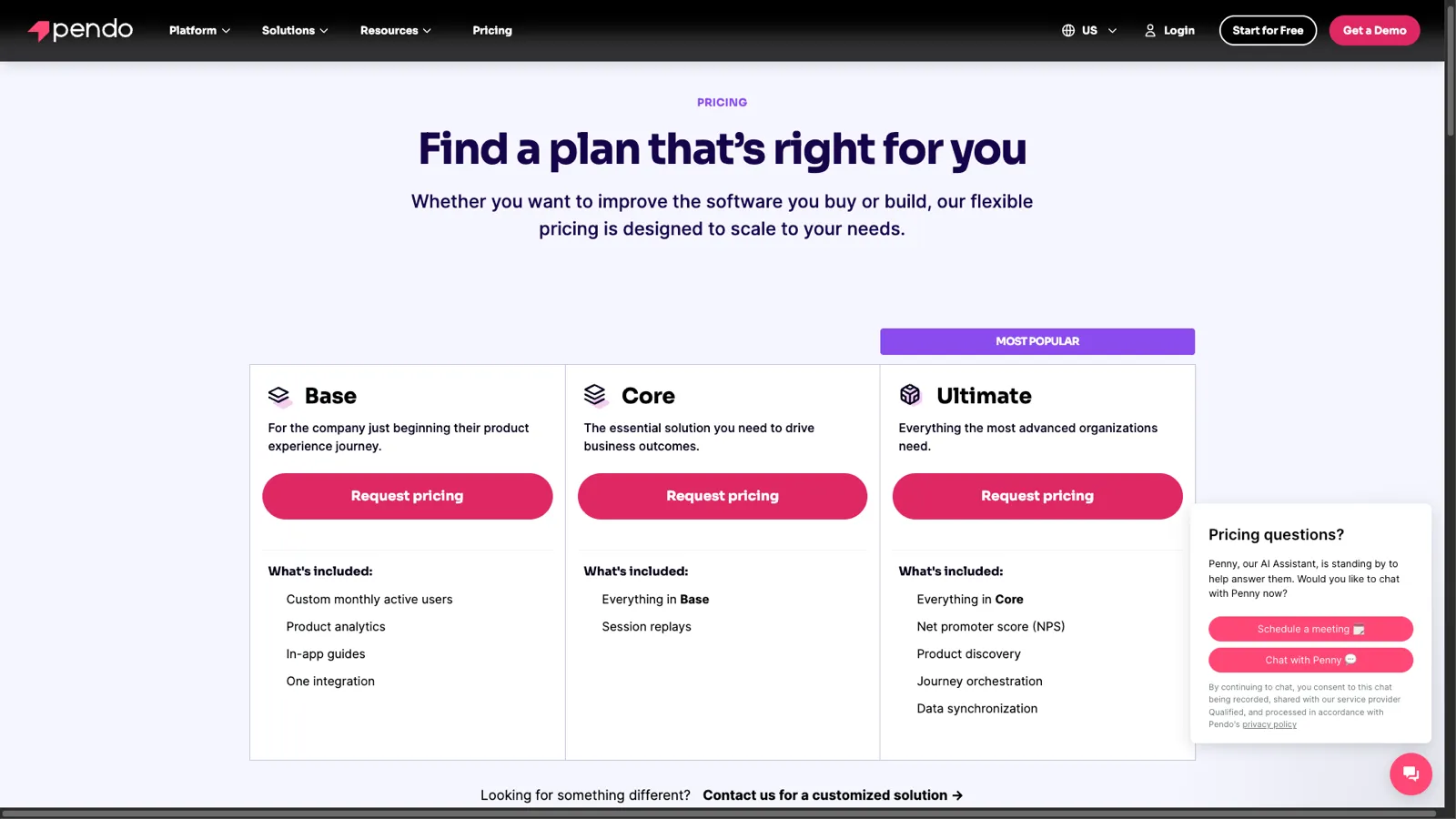
Pendo pricing is custom-quoted across Base, Core, and Ultimate plans. No public prices. Here is what Pendo actually costs in 2026 based on user reports.
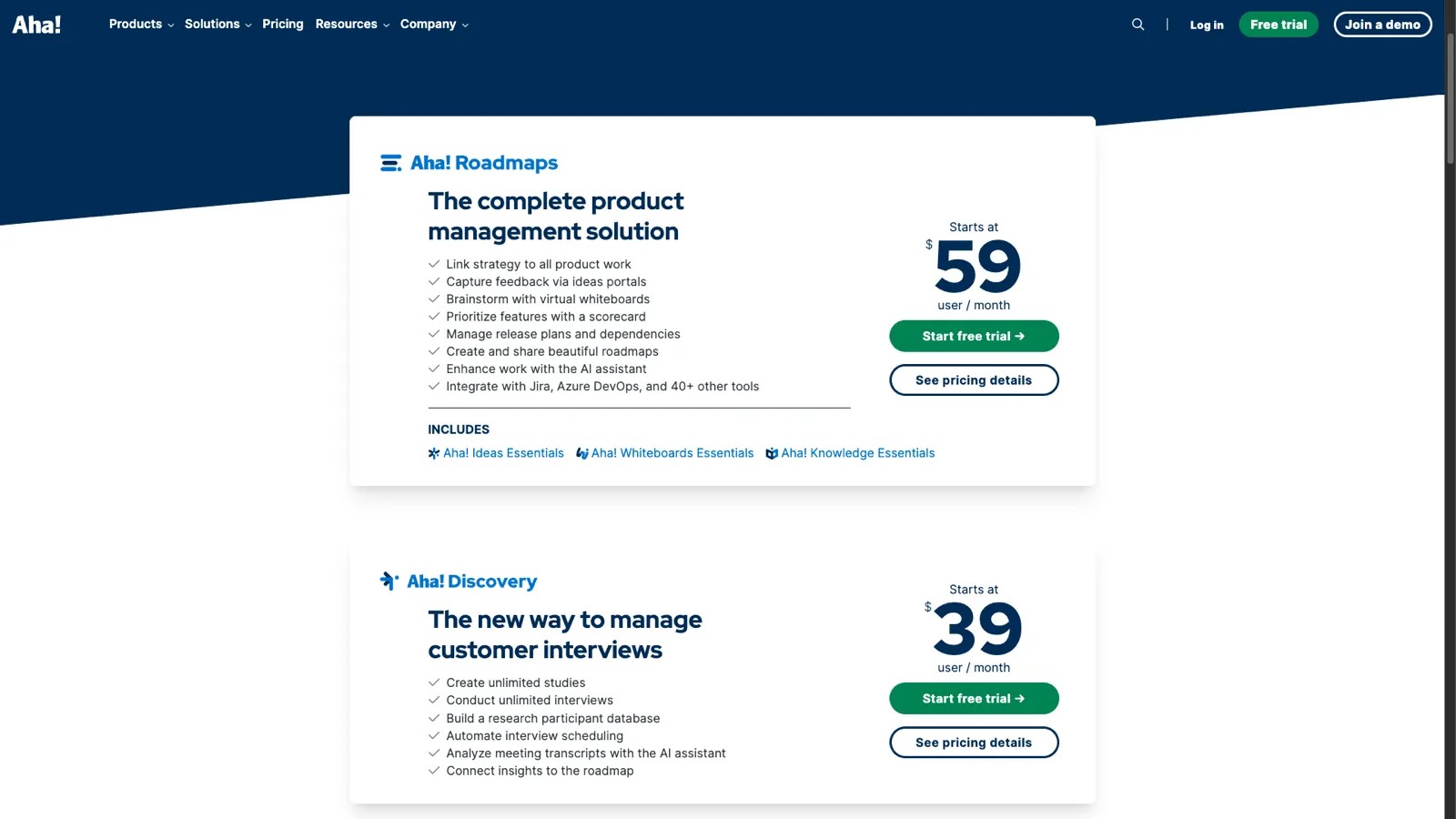
Aha! pricing starts at $39/user/month for Discovery and $59/user/month for Roadmaps (now includes Ideas Essentials). See the full 2026 cost breakdown, hidden fees, and how it compares.
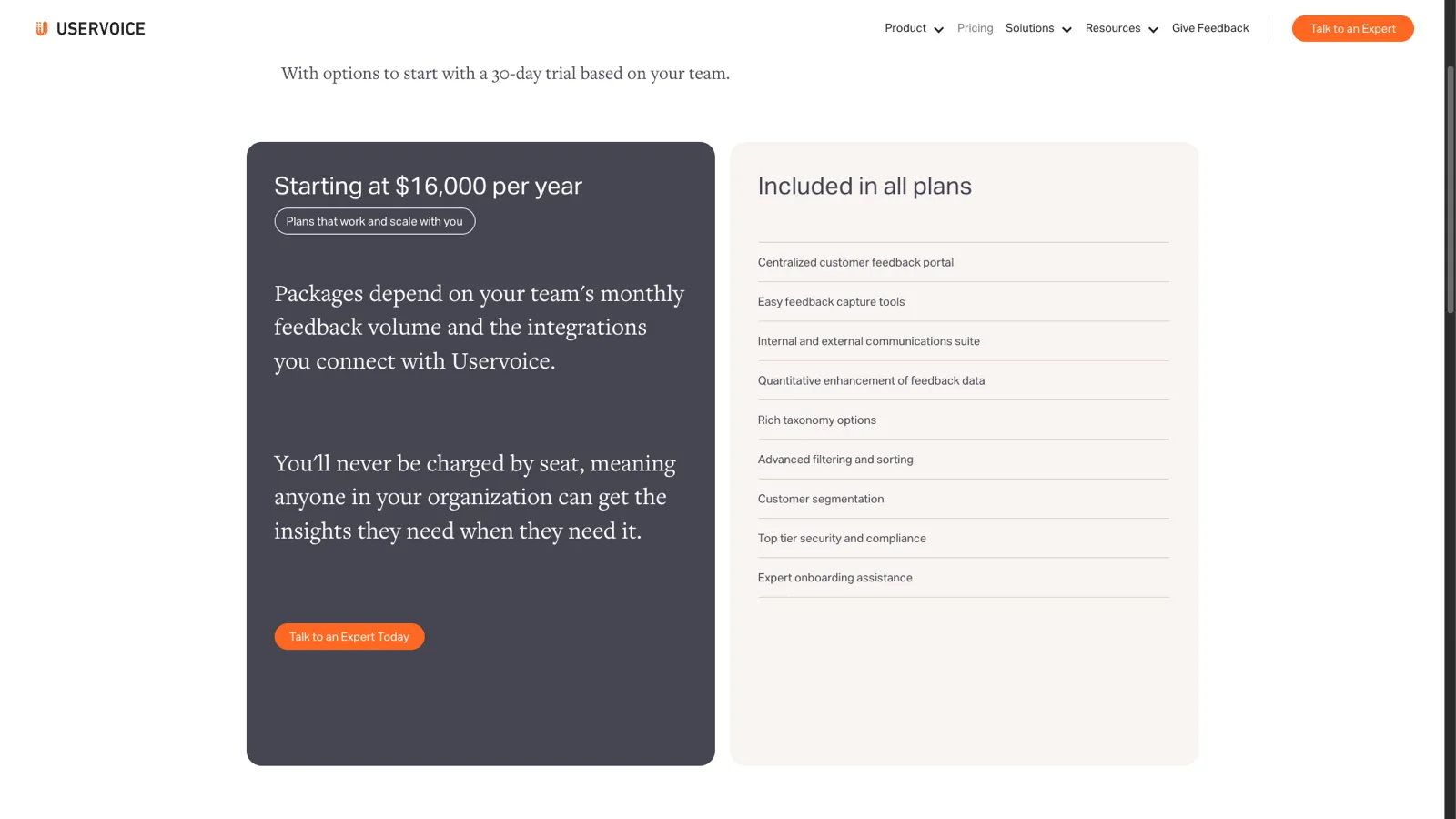
UserVoice pricing starts at $16,000/year (~$1,333/mo). No per-seat charges. 30-day trial available. See the full cost breakdown and affordable alternatives.
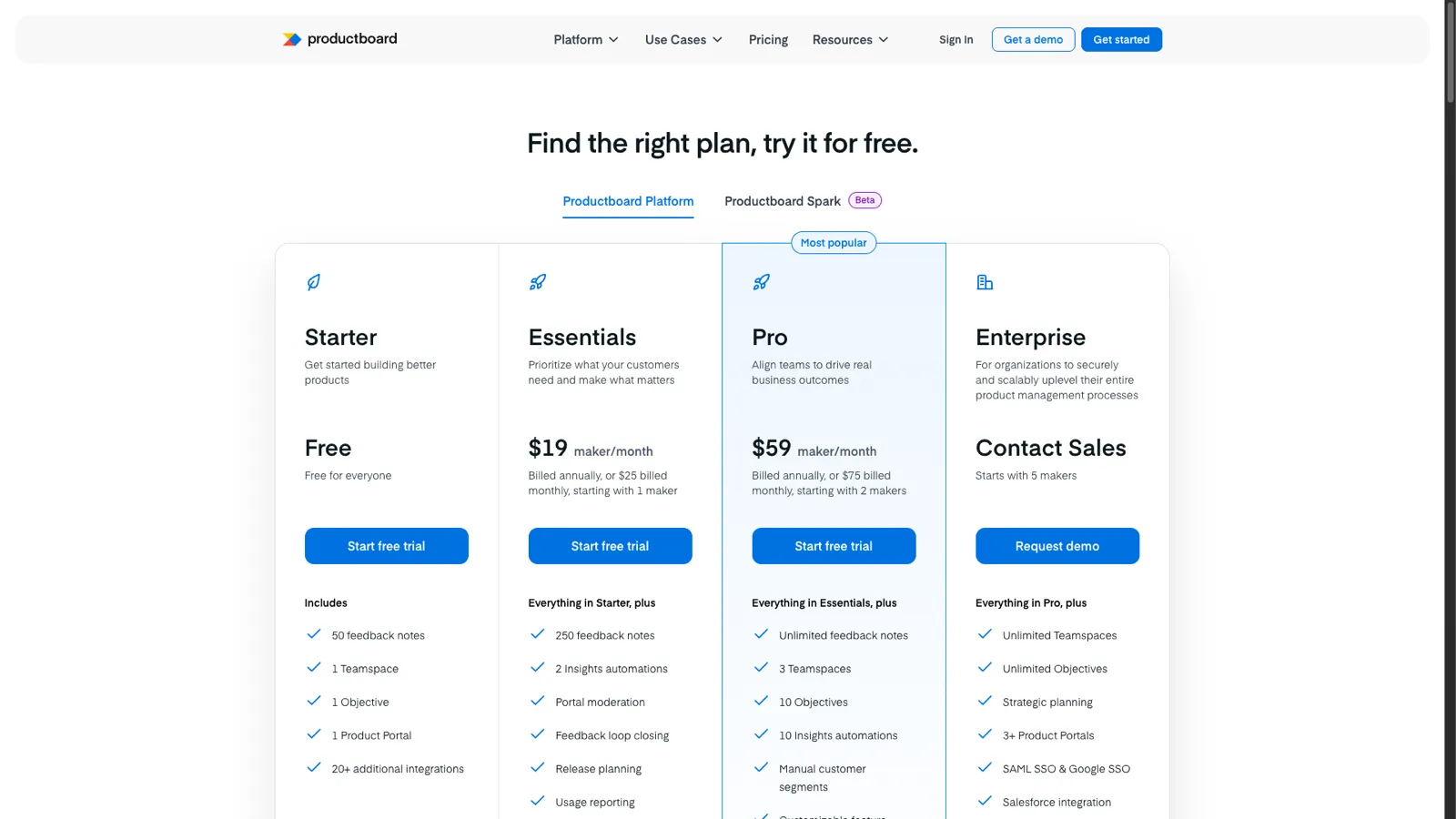
Productboard pricing starts free (Starter) with paid plans from $19 to custom Enterprise pricing. See real costs at 5, 10, and 20 makers, hidden upgrade traps, and how it compares.
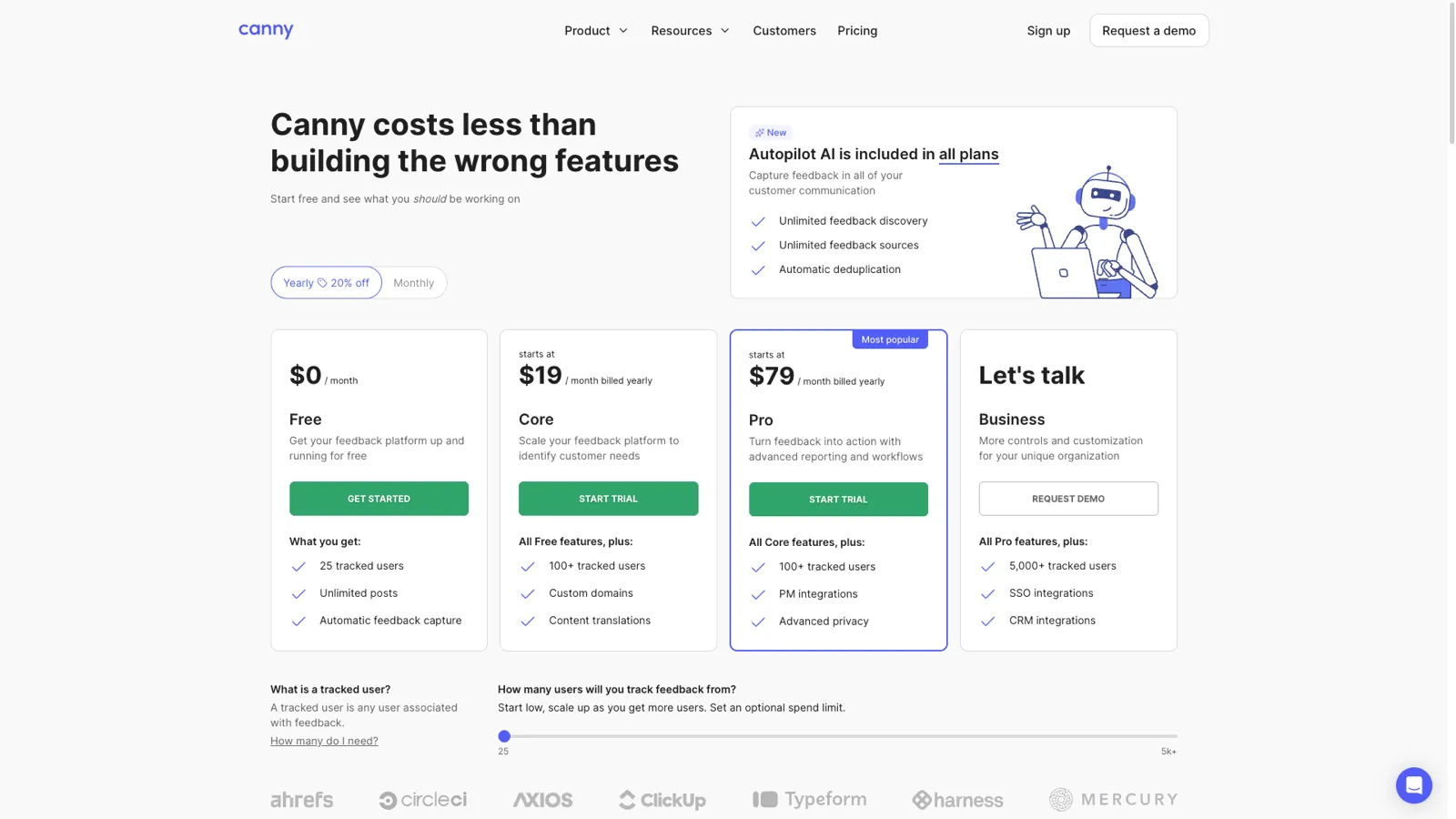
Canny pricing starts free but jumps to $19-$79/mo with custom Business pricing. We break down every plan, hidden costs, and compare Canny vs ProductLift.
With bike energy  from Utrecht
KVK: 20145923 - BTW: NL001143413B86