Accessibility refers to the design and development of software, websites, and digital content that can be easily accessed and used by people with disabilities. It aims to ensure that individuals with visual, auditory, motor, or cognitive impairments can equally benefit from and interact with technology.
Examples
- Providing alternative text descriptions for images on a website, which can be read aloud by screen readers for visually impaired users.
- Offering closed captions or transcripts for videos, allowing individuals with hearing impairments to understand the content.
- Designing user interfaces with clear and consistent color contrast to assist people with low vision.
Importance
Accessibility is crucial in ensuring equal opportunities and inclusion for all users. By making digital products accessible, software companies can cater to a wider audience and enhance user experience. It is not only a legal and ethical responsibility but also a business advantage.
Accessible products can benefit:
- People with visual impairments, who rely on screen readers or alternative navigation methods.
- Individuals with hearing impairments, who need captions or transcripts to understand audio content.
- Users with mobility impairments, who may require keyboard navigation or alternative input methods.
- People with cognitive disabilities, who may need simplified content or additional time to process information.
How to Use Accessibility
To create accessible SaaS products, consider the following:
- Design with inclusivity in mind: Ensure that your product is usable by a diverse range of users from the start of the development process. Prioritize simplicity, clarity, and consistency in design.
- Provide alternative text: Include alternative text descriptions for images, graphs, and charts to make them accessible to screen readers.
- Use semantic HTML: Utilize proper HTML tags and structure to facilitate screen reader navigation and assistive technology compatibility.
- Offer keyboard accessibility: Ensure that all functionalities can be accessed and operated using a keyboard alone, without relying on mouse interactions.
- Ensure color contrast: Use colors with sufficient contrast to aid users with low vision in distinguishing between elements.
- Implement captions and transcripts: Provide closed captions or transcripts for multimedia content, making it accessible to users with hearing impairments.
- Test and iterate: Regularly test your product with assistive technologies, gather feedback from users with disabilities, and make necessary improvements to enhance accessibility.
Useful Tips
- Consider conducting accessibility audits and seeking third-party evaluations to identify areas of improvement.
- Stay updated with accessibility guidelines and standards, such as the Web Content Accessibility Guidelines (WCAG), to ensure compliance and improve user experience.
- Involve users with disabilities in user research and testing to gain valuable insights and perspective.
- Foster a culture of accessibility within your organization, encouraging all team members to prioritize and advocate for inclusive design.
FAQ
What is accessibility?
Why is accessibility important?
What are some common disabilities that affect digital accessibility?
What are some examples of accessible design practices?
How can accessibility be tested in a product?
Are there any legal requirements for accessibility?
How can Saas product managers prioritize accessibility?
What are the benefits of making a Saas product accessible?
Can accessibility be added to an existing Saas product?
Where can I learn more about accessibility in Saas product management?
The faster, easier way to capture user feedback at scale
Join over 5,204 product managers and see how easy it is to build products people love.





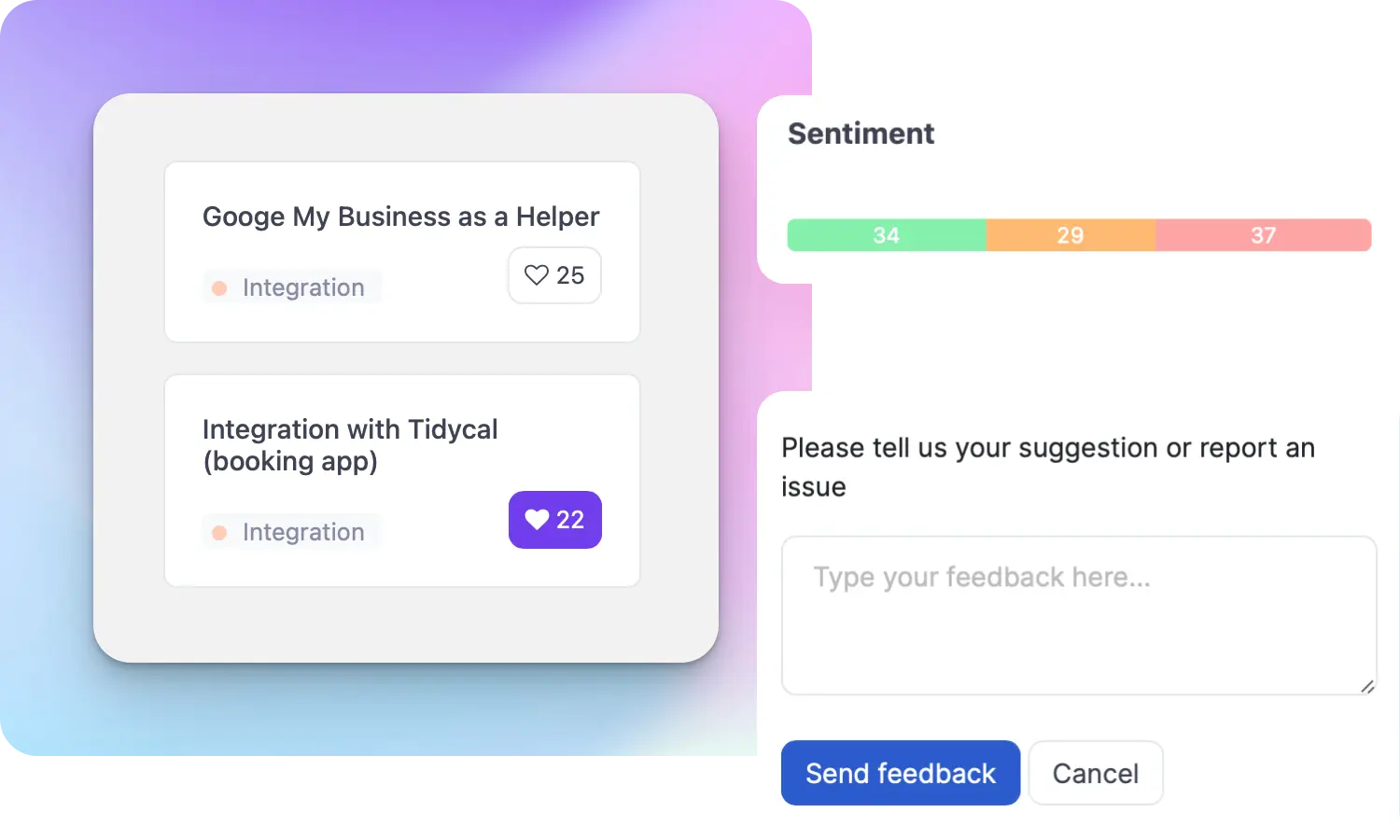
Did you know 80% of software features are rarely or never used? That's a lot of wasted effort.
SaaS software companies spend billions on unused features. In 2025, it was $29.5 billion.
We saw this problem and decided to do something about it. Product teams needed a better way to decide what to build.
That's why we created ProductLift - to put all feedback in one place, helping teams easily see what features matter most.
In the last five years, we've helped over 5,204 product teams (like yours) double feature adoption and halve the costs. I'd love for you to give it a try.

Ruben Buijs
Founder & Digital Consultant