SaaS Content Strategy: Where Docs, Guides, and Blog Posts Actually Belong





from 124+ reviews
The Problem: Content Without a System
Most SaaS companies start writing content without a plan. Someone writes a blog post about "How to collect customer feedback." Later, a support person creates a help article called "Collecting feedback with [Product]." Then marketing makes a landing page targeting "customer feedback tool."
Now you have three pages competing for similar keywords, confusing Google about which one to rank, and confusing users about where to find what they need. This is keyword cannibalization, and it happens when content is organized by who created it instead of what job it does.
The fix is a three-layer model where each layer has a distinct purpose, a distinct audience, and a distinct type of search intent.
The Three-Layer Content Model
Layer 1: Documentation (Knowledge Base)
Layer 2: Strategy Guides
Layer 3: Blog Posts
What Goes Where: Concrete Examples
The three-layer model works because each layer targets a different search intent. Here's how to decide where content belongs.
Documentation (Knowledge Base): Any content that requires your product to make sense. "How to merge duplicate posts" only matters if you use ProductLift. "Setting up Stripe integration" is a product-specific task. "Configuring email notifications" is a step-by-step procedure. All of these go in your knowledge base.
Strategy Guides: Any content that teaches a best practice and positions your product as the solution. "How to respond to feature requests" is useful even without ProductLift, but the guide naturally shows how ProductLift makes it easier. "How to close the feedback loop" is a strategic concept that prospects search for. The guide educates them and shows your product in context.
Blog Posts: Any content targeting broad keywords where the reader might not know your product exists. "What is a product roadmap" captures people researching the concept. "Best changelog tools" captures people comparing solutions. "Feature request email template" captures people solving a specific problem. The blog introduces them to your world.
With and Without a Content Strategy
Before
With ProductLift
How to Avoid Keyword Cannibalization
Cannibalization happens when two pages on your site target the same keyword with the same intent. Google doesn't know which to rank, so it often ranks neither well.
Rule 1: Different intent per layer. Your blog post on "feature prioritization" targets someone learning the concept. Your guide on "how to prioritize feature requests" targets someone ready to apply a method. Your KB article on "using RICE scoring in ProductLift" targets an existing user. Same topic, three different intents, three different keywords.
Rule 2: Link between layers. Your blog post links to your guide for readers who want to go deeper. Your guide links to your KB articles for readers who are ready to implement. Your KB links to guides for context. This internal linking structure tells Google which page serves which intent.
Rule 3: One primary keyword per page. Before publishing, search your own site for the target keyword. If another page already targets it, either merge the content or differentiate the angle. Two pages targeting "feedback board best practices" will always cannibalize each other.
Recommended Site Structure for SaaS
Here is a practical URL structure that maps to the three-layer model.
/blog/ for SEO content and thought leadership. Published regularly. Targets broad, high-volume keywords.
/guides/ for strategic best-practices content. Published occasionally, updated over time. Targets problem-aware, mid-funnel keywords.
Knowledge Base (hosted separately or on subdomain): Product documentation. Updated whenever features change. Targets branded and product-specific keywords.
Landing pages (/features, /pricing, /integrations): Conversion pages. These aren't content in the traditional sense. They are designed to convert visitors who already understand what they need.
This structure works whether you have 10 pages or 1,000. The key is that every piece of content has one home, and that home tells both Google and your readers what to expect.
How ProductLift Helps with Content Organization
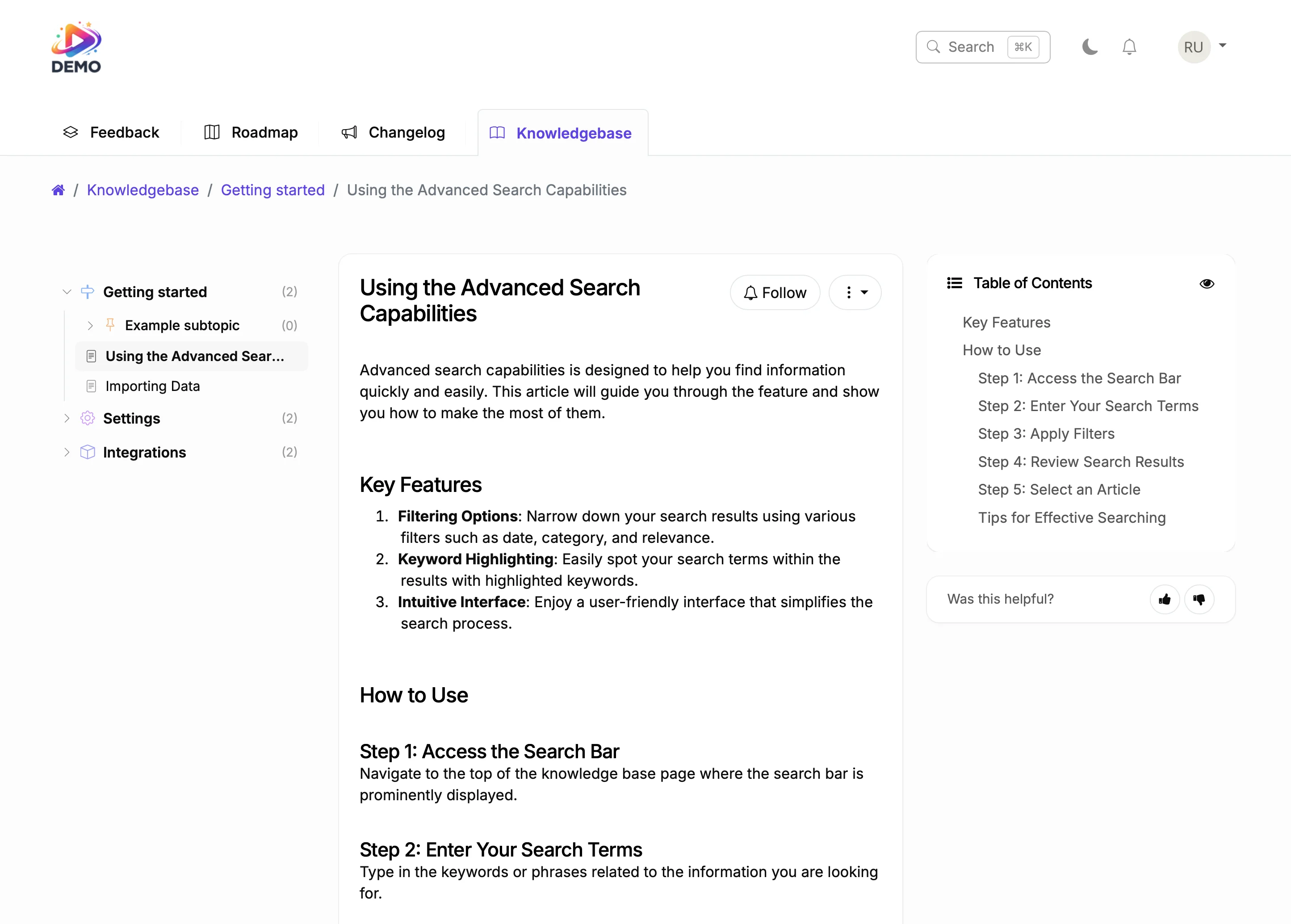
Knowledge Base for Documentation
Changelog for Product Updates
Feedback Board as Content Source
The Content Lifecycle
What Teams Say About ProductLift

Sebastian F.
Entrepreneur
★★★★★
This app will help you connect with your users and gather feedback like never before. The UI is clean and focused. The different pages and forms can be fully customized. Ruben is an amazing developer and entrepreneur with a proven track record. ProductLift is going places and you should get onboard.
AppSumo
Aaron Dye
★★★★★
An excellent product with equally excellent support! Everything just works, and when I had questions, the team was incredibly responsive.
Timothy M.
Product Manager
★★★★★
This tool is literally a needle in a haystack. I was using Frill, and this doesn't even compare. The user interface, the way it lays out — so amazing. Also amazing support team!
AppSumo
Ben
Product Owner
★★★★★
Helped us quickly move away from our antiquated spreadsheet to a user-interactive system. User feedback is now collected in real-time. Support has been super speedy!
AppSumo
Marco
★★★★★
Based in Europe, ideal for privacy-conscious customer interaction. Constant improvements by Ruben together with thorough support make ProductLift a solid and future-proof choice.
AppSumo
Chris R.
Founder
★★★★★
By far the most customizable of all the feedback tools and much better than Feedbear. Developer is super responsive and support has been great. Highly recommend!
AppSumo