Set Up Your Feedback Board in 10 Minutes





from 124+ reviews
Before You Start: Think About Your Board Structure
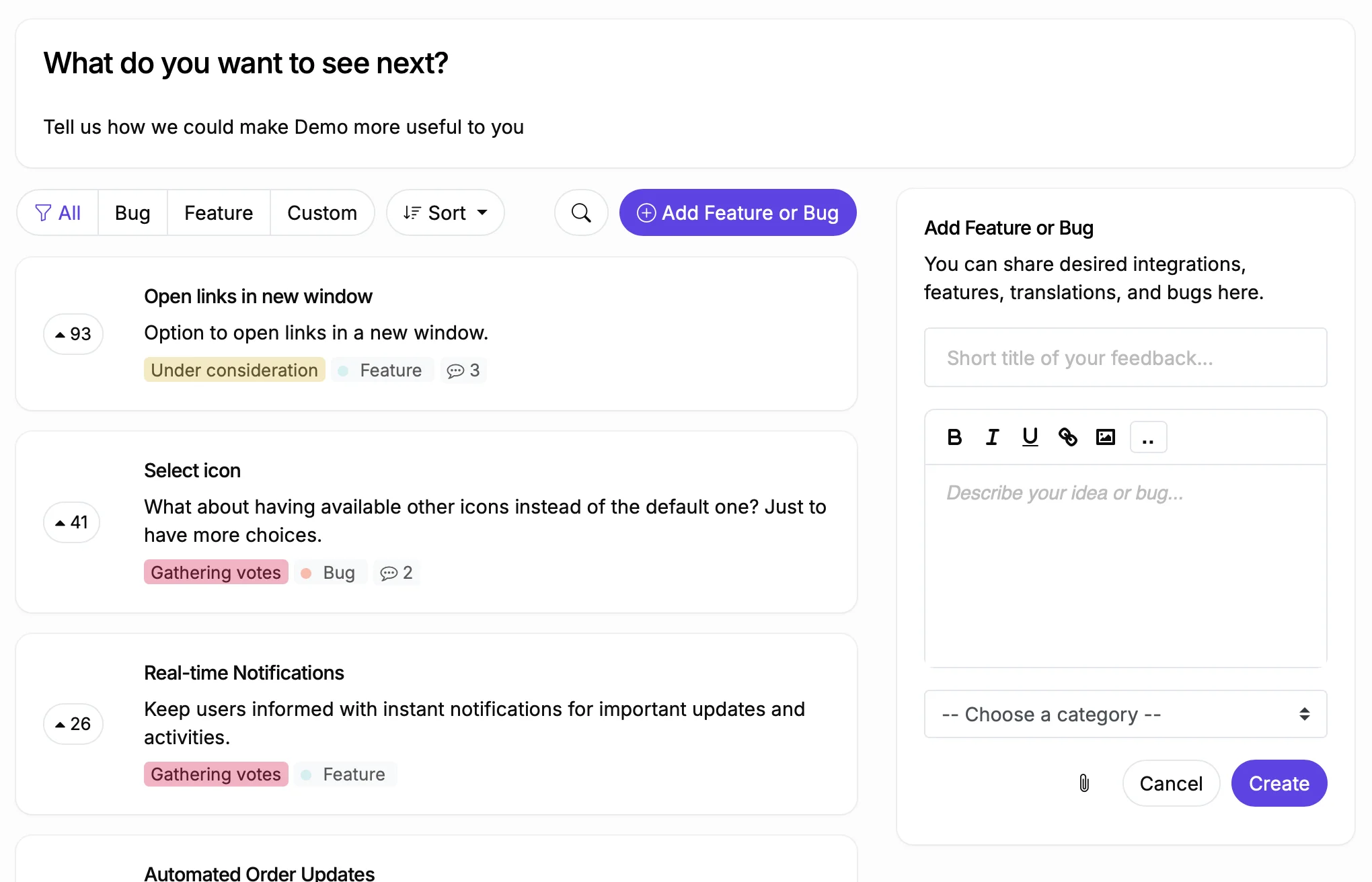
ProductLift supports four board types: Feedback, Roadmap, Changelog, and Knowledge Base. Most teams start with a Feedback board to collect feature requests, then add a Roadmap board once they have enough votes to prioritize.
You can create multiple boards of the same type. For example, one public Feedback board for customers and one private Feedback board for internal ideas. Or separate Feedback boards per product if you run a multi-product company.
The steps below focus on your first Feedback board. Once that is live and collecting votes, you can add Roadmap, Changelog, and Knowledge Base boards to complete the full product lifecycle.
8 Steps to Your First Board
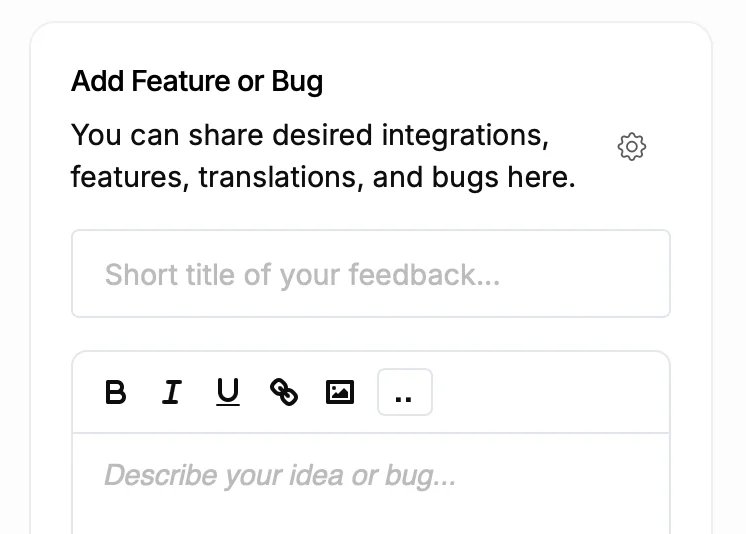
1. Create Your First Board
2. Configure Your Statuses
3. Set Up Categories
4. Choose Your Visibility Settings
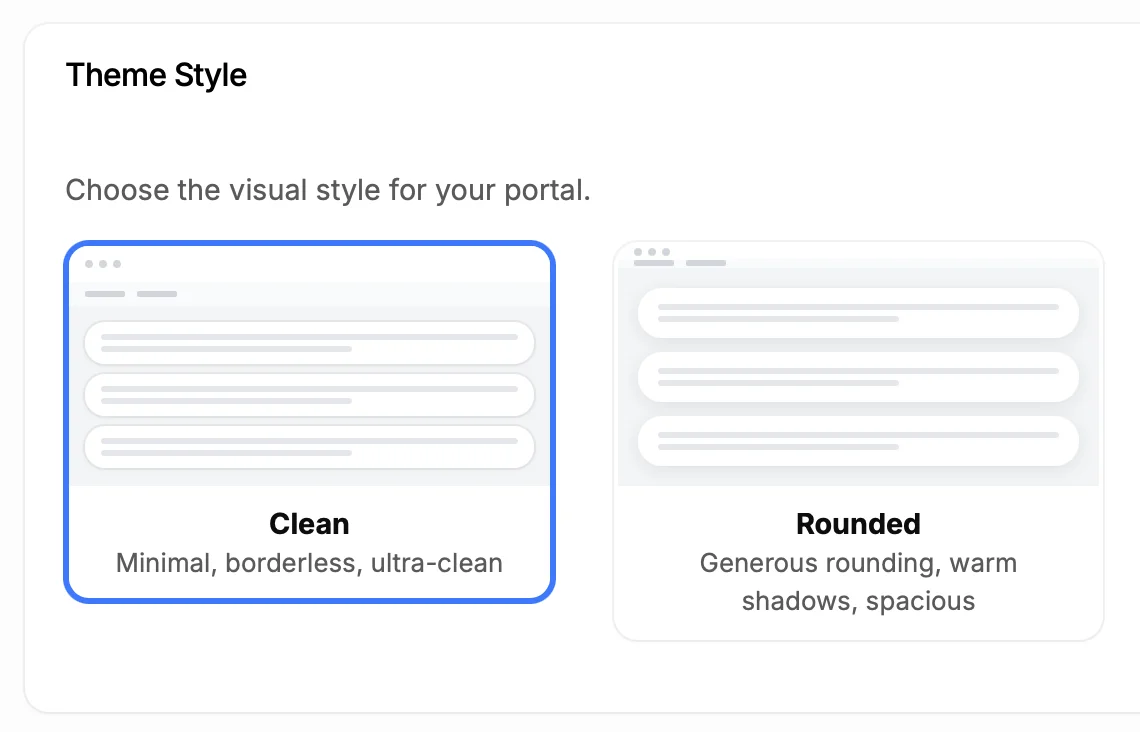
5. Add Your Logo and Colors
6. Embed on Your Site or Use a Custom Domain
7. Invite Your Team
8. Import Existing Feedback
What to Set Up Next
Add a Roadmap Board
Set Up Single Sign-On
Connect Stripe
Enable AI Features
Create a Changelog Board
Build Your Knowledge Base
Common Mistakes to Avoid
Too many categories: Start with 4 to 8 categories. You can always add more. Users who face 25 category options abandon the submission form.
Too many statuses: Start with the defaults. Add statuses as your workflow matures. A new board with 12 statuses confuses both your team and your users.
Not importing existing feedback: An empty board discourages participation. Import your backlog from spreadsheets, Trello, or another tool. Even 20 seed posts make the board feel alive.
Hiding the board: A feedback board buried three clicks deep in your app will collect zero votes. Put it in your main navigation, your onboarding emails, and your support auto-replies. See our promotion guide for 10 specific strategies.
Not responding to feedback: Users who submit feedback and never hear back stop participating. Change the status when you make a decision. Even "Won't Do" with an explanation is better than silence. Read our guide on responding to feedback for templates and best practices.
What Teams Say After Getting Started

Sebastian F.
Entrepreneur
★★★★★
This app will help you connect with your users and gather feedback like never before. The UI is clean and focused. The different pages and forms can be fully customized. Ruben is an amazing developer and entrepreneur with a proven track record. ProductLift is going places and you should get onboard.
AppSumo
Aaron Dye
★★★★★
An excellent product with equally excellent support! Everything just works, and when I had questions, the team was incredibly responsive.
Timothy M.
Product Manager
★★★★★
This tool is literally a needle in a haystack. I was using Frill, and this doesn't even compare. The user interface, the way it lays out — so amazing. Also amazing support team!
AppSumo
Ben
Product Owner
★★★★★
Helped us quickly move away from our antiquated spreadsheet to a user-interactive system. User feedback is now collected in real-time. Support has been super speedy!
AppSumo
Marco
★★★★★
Based in Europe, ideal for privacy-conscious customer interaction. Constant improvements by Ruben together with thorough support make ProductLift a solid and future-proof choice.
AppSumo
Chris R.
Founder
★★★★★
By far the most customizable of all the feedback tools and much better than Feedbear. Developer is super responsive and support has been great. Highly recommend!
AppSumo