Visitors Find Answers. Support Tickets Drop.





from 124+ reviews
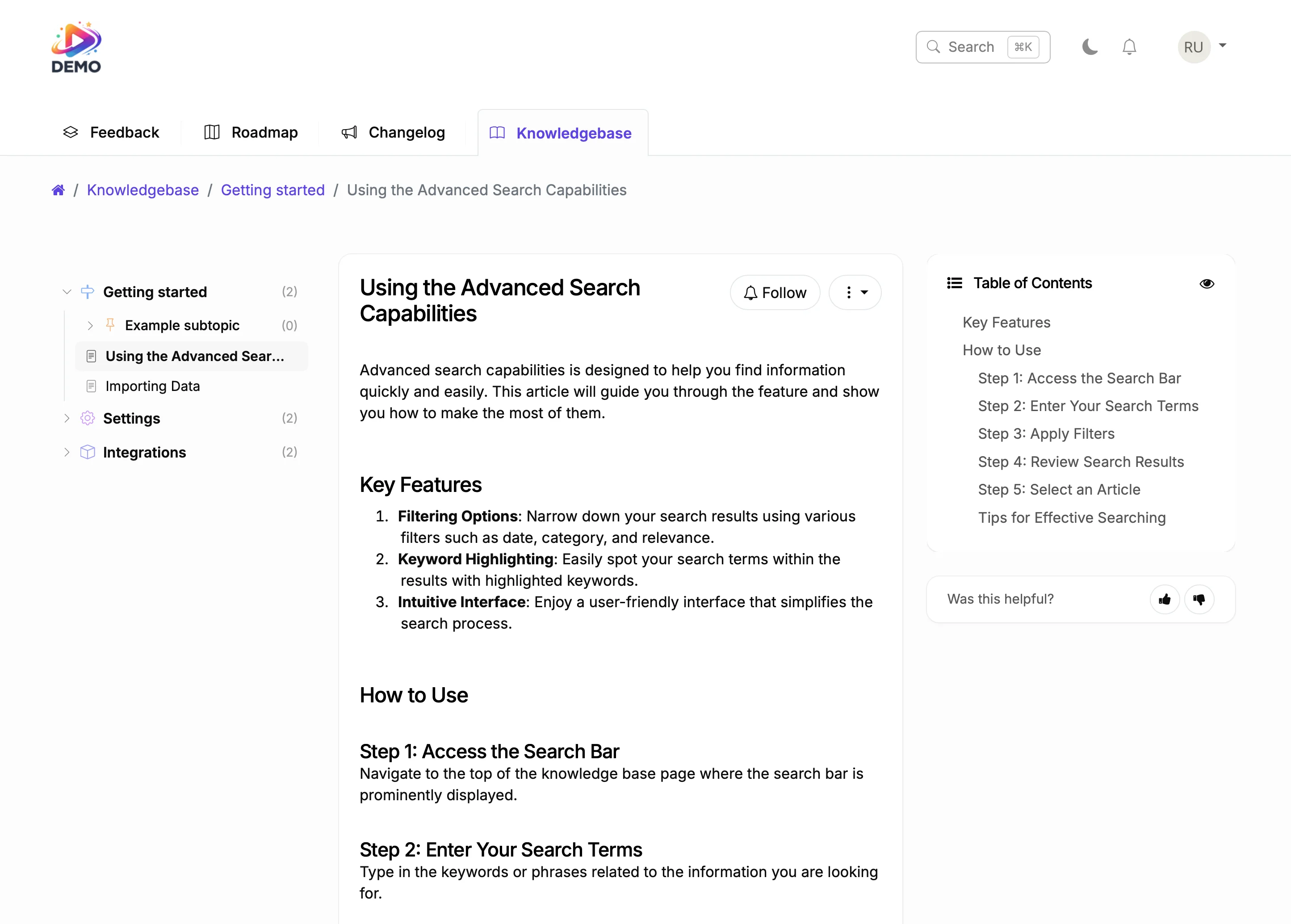





Try It Right Now
How It Actually Works
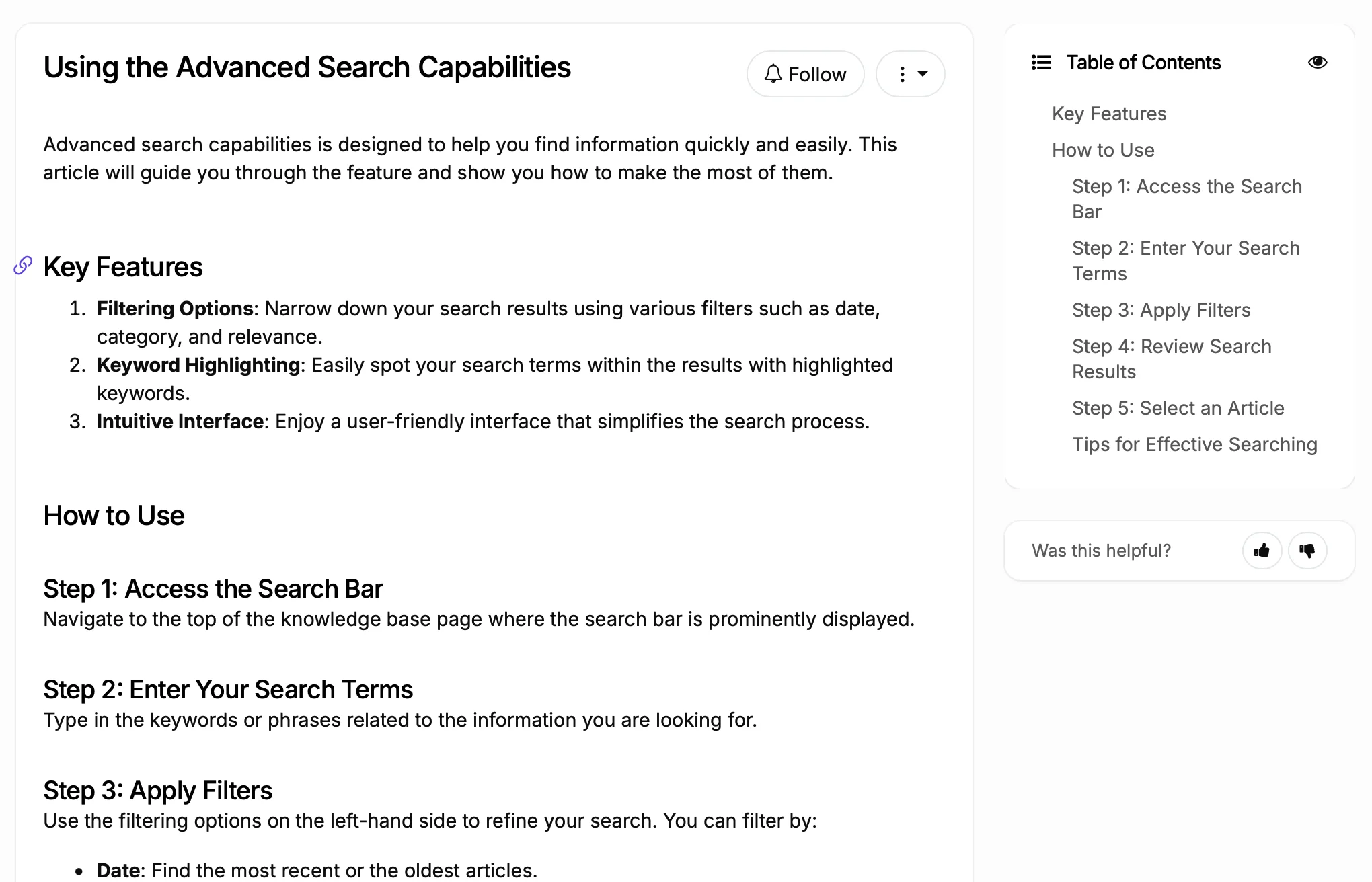
Write articles (AI helps)
Users search and find answers
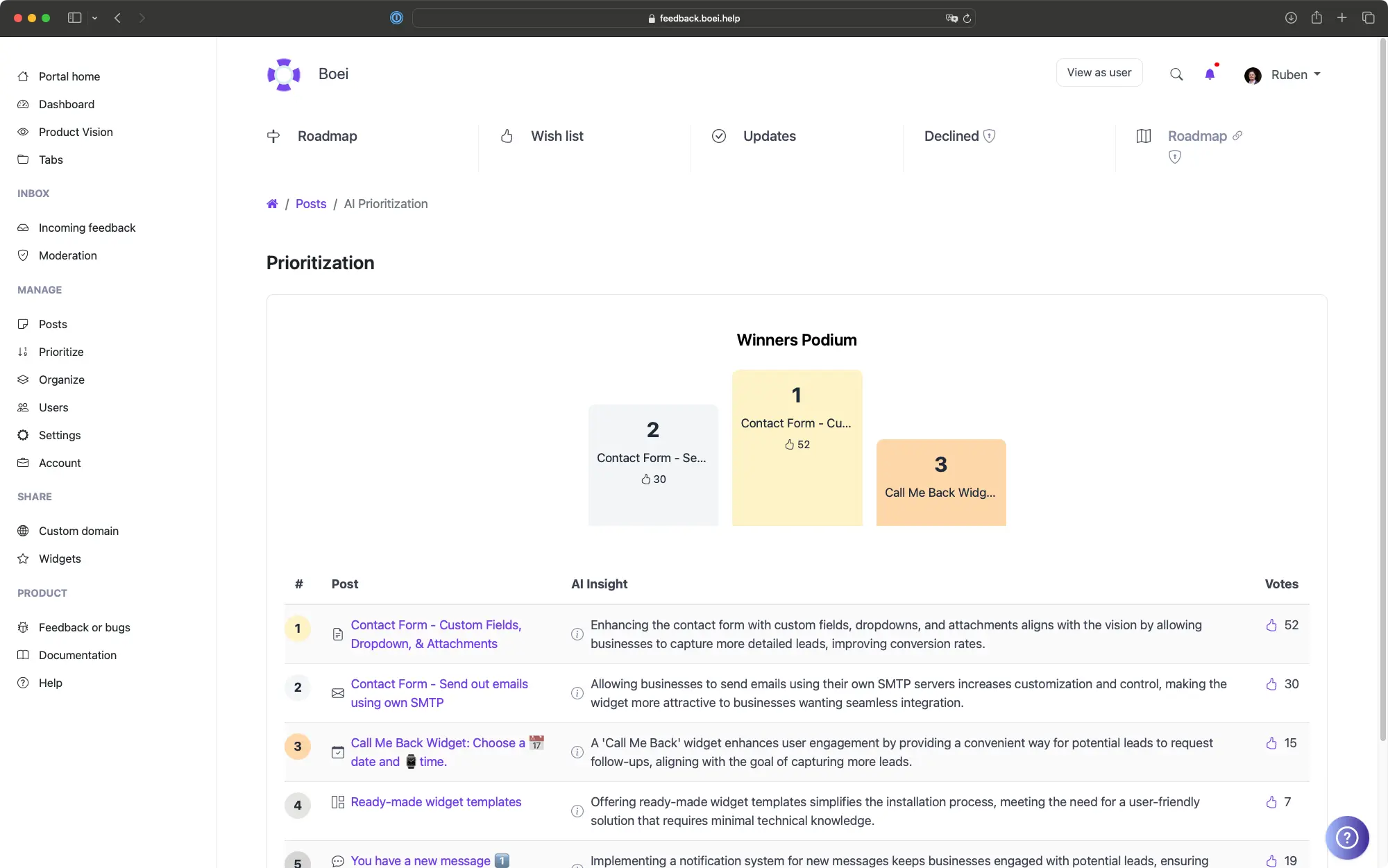
Analytics show content gaps
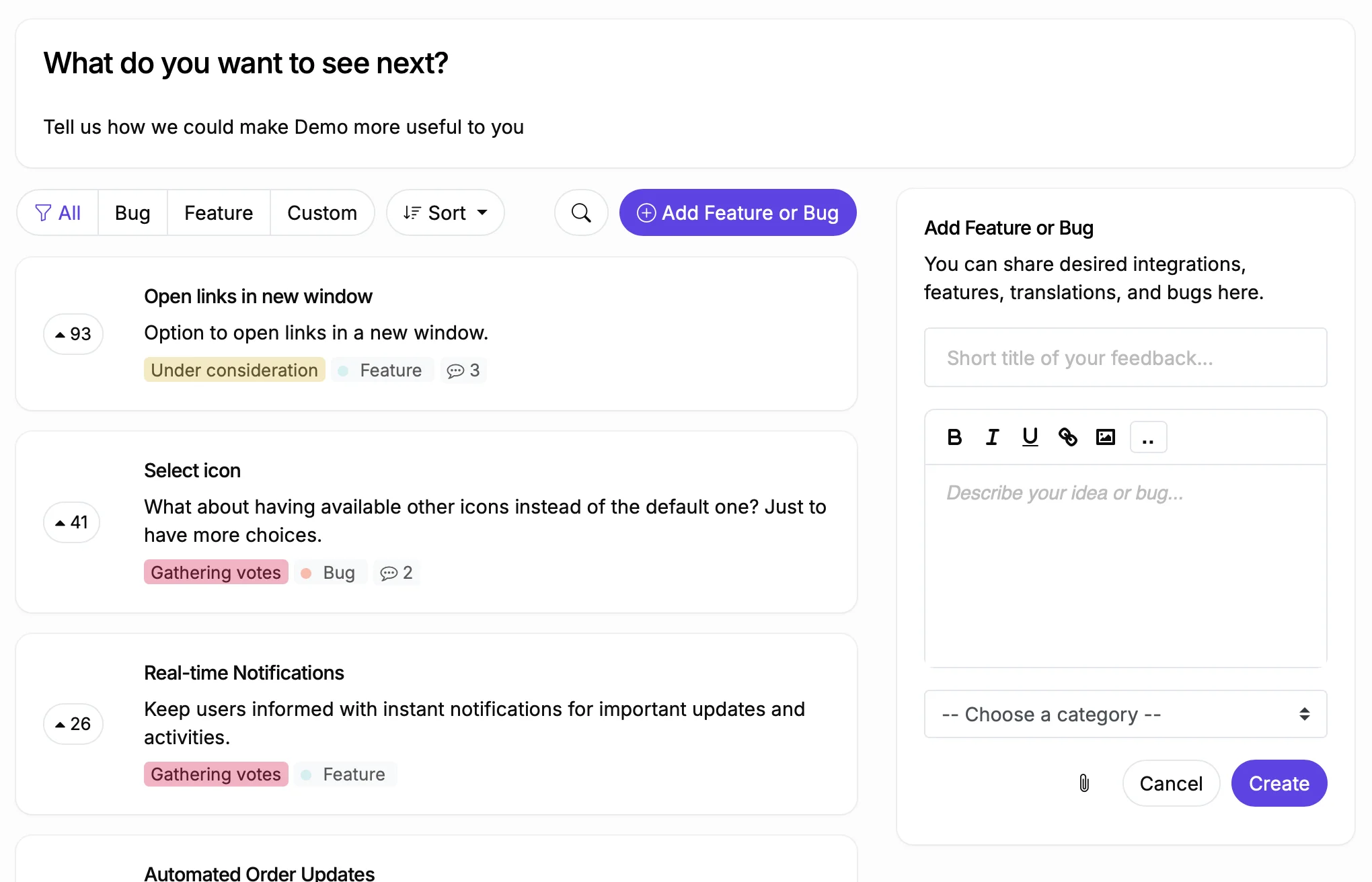
Unanswered questions become feature requests
Why Weebly Sites Need a Better Knowledge Base
Before
With ProductLift
What You Can Do With This
Let AI Write Your Documentation
See What Users Search For
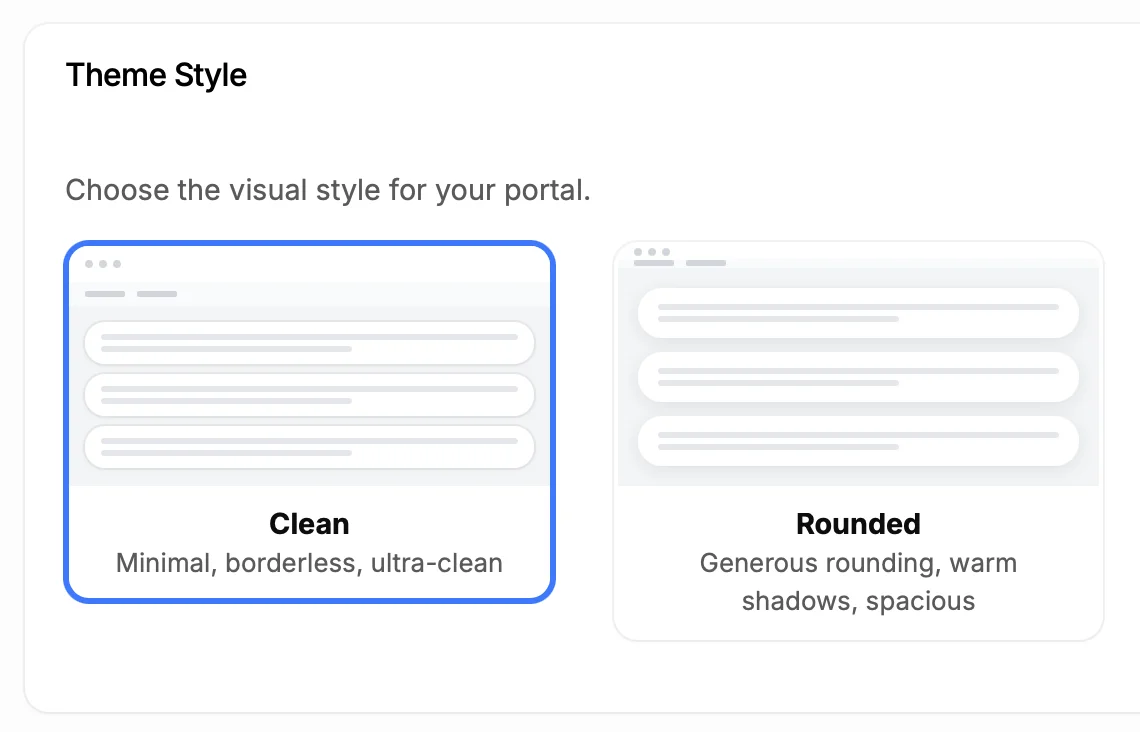
Make It Look Like Part of Your Site
5,204
Teams using ProductLift knowledge bases
4.8
Rating on G2 and Capterra
5 min
To set up on Weebly
Trusted by Site Owners And Creators Worldwide

Sebastian F.
Entrepreneur
★★★★★
This app will help you connect with your users and gather feedback like never before. The UI is clean and focused. The different pages and forms can be fully customized. Ruben is an amazing developer and entrepreneur with a proven track record. ProductLift is going places and you should get onboard.
AppSumo
Aaron Dye
★★★★★
An excellent product with equally excellent support! Everything just works, and when I had questions, the team was incredibly responsive.
Timothy M.
Product Manager
★★★★★
This tool is literally a needle in a haystack. I was using Frill, and this doesn't even compare. The user interface, the way it lays out — so amazing. Also amazing support team!
AppSumo
Ben
Product Owner
★★★★★
Helped us quickly move away from our antiquated spreadsheet to a user-interactive system. User feedback is now collected in real-time. Support has been super speedy!
AppSumo
Marco
★★★★★
Based in Europe, ideal for privacy-conscious customer interaction. Constant improvements by Ruben together with thorough support make ProductLift a solid and future-proof choice.
AppSumo
Chris R.
Founder
★★★★★
By far the most customizable of all the feedback tools and much better than Feedbear. Developer is super responsive and support has been great. Highly recommend!
AppSumo
Who Uses a Knowledge Base on Weebly
SaaS Companies
Freelancers and Agencies
Digital Product Creators
From Idea to Shipped Feature
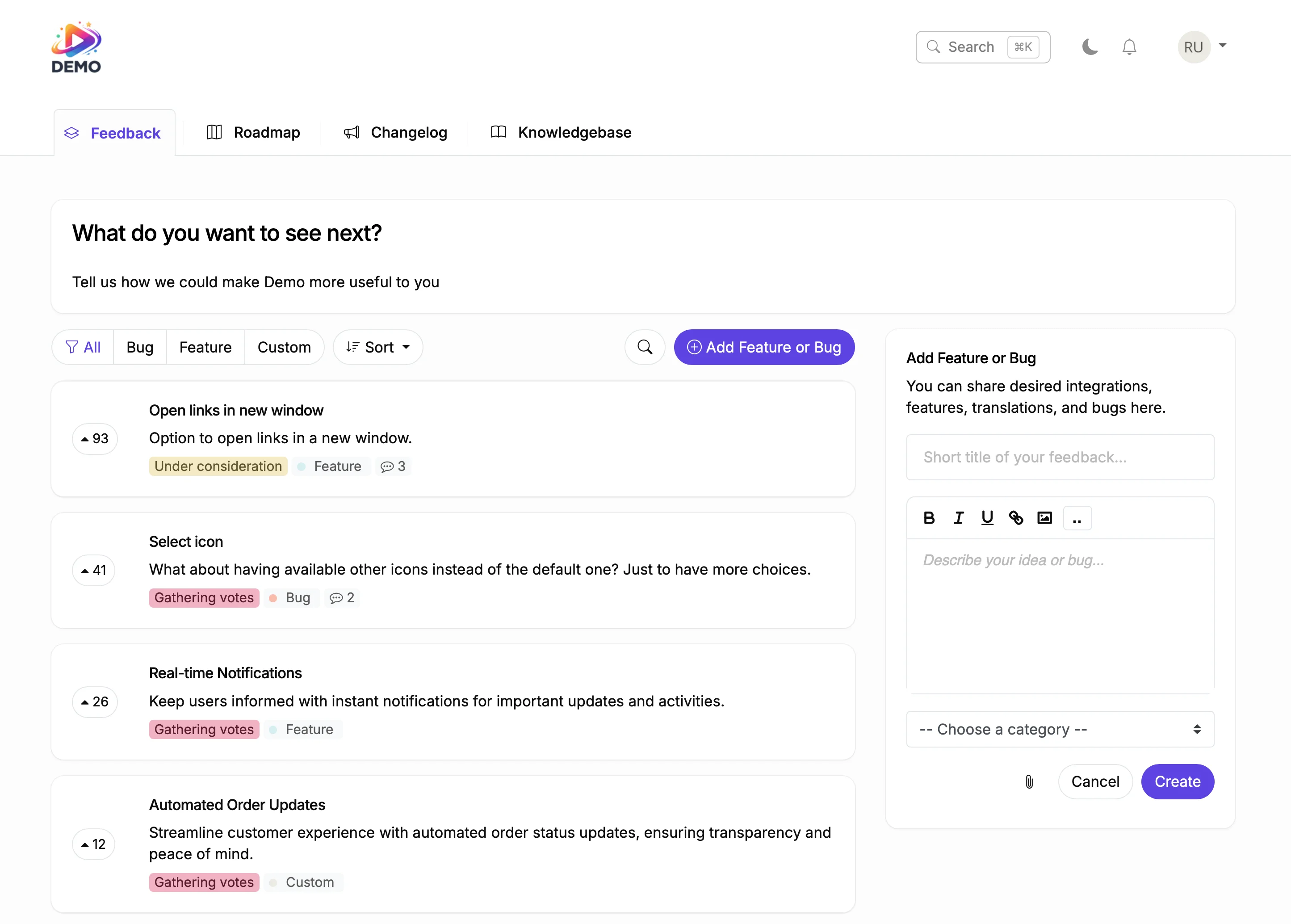
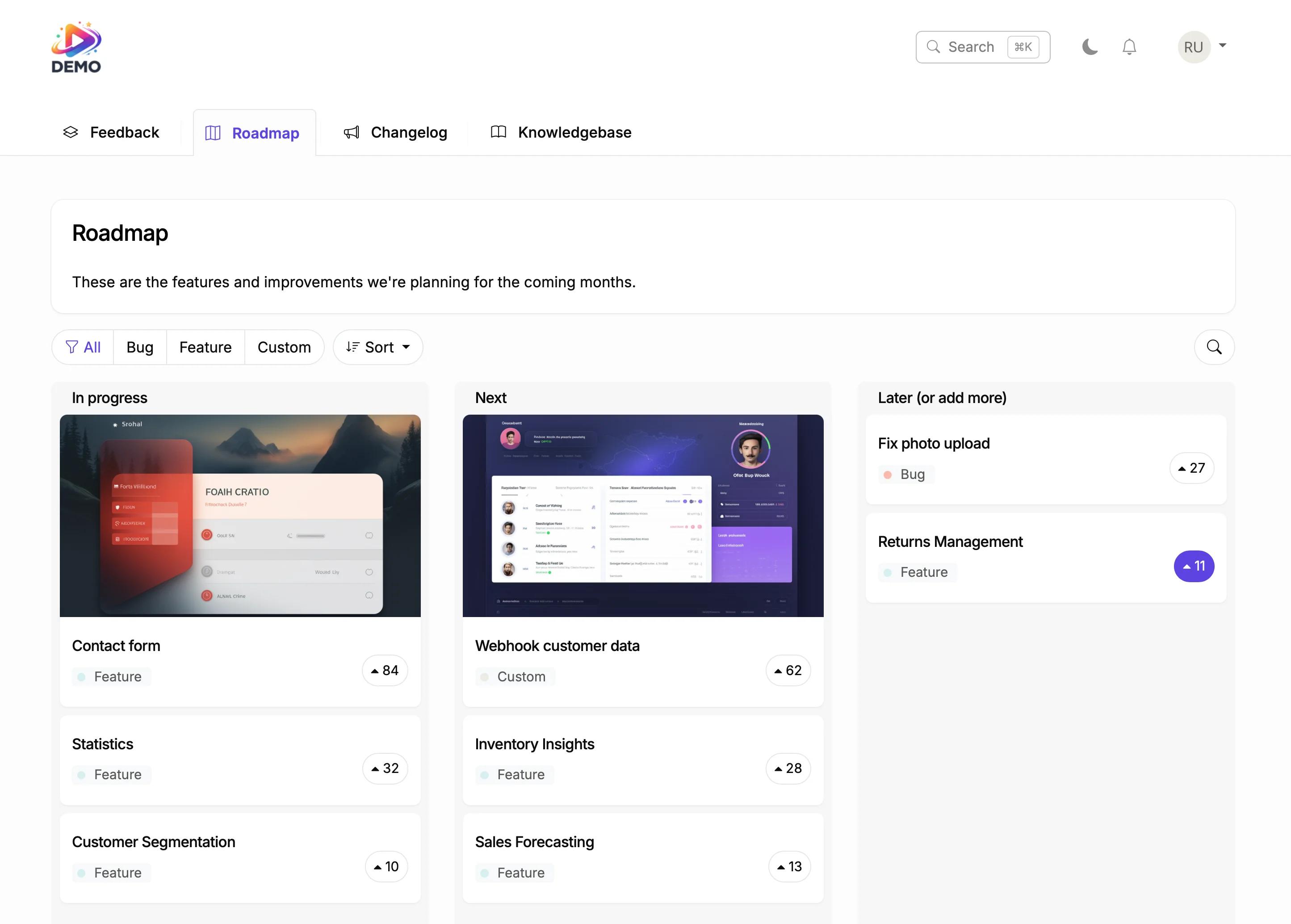
Plan on Your Roadmap
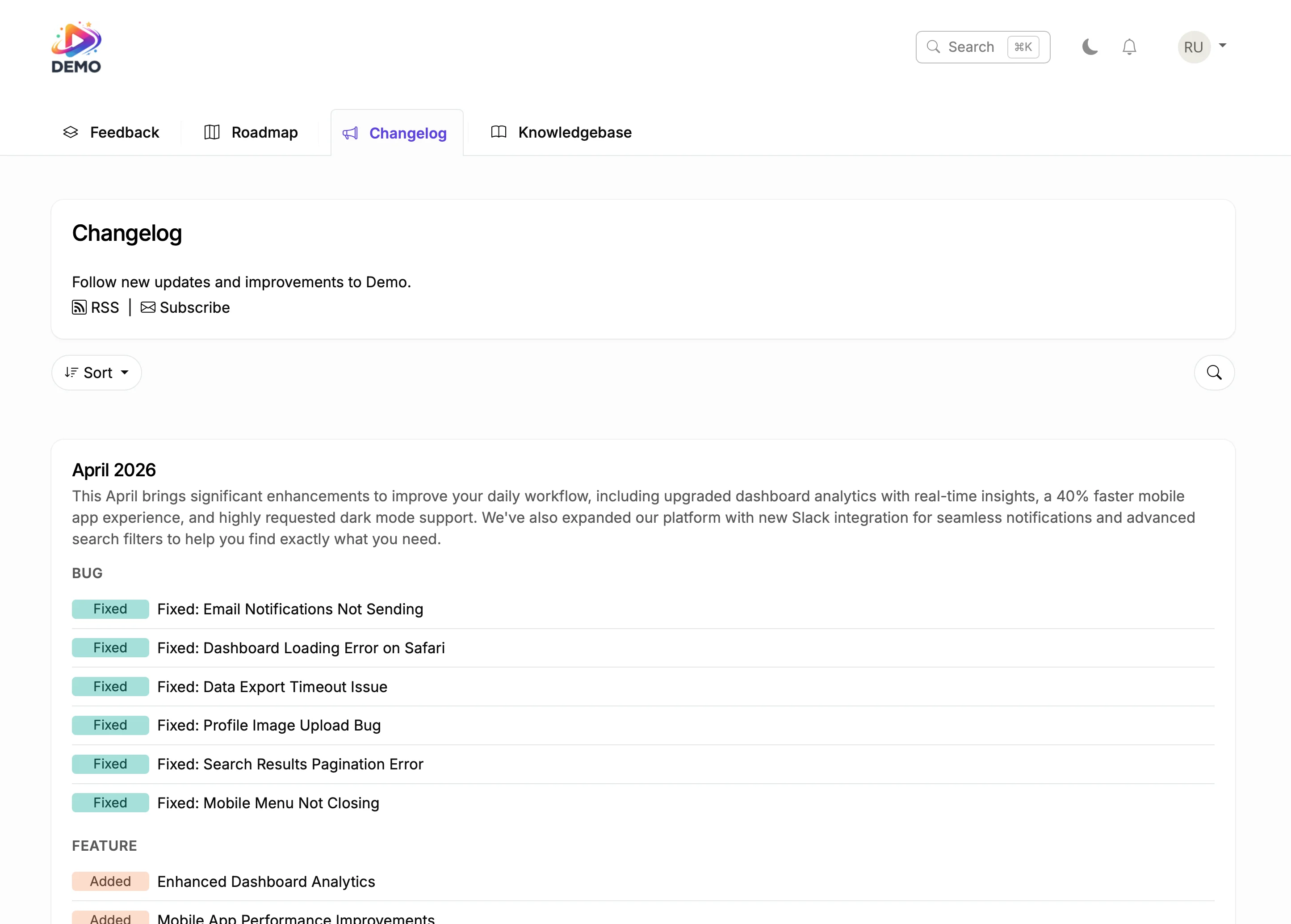
Ship and Announce
Users of website builders expect things to be simple. That includes finding help. If your knowledge base search returns irrelevant results, users give up and file a support ticket instead.
ProductLift uses AI-powered search that understands intent, handles typos, and recognizes synonyms. Combined with analytics showing content gaps, you build documentation that actually reduces support load.

Ruben Buijs
Founder of ProductLift
Why Weebly Businesses Need a Customer Help Center
Small businesses on Weebly answer the same questions repeatedly through email and phone: What's your return policy? How do I track my order? Do you offer custom sizes? A knowledge base turns those frequent answers into self-service articles that customers find on their own. That frees up your time to focus on running the business instead of typing the same response again.
Weebly's built in pages are designed for marketing content, not structured documentation. A knowledge base needs categories, search functionality, and organized hierarchies that static pages can't provide. ProductLift gives your Weebly site a professional help center with AI powered search that understands how customers phrase their questions.
Setting up a knowledge base on your Weebly site takes the same embed approach as adding a map or video. Paste the code into an embed element and publish. Customers search for answers directly on your site without being redirected elsewhere. For businesses that want a separate help portal, host on a subdomain like help.yourbusiness.com.
Every question a customer answers on their own is a support email you don't have to write. For small business owners juggling multiple roles, a knowledge base isn't a luxury. It's a time saving tool that pays for itself by reducing repetitive support work, especially during busy seasons when customer inquiries spike.
Explore More ProductLift Features
Changelog
Feedback Board
Public Roadmap
Weebly Knowledge Base App FAQ
How do I add a knowledge base to my Weebly site?
Do I need to install a Weebly app?
Can AI help me write knowledge base articles?
Can the knowledge base be private?
How do I track what users are searching for?
Can I customize the appearance?
Is there a free trial?
Comparing Knowledge Base Tools?
Still weighing options? Compare 14 of the top help-center and internal-wiki platforms side-by-side in our best knowledge base software guide. Real pricing, free-plan detail, AI-search notes, and ticket-deflection features for Zendesk Guide, Document360, Confluence, Notion, Guru, ProductLift, and more.