Your Team Votes. You Build What Moves the Business Forward.





from 124+ reviews
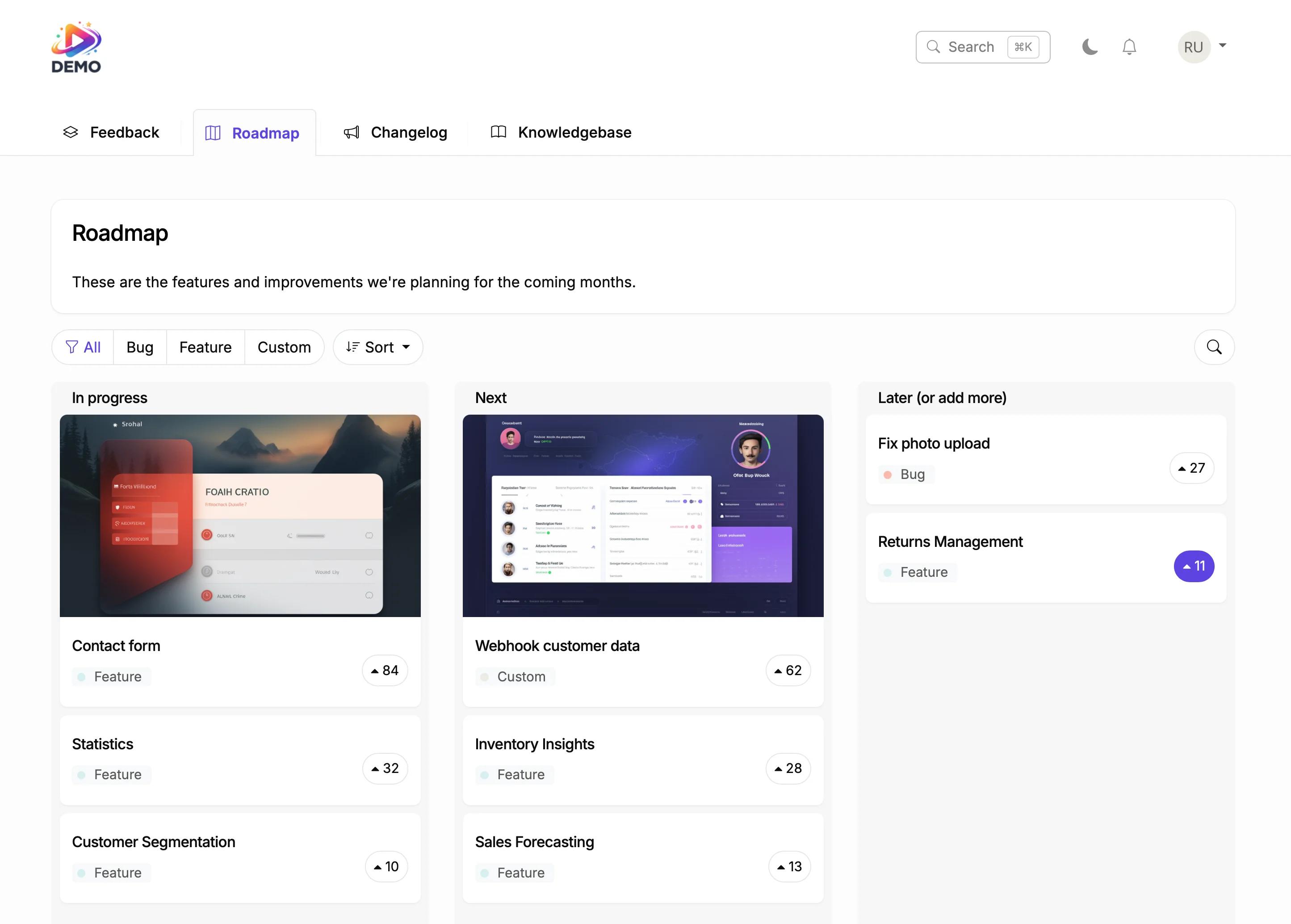





Try It Right Now
How It Actually Works

Customer requests a feature
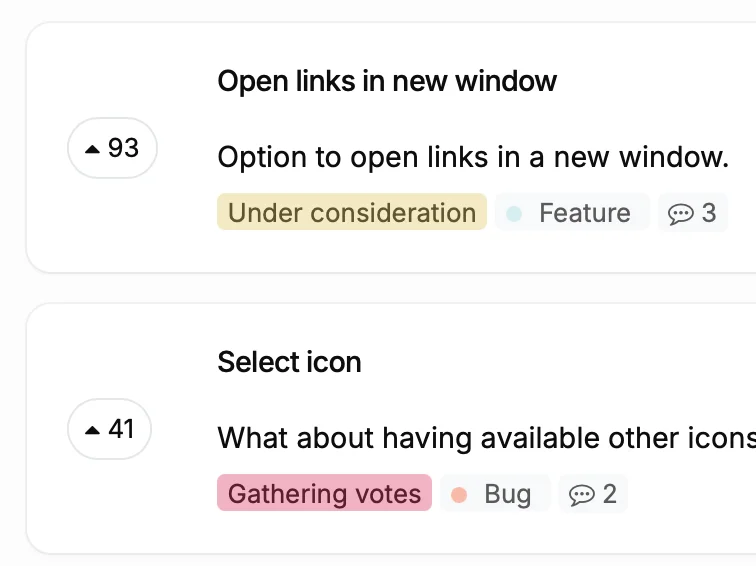
Users vote and you prioritize
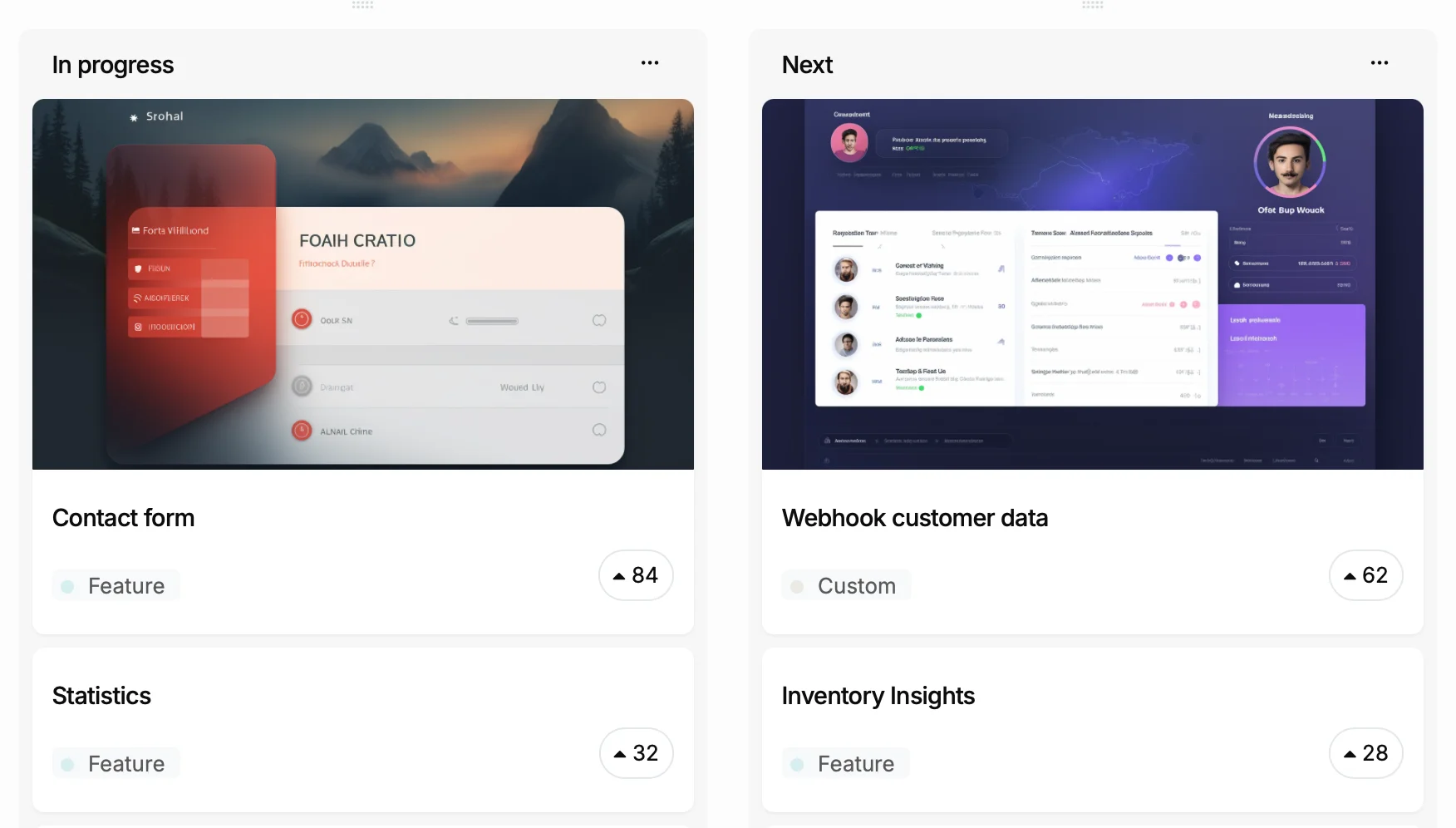
You add it to your roadmap
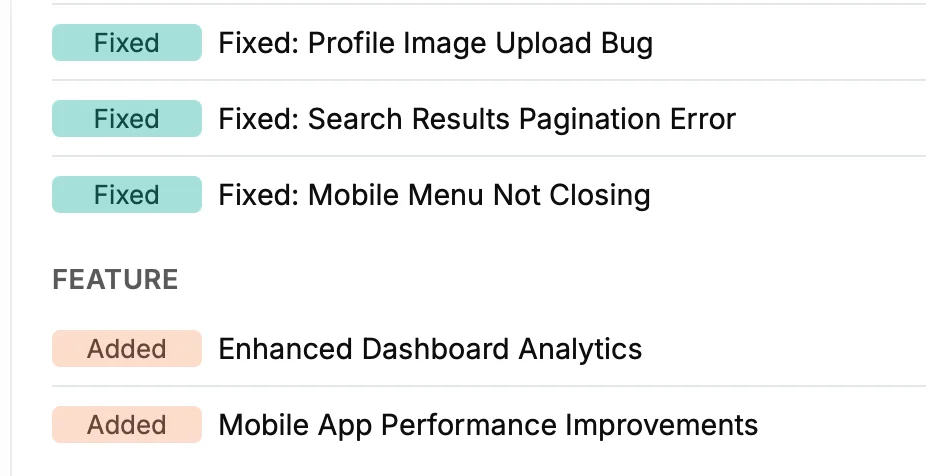
You ship and they find out
Why HubSpot Sites Need an Interactive Roadmap
Before
With ProductLift
What You Can Do With This
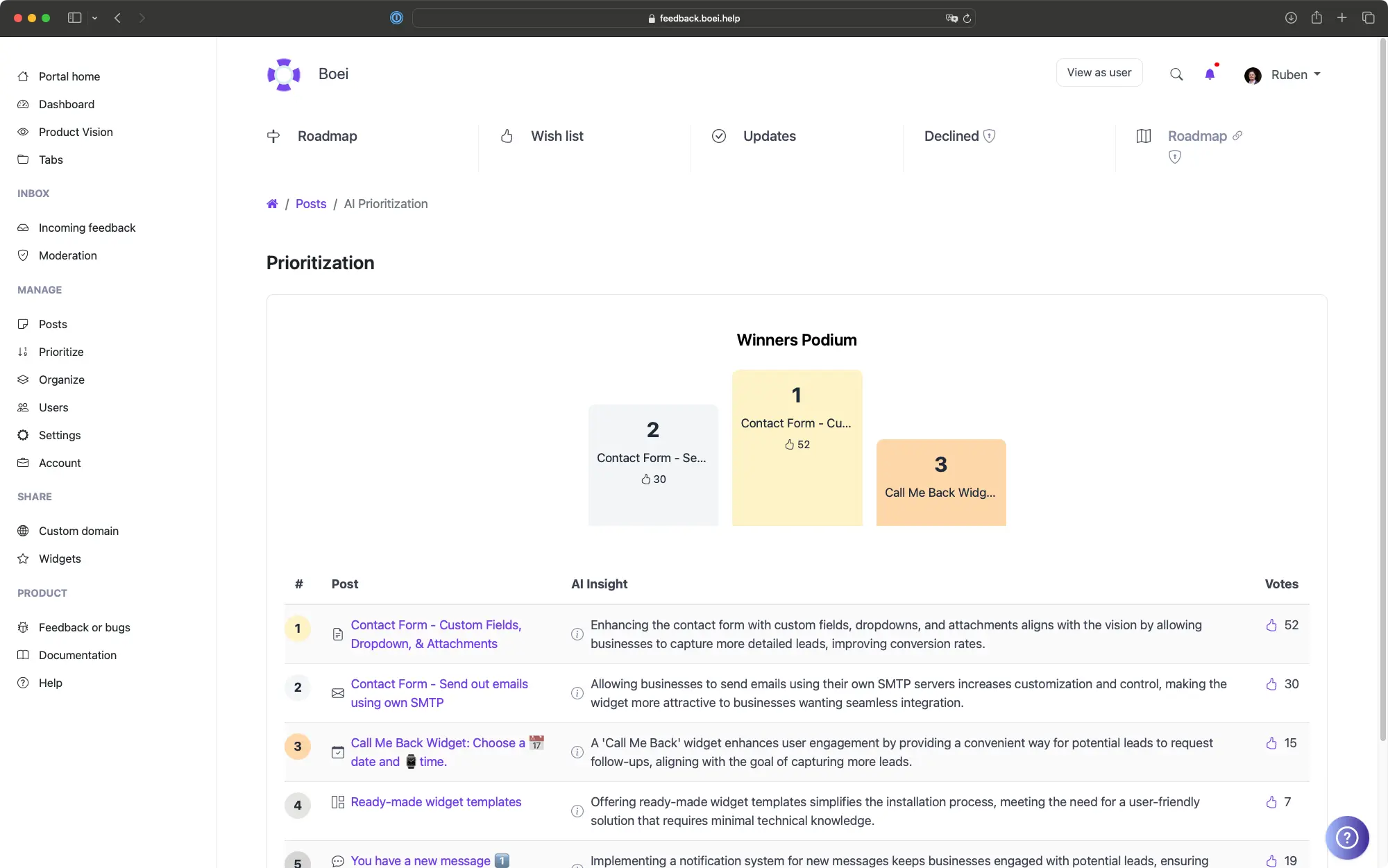
Let AI Tell You What to Build Next
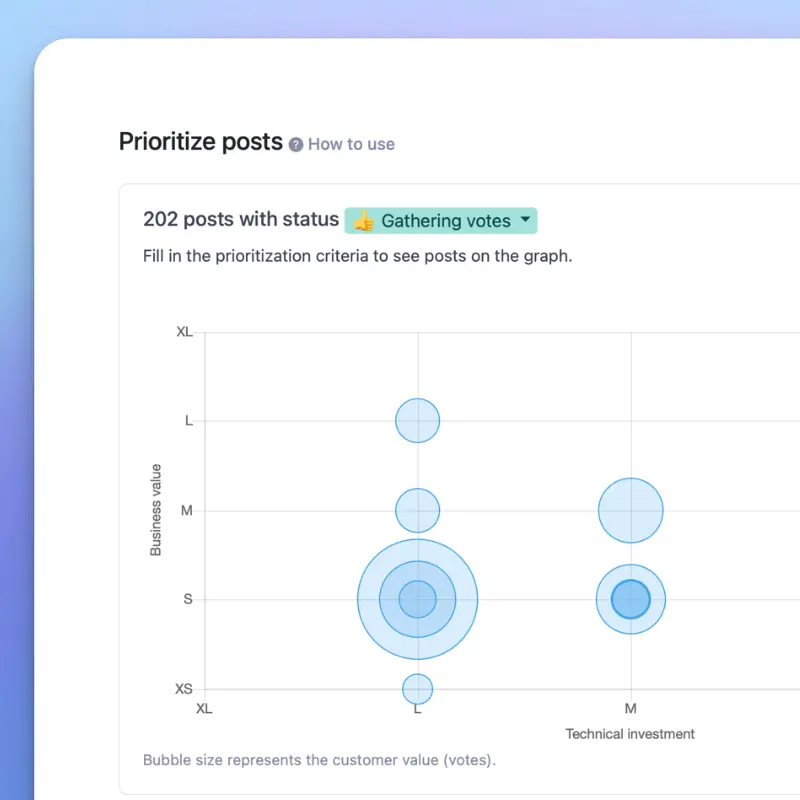
Score Features with RICE, ICE, or MoSCoW
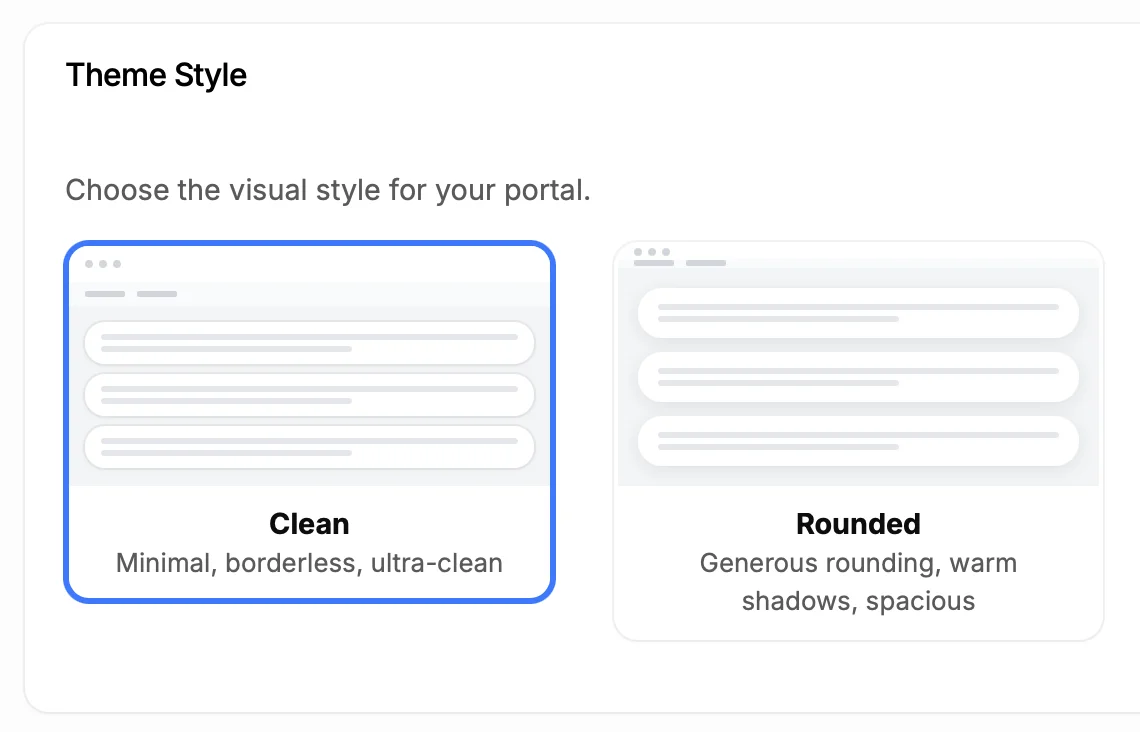
Make It Look Like Part of Your Site
5,204
Teams using ProductLift interactive roadmaps
4.8
Rating on G2 and Capterra
5 min
To set up on HubSpot
Trusted by Business Teams And Operators Worldwide

Sebastian F.
Entrepreneur
★★★★★
This app will help you connect with your users and gather feedback like never before. The UI is clean and focused. The different pages and forms can be fully customized. Ruben is an amazing developer and entrepreneur with a proven track record. ProductLift is going places and you should get onboard.
AppSumo
Aaron Dye
★★★★★
An excellent product with equally excellent support! Everything just works, and when I had questions, the team was incredibly responsive.
Timothy M.
Product Manager
★★★★★
This tool is literally a needle in a haystack. I was using Frill, and this doesn't even compare. The user interface, the way it lays out — so amazing. Also amazing support team!
AppSumo
Ben
Product Owner
★★★★★
Helped us quickly move away from our antiquated spreadsheet to a user-interactive system. User feedback is now collected in real-time. Support has been super speedy!
AppSumo
Marco
★★★★★
Based in Europe, ideal for privacy-conscious customer interaction. Constant improvements by Ruben together with thorough support make ProductLift a solid and future-proof choice.
AppSumo
Chris R.
Founder
★★★★★
By far the most customizable of all the feedback tools and much better than Feedbear. Developer is super responsive and support has been great. Highly recommend!
AppSumo
Who Uses Roadmaps on HubSpot
SaaS Product Teams
Internal Operations Teams
Client-Facing Teams
From Idea to Shipped Feature
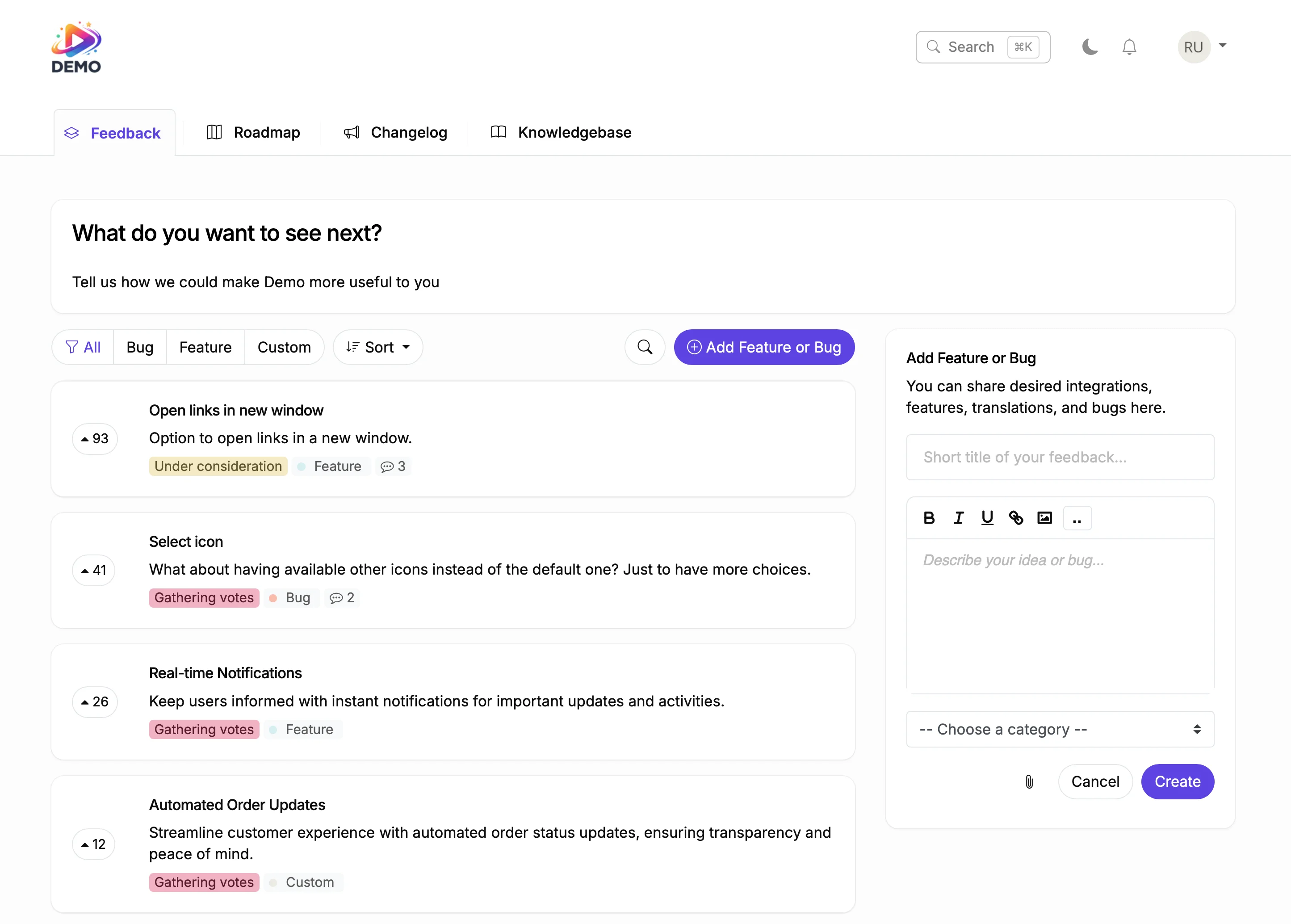
Collect Feedback
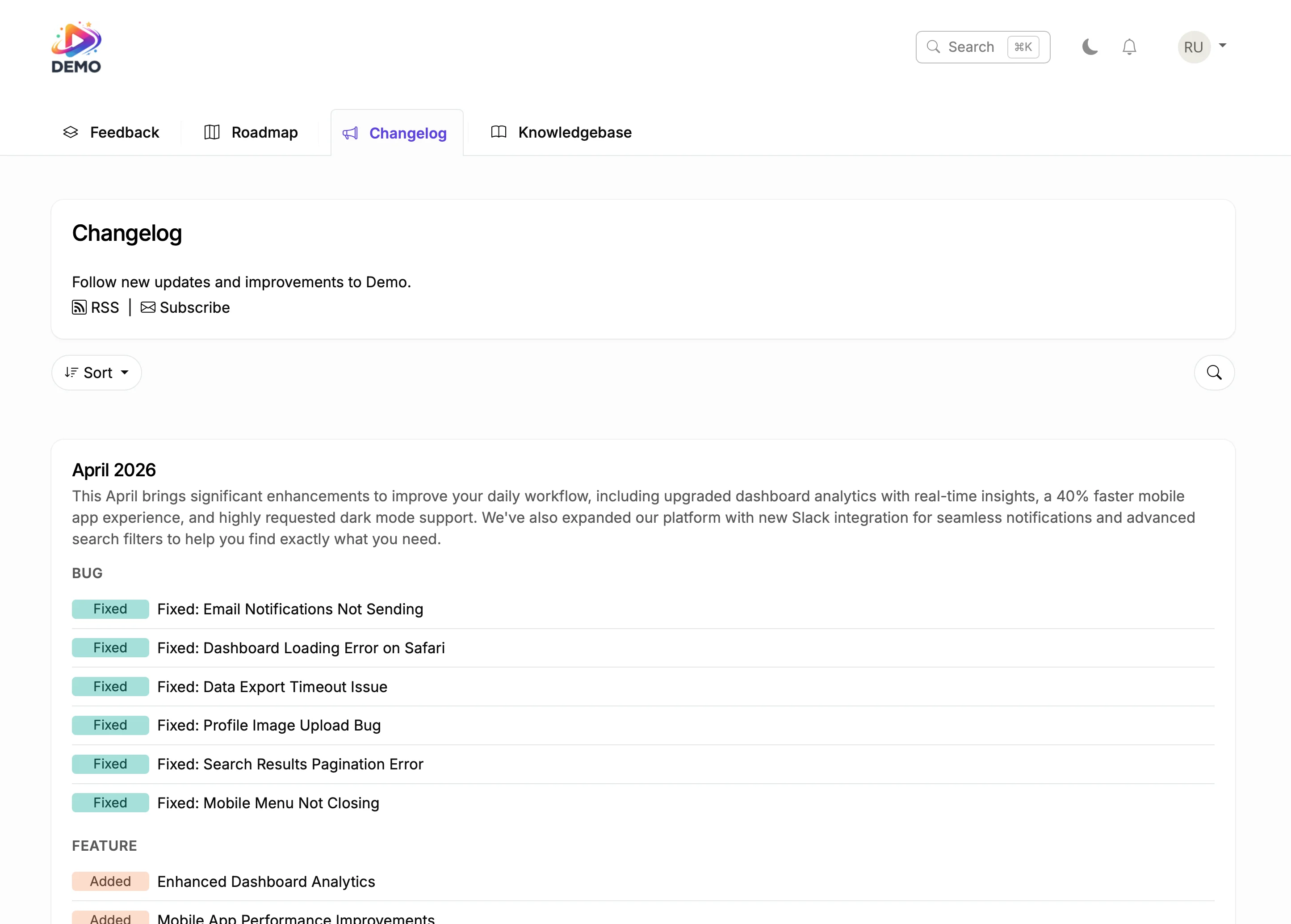
Ship and Announce
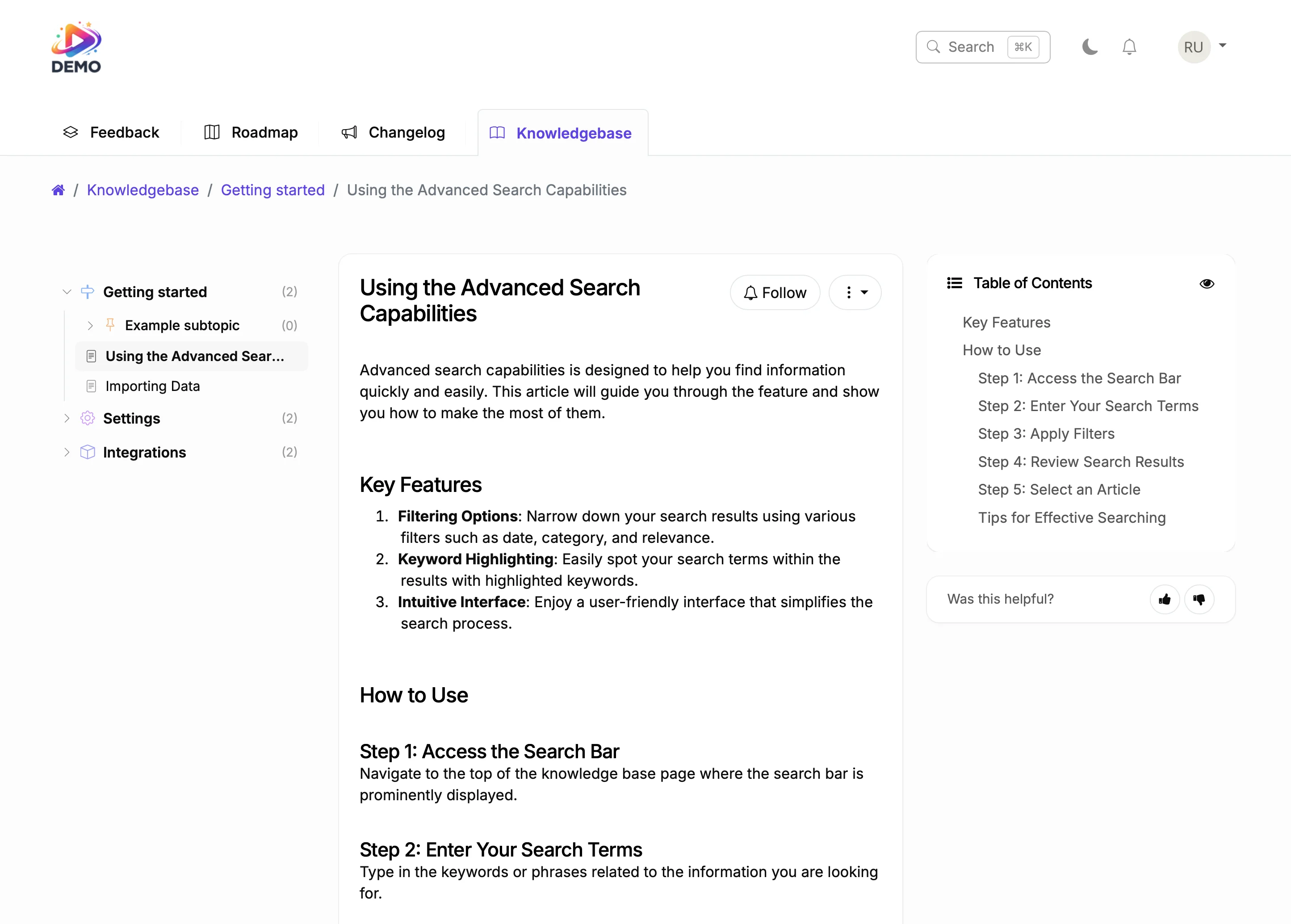
Document It
Business tools succeed when users feel heard. A roadmap that collects votes and notifies users when features ship transforms passive customers into active advocates.
ProductLift connects your roadmap to feedback collection and release announcements. The complete lifecycle from request to shipped feature happens in one platform. That's why over 3,000 teams trust ProductLift.

Ruben Buijs
Founder of ProductLift
Why HubSpot Sites Need a Connected Product Roadmap
HubSpot sites are built to attract and convert visitors, but they rarely communicate what the product team is building. A public roadmap bridges that gap. Visitors see planned features, vote on priorities, and feel connected to your product direction.
For teams already using HubSpot CRM, feedback from your roadmap adds a new dimension to customer data. You see which contacts care about which features, how many votes come from enterprise accounts, and which improvements would reduce churn among your highest-value customers.
ProductLift embeds on any HubSpot page using a code snippet in a custom HTML module or HubL template. There's no HubSpot integration to install, no API connections to configure, and no impact on your site performance or Content Hub loading speed.
A roadmap embedded on your HubSpot marketing site also serves as a sales tool. Prospects evaluating your product see an active development pipeline. That transparency builds confidence and differentiates you from competitors who keep their plans hidden.
Explore More ProductLift Features
Changelog
Feedback Board
Knowledge Base
HubSpot Product Roadmap Integration FAQ
How do I add a roadmap to my HubSpot site?
Do I need to install a HubSpot integration?
Can users vote on roadmap items?
Do voters get notified when items move?
Can I make some roadmap items private?
Can I customize the appearance?
Is there a free trial?
Comparing SaaS Roadmap Tools?
If you're still evaluating options, see our full comparison of the 12 best SaaS product roadmap software ranked on public roadmap capability, feedback-to-roadmap flow, pricing model, and prioritization frameworks. Includes Productboard, Aha!, Canny, Linear, Jira Product Discovery, and ProductLift with real pricing and free-plan detail.