Ship Updates. Everyone Who Asked for Them Gets Notified.





from 124+ reviews
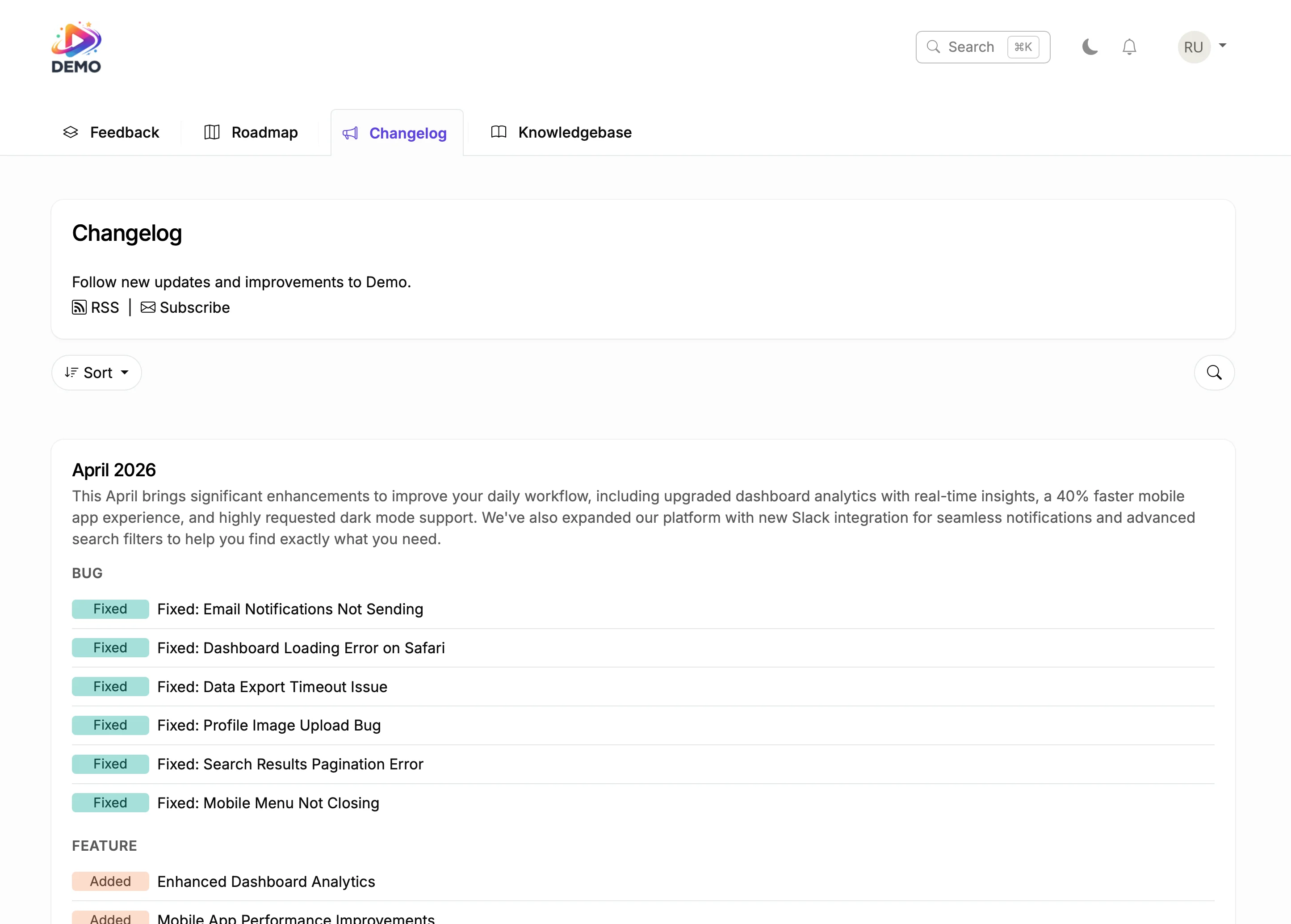





Try It Right Now
How It Actually Works
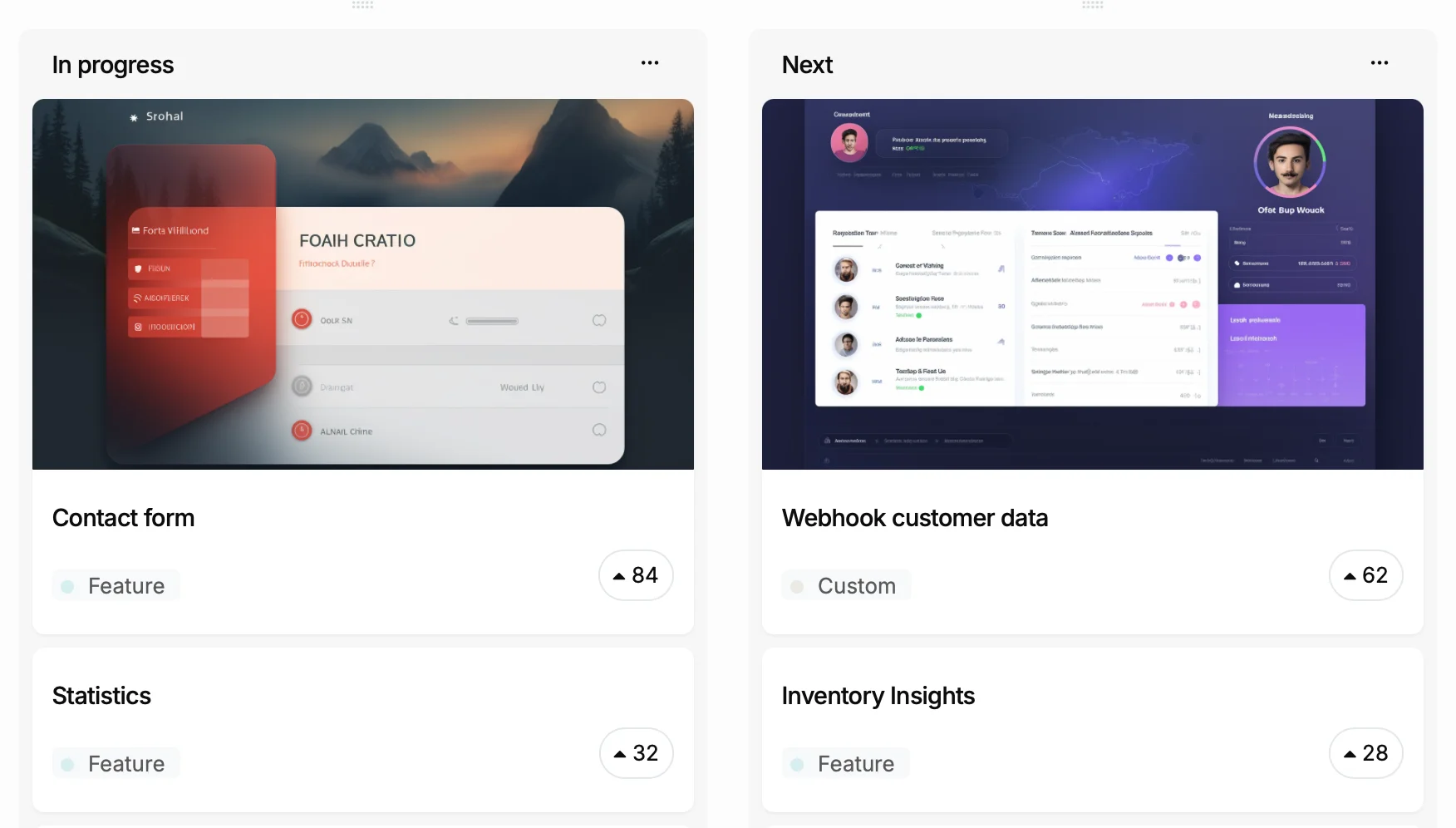
You ship a feature
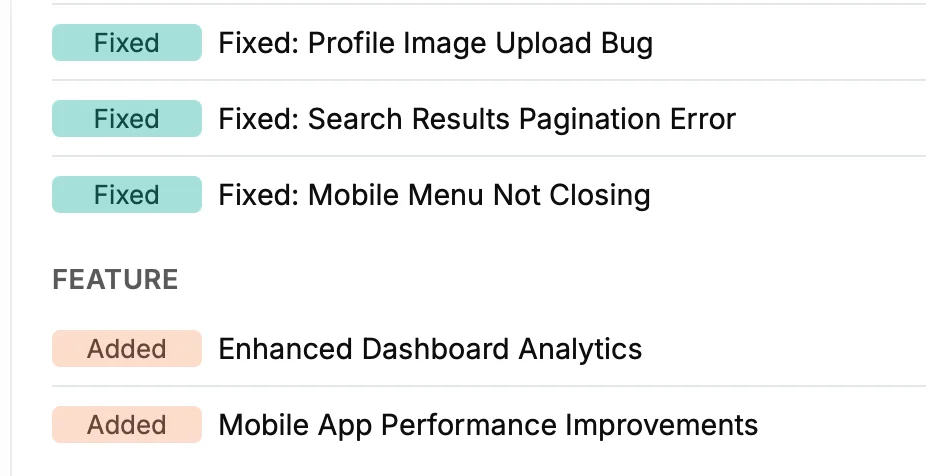
It becomes a changelog entry
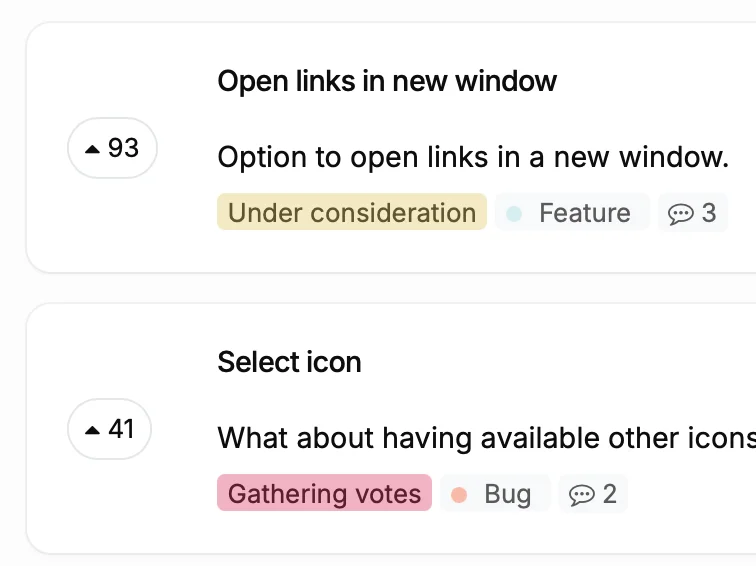
Voters get notified
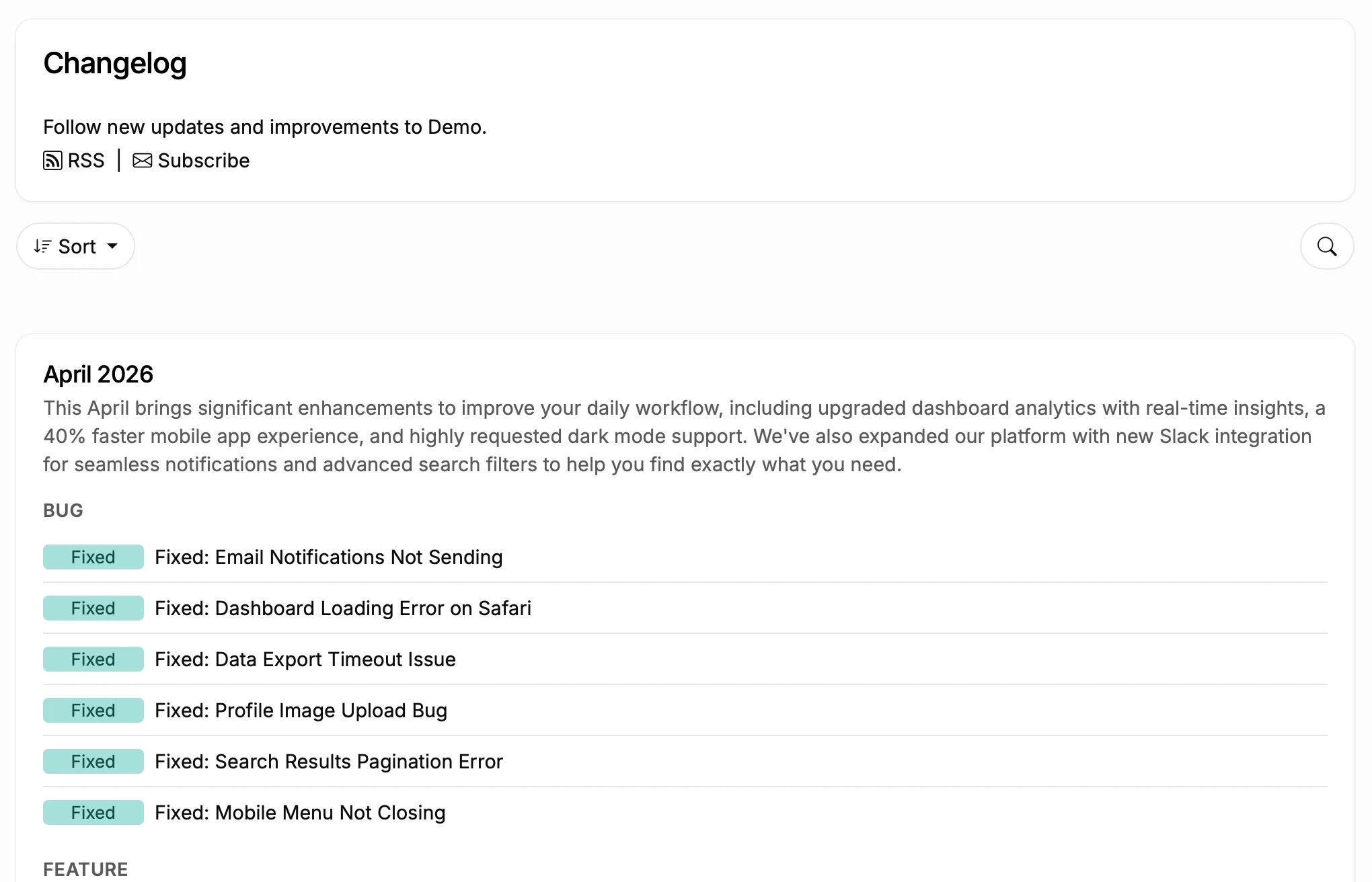
Subscribers stay in the loop
What Happens Without a Divi Changelog
Before
With ProductLift
What You Can Do With This
Turn Git Commits into Changelog Entries
Categorize and Schedule Updates
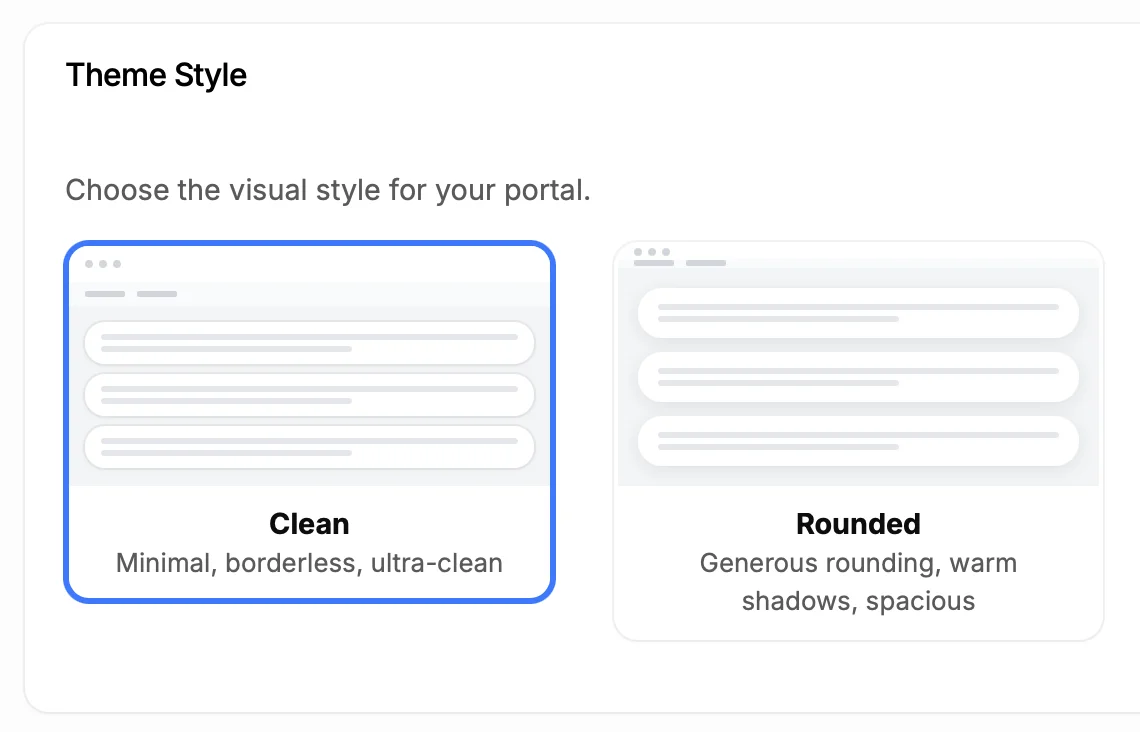
Make It Look Like Part of Your Site
5,204
Teams using ProductLift changelogs
4.8
Rating on G2 and Capterra
5 min
To set up on Divi
Trusted by Website Designers And Developers Worldwide

Sebastian F.
Entrepreneur
★★★★★
This app will help you connect with your users and gather feedback like never before. The UI is clean and focused. The different pages and forms can be fully customized. Ruben is an amazing developer and entrepreneur with a proven track record. ProductLift is going places and you should get onboard.
AppSumo
Aaron Dye
★★★★★
An excellent product with equally excellent support! Everything just works, and when I had questions, the team was incredibly responsive.
Timothy M.
Product Manager
★★★★★
This tool is literally a needle in a haystack. I was using Frill, and this doesn't even compare. The user interface, the way it lays out — so amazing. Also amazing support team!
AppSumo
Ben
Product Owner
★★★★★
Helped us quickly move away from our antiquated spreadsheet to a user-interactive system. User feedback is now collected in real-time. Support has been super speedy!
AppSumo
Marco
★★★★★
Based in Europe, ideal for privacy-conscious customer interaction. Constant improvements by Ruben together with thorough support make ProductLift a solid and future-proof choice.
AppSumo
Chris R.
Founder
★★★★★
By far the most customizable of all the feedback tools and much better than Feedbear. Developer is super responsive and support has been great. Highly recommend!
AppSumo
Who Uses a Changelog on Divi
Web Design Agencies
SaaS Product Teams
Freelance Designers
From Idea to Shipped Feature
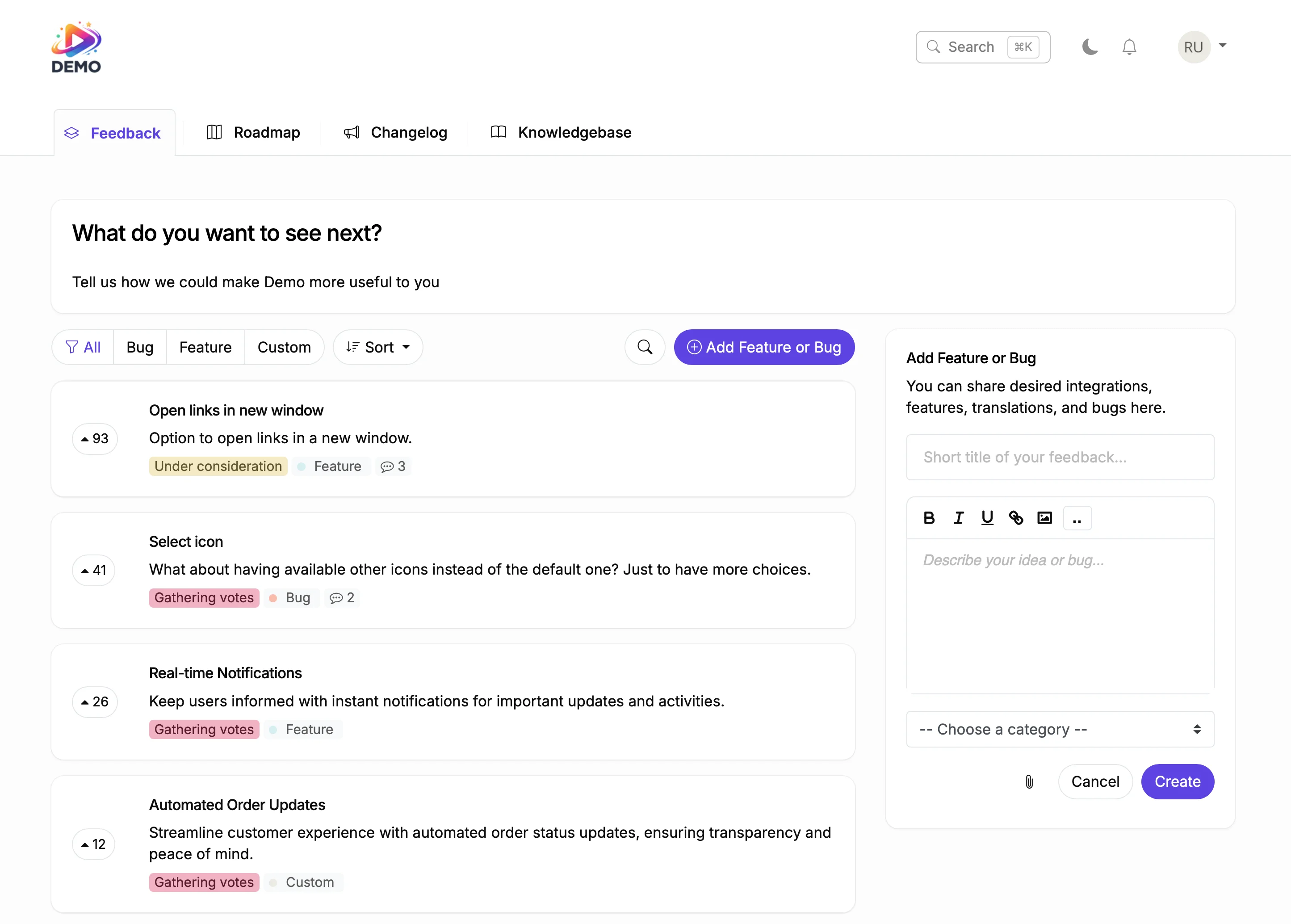
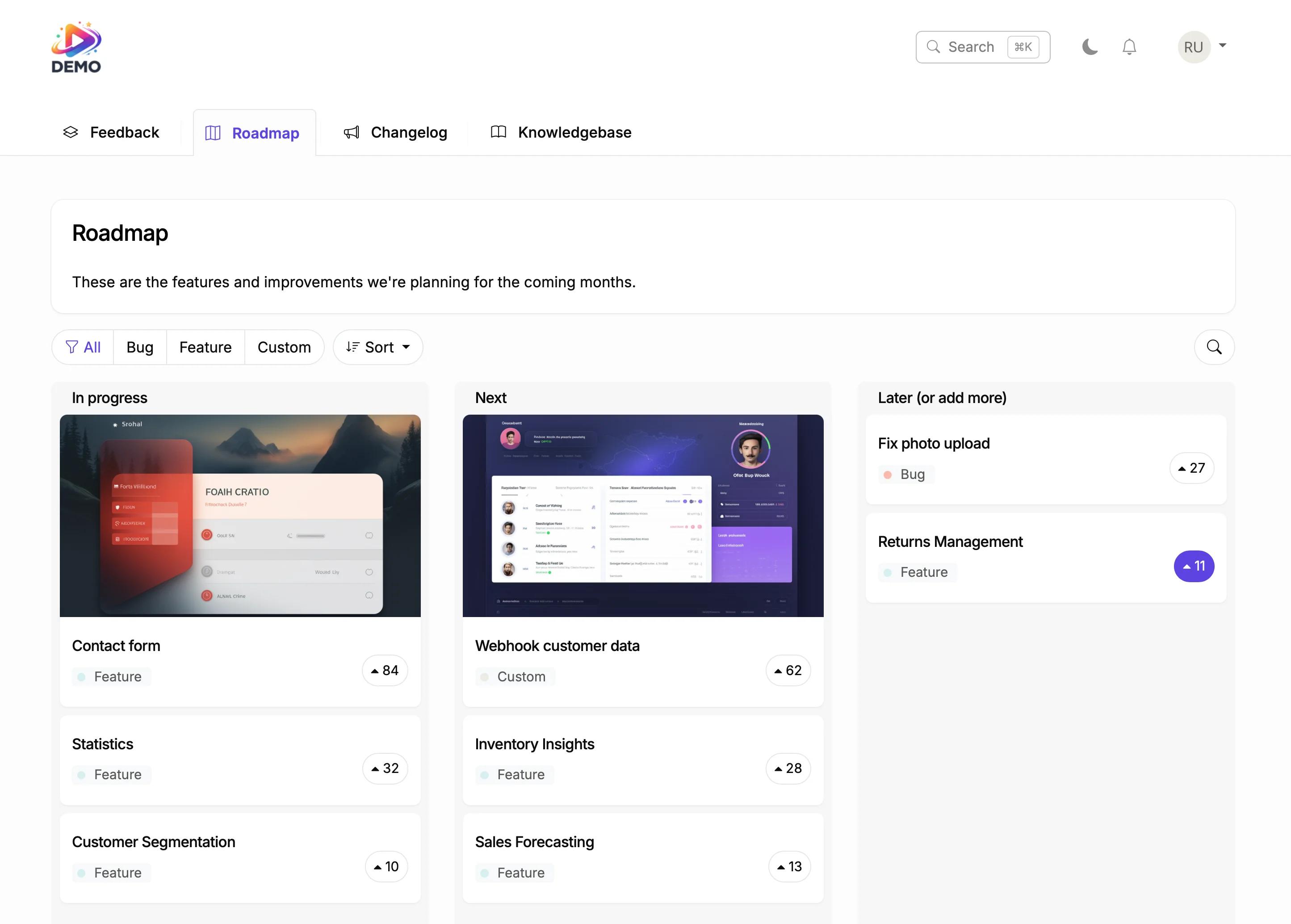
Plan on Your Roadmap
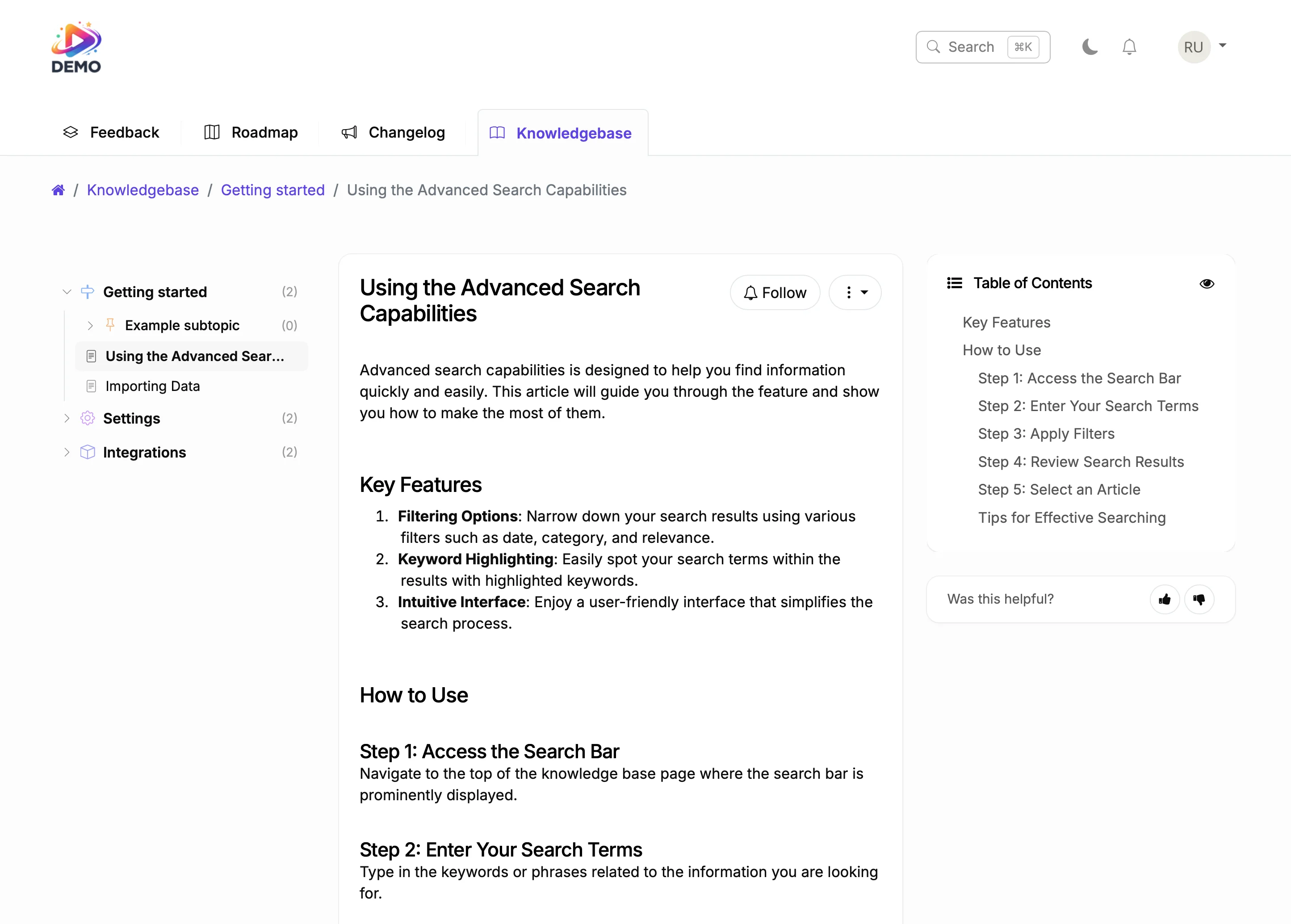
Document It
Designers notice every detail. A well-crafted changelog with screenshots, categories, and clear descriptions shows the same attention to quality that they expect from their design tools.
ProductLift connects your changelog to your feedback board and roadmap. Feature requests flow through development to release, and every voter gets notified. Professional product communication.

Ruben Buijs
Founder of ProductLift
Why WordPress Sites Built with Divi Need a Changelog
WordPress developers using Divi ship updates to plugins, themes, and digital products regularly. But WordPress's built in update mechanism only shows version numbers in the admin dashboard. Your customers deserve more context. ProductLift's changelog provides categorized entries with rich media, descriptions, and automatic email notifications so every user knows exactly what changed and why.
Divi's visual builder produces polished pages, and your changelog should match that quality. ProductLift offers full customization for colors, fonts, and layout so your changelog looks like a native part of your Divi site. Rich media support means you can add before and after screenshots, video walkthroughs of new features, and GIFs that show improvements in action.
Adding a changelog to a Divi page layout uses the Code module in the visual builder. Paste the embed code and save. The changelog renders responsively and scrolls naturally within your page layout. Visitors browse entries by category, react to updates they find useful, and subscribe for email notifications about future releases.
For WordPress developers competing in marketplaces like ThemeForest or the WordPress plugin directory, a visible changelog demonstrates active maintenance. Buyers checking your product page see months of consistent updates, which signals reliability. That track record directly influences purchase decisions and reduces refund requests from buyers who worried the product might be abandoned.
Explore More ProductLift Features
Feedback Board
Knowledge Base
Public Roadmap
Divi Changelog Builder FAQ
How do I add a changelog to my Divi site?
Do I need to install a Divi builder?
Can I categorize changelog entries?
Will users get notified about new updates?
Does it support images and videos?
Can I customize it to match my brand?
Is there a free trial?
Comparing Changelog Tools?
Still shopping? Compare 10 of the top changelog tools and changelog software side-by-side in our best changelog tool guide. Real pricing, free-plan detail, voter auto-notification support, in-app widget quality, and roadmap integration for ProductLift, Beamer, AnnounceKit, Canny, FeatureBase, Headway, and more.