Moodle Product Roadmap Plugin

Your Students Vote. You Build What Helps Them Learn.


An interactive roadmap for your Moodle site. Users vote on features, AI helps you prioritize, and voters get notified automatically when you deliver.

5,204 Moodle sites
4.8 on G2
5-minute setup
Aaron Dye Timothy M. Ben Marco Chris R.
from 124+ reviews
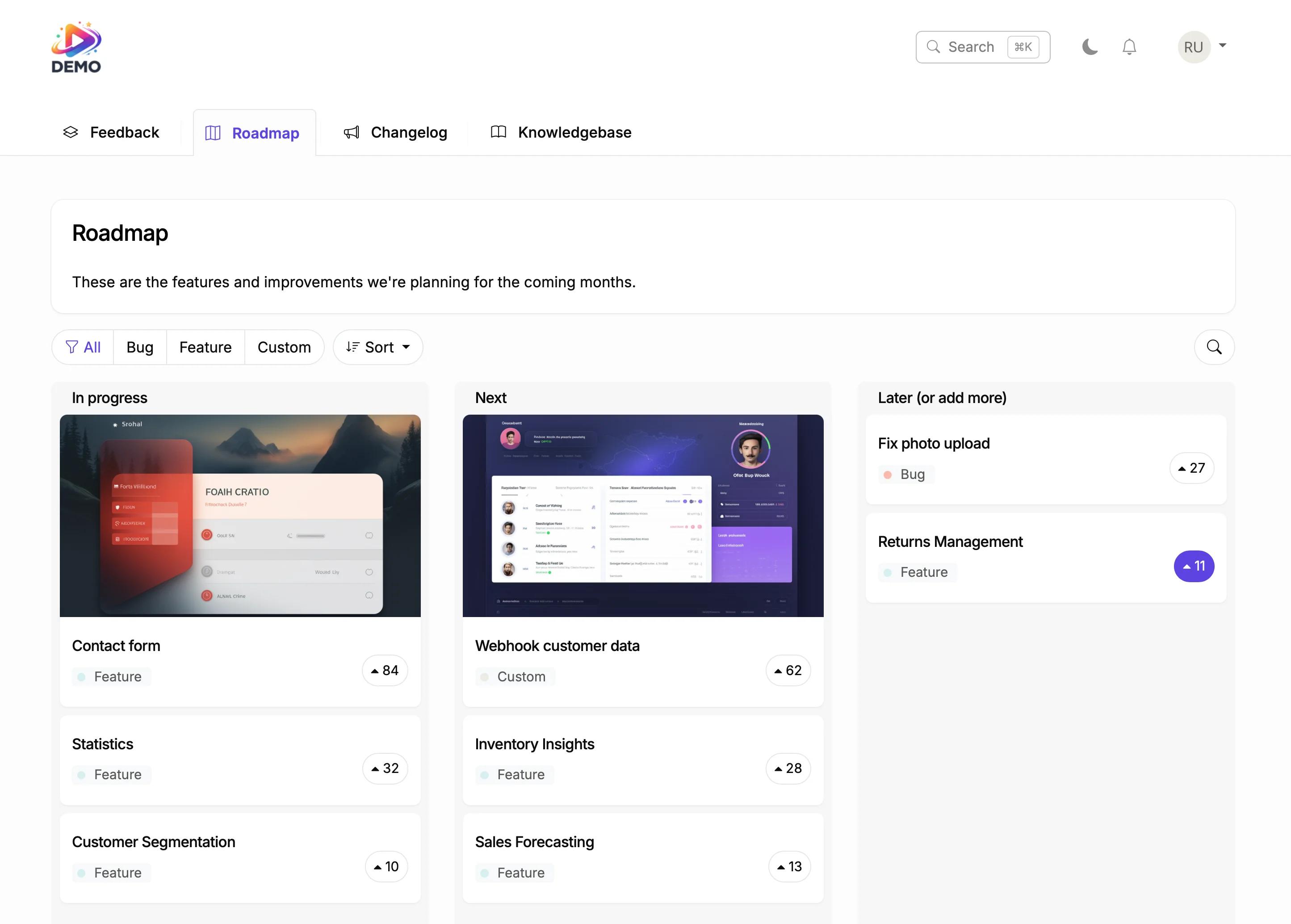
Moodle roadmap with voting and status columns

Try It Right Now

This is a live roadmap. Click a vote button. That is exactly how it works on your Moodle site.

How It Actually Works

Customer asks for a feature. You never answer that email again.

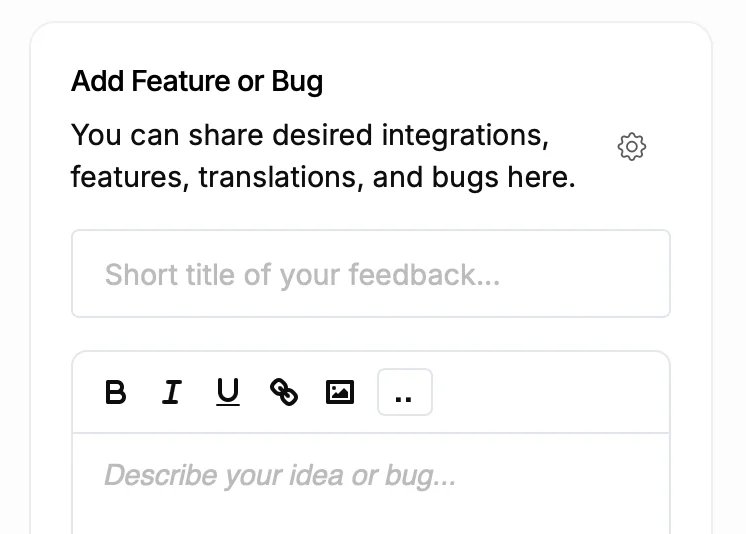
Submit feature request form
1

Customer requests a feature

Through your Moodle platform's feedback board, student forums, or support tickets. It lands in ProductLift with one click.

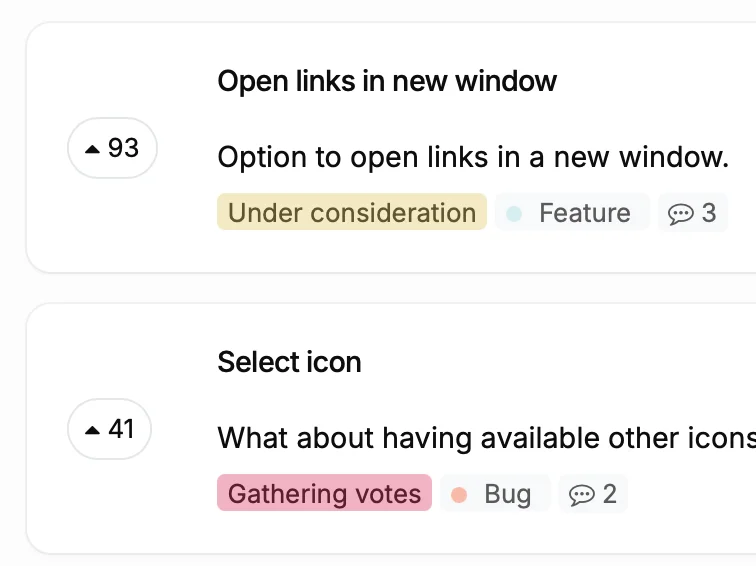
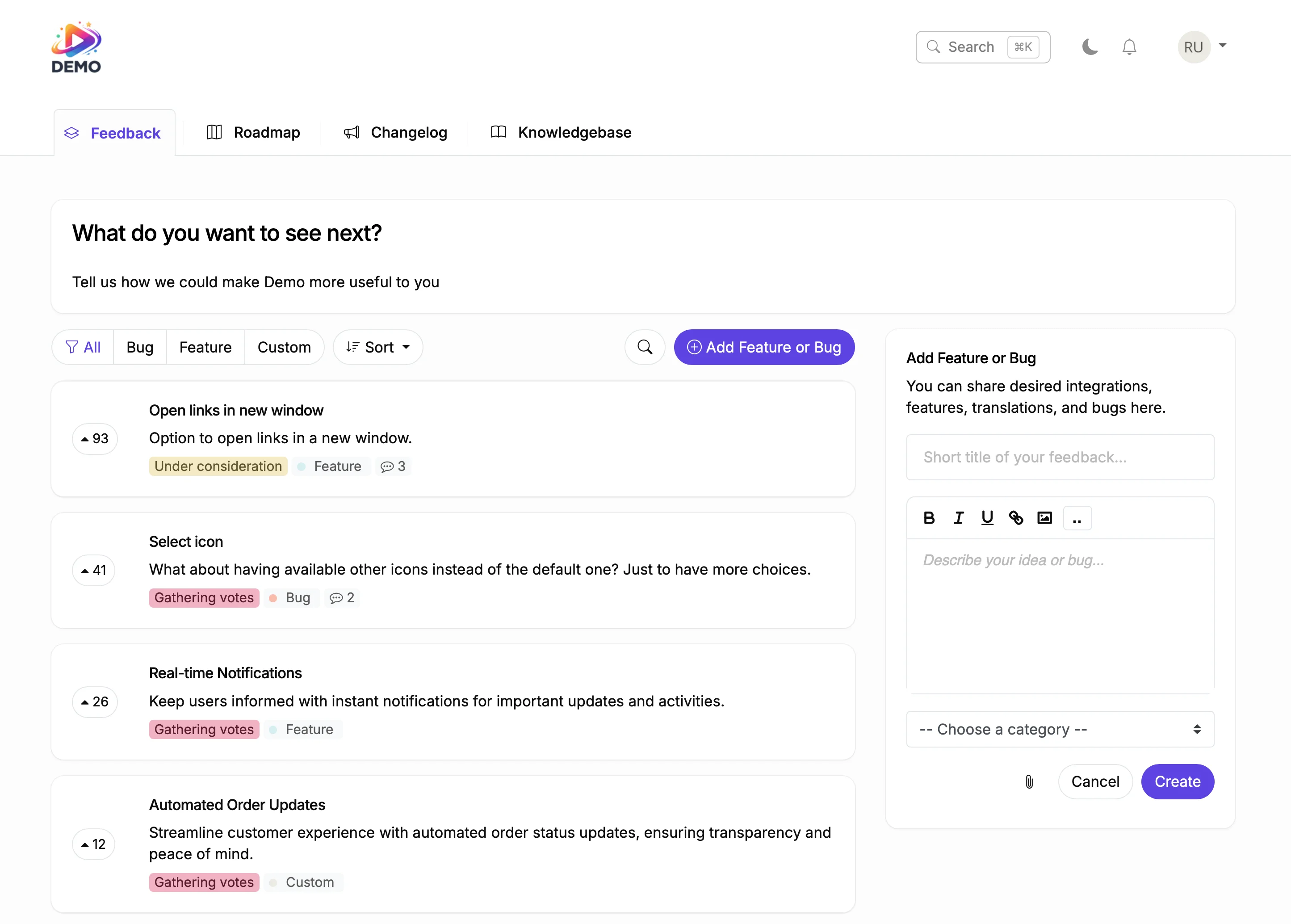
Feature requests with vote counts
2

Users vote and you prioritize

Other users upvote it. AI scores it against your product vision. Stripe shows the revenue behind every vote.

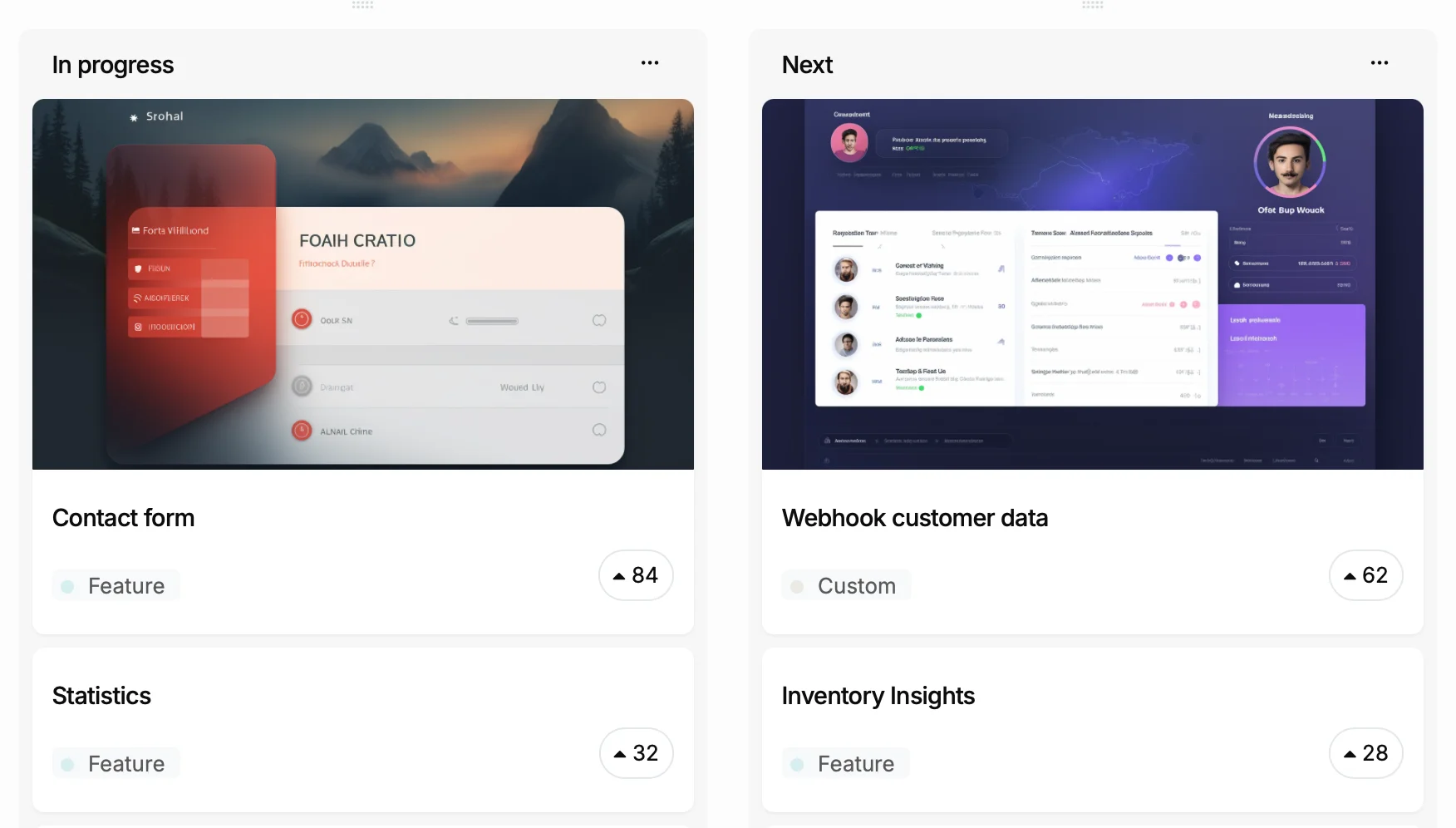
Roadmap columns
3

You add it to your roadmap

Drag it to Planned. Everyone who voted sees the status change. No email to send.

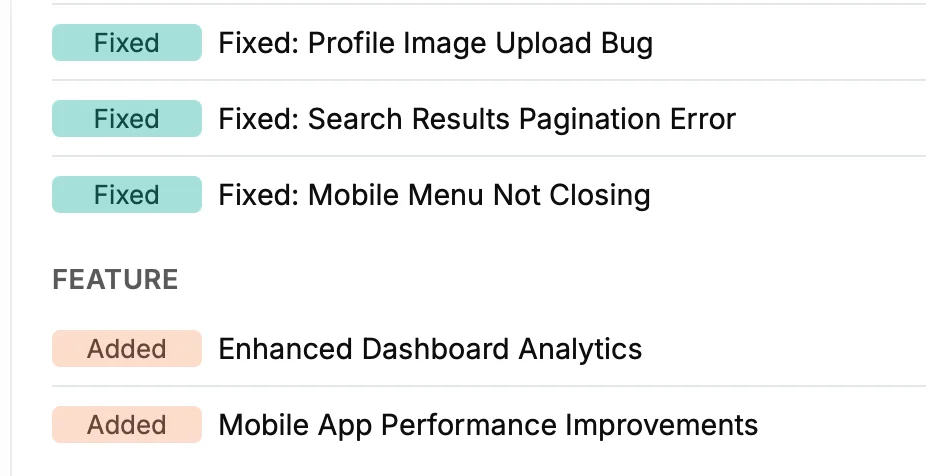
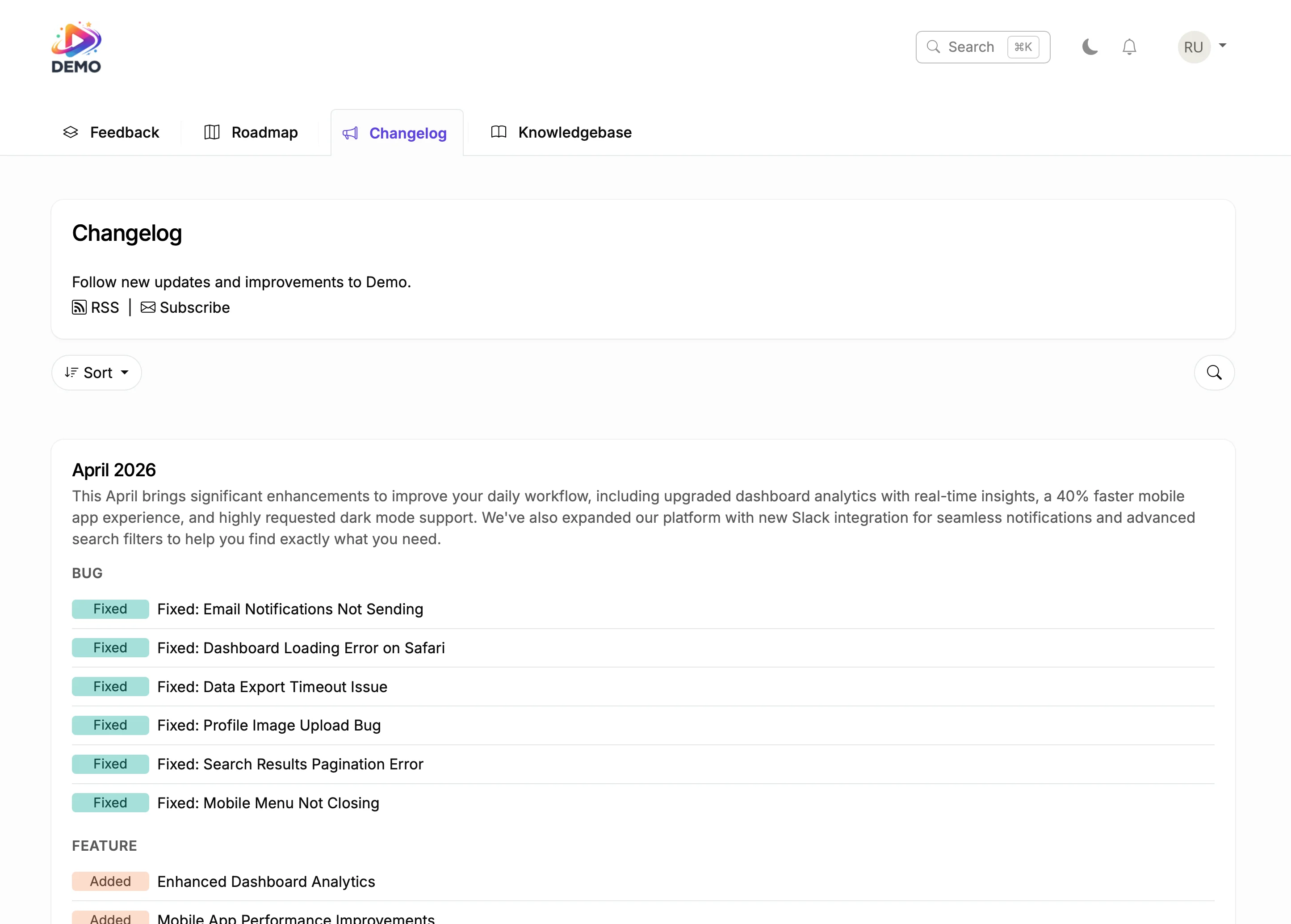
Changelog entries
4

You ship and they find out

Move it to Shipped. Every voter gets notified. It appears in your changelog. The loop is closed.

Why Moodle Sites Need an Interactive Roadmap

Before

With ProductLift

Faculty committees debate LMS priorities without student input
Educators and students vote on which Moodle improvements matter most
Plugin upgrade decisions happen behind closed doors in IT
A public roadmap shows stakeholders which plugins and features are planned
Academic departments submit competing requests with no way to prioritize
Vote counts reveal which improvements benefit the most users across departments
SCORM and compliance updates surprise educators mid-semester
Upcoming compliance changes are visible on the roadmap months in advance

What You Can Do With This

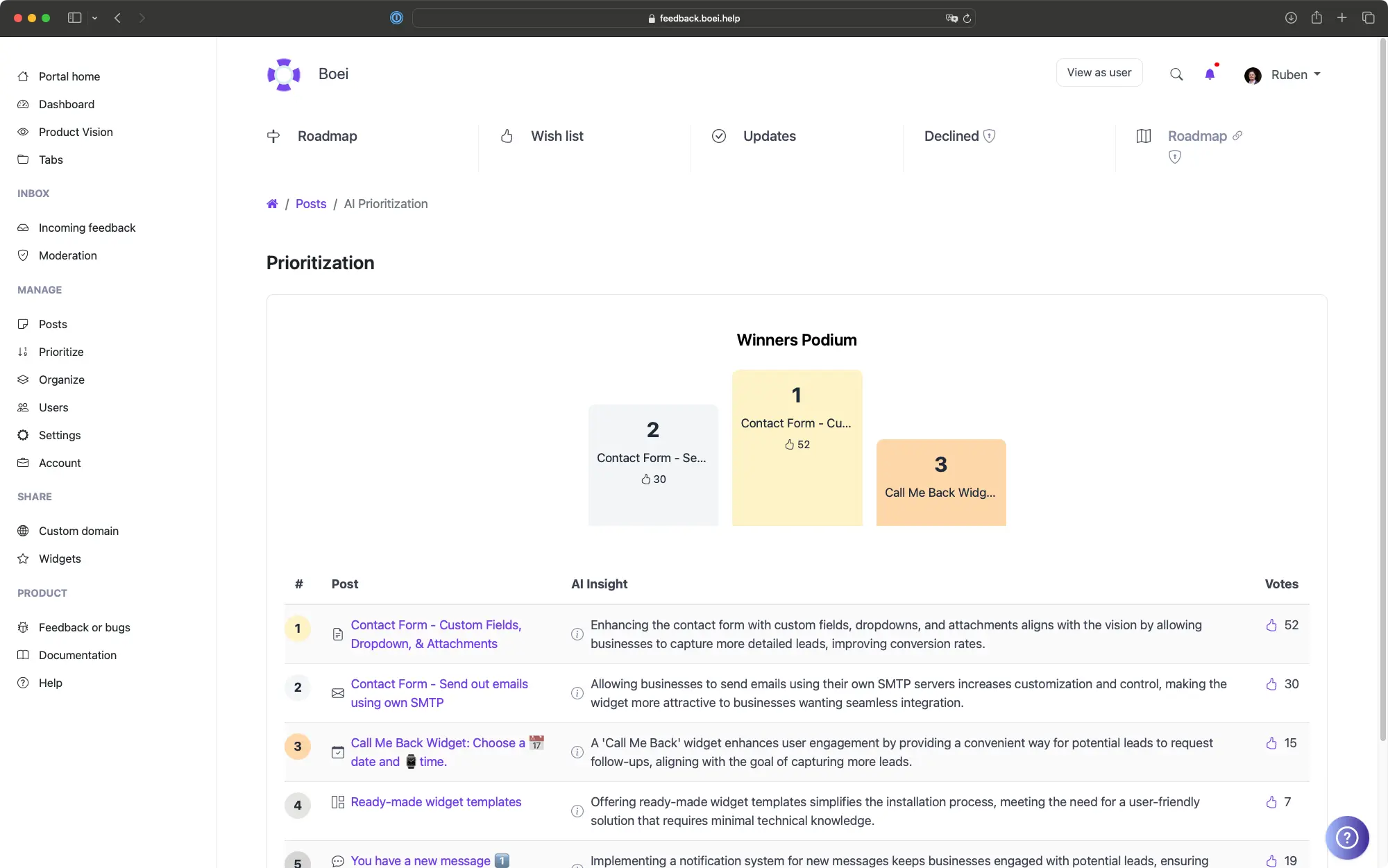
AI prioritization dashboard

Let AI Tell You What to Build Next

Define your learning platform vision. AI analyzes every suggestion from Moodle learners against that vision, demand, and strategic fit.

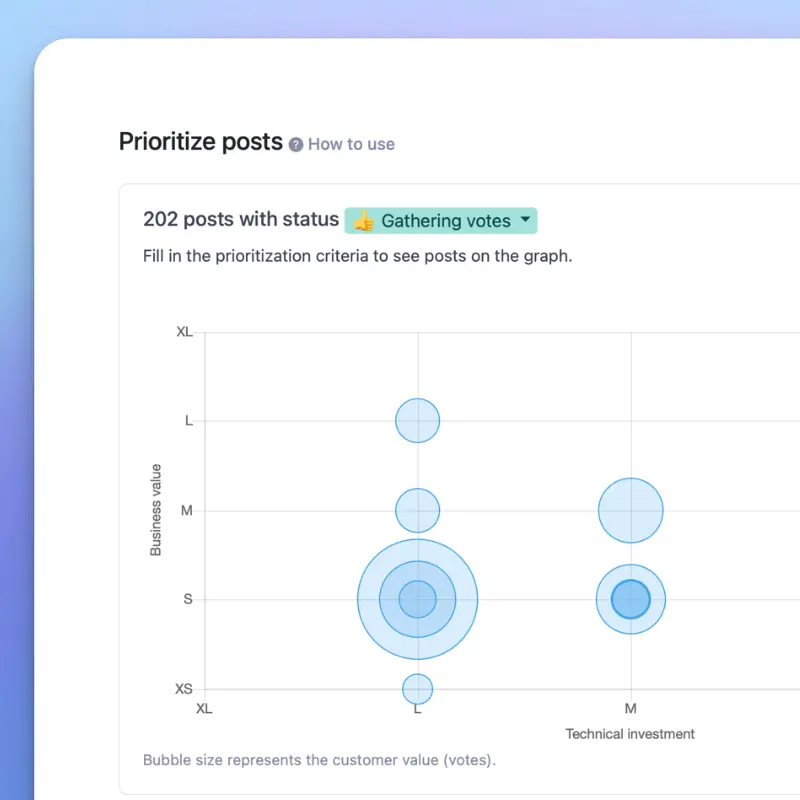
Prioritization bubble chart

Score Features with RICE, ICE, or MoSCoW
Built-in frameworks combine vote counts from Moodle users, revenue weight, and effort estimates into one score. Replace prioritization meetings with a dashboard.

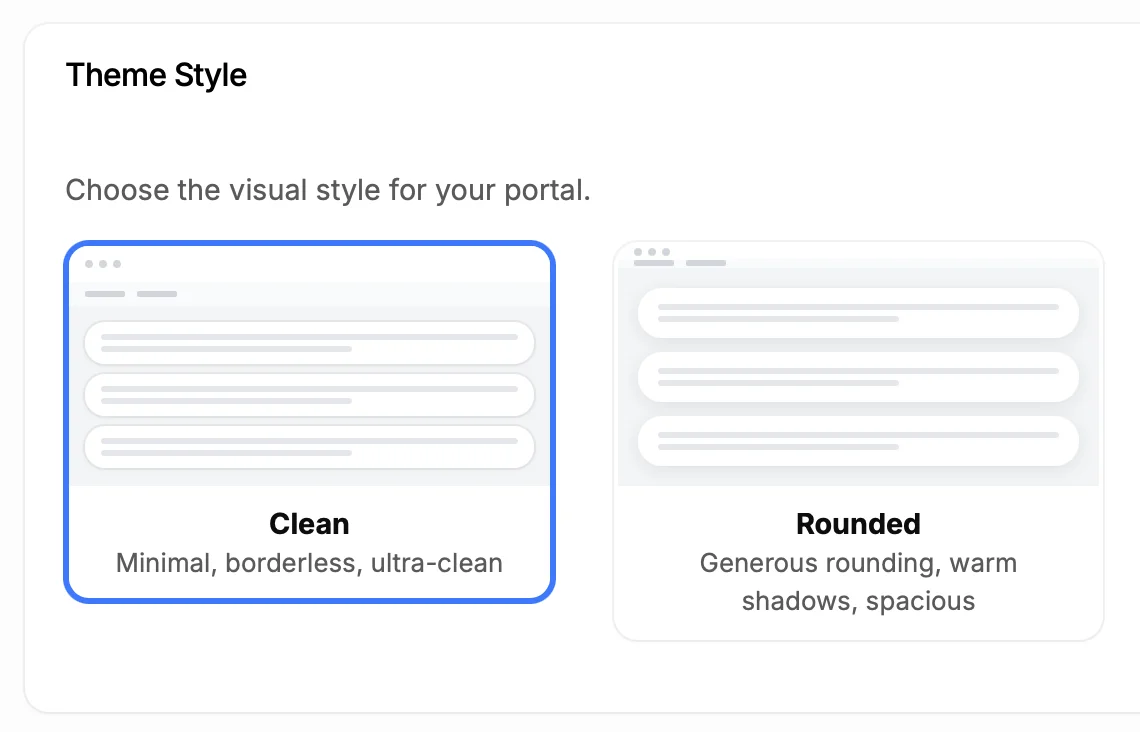
Theme customization

Make It Look Like Part of Your Site

Custom colors that match your Moodle platform branding. Custom domain, custom fonts. Remove all ProductLift branding. Learners see your brand.

5,204

Teams using ProductLift interactive roadmaps

4.8

Rating on G2 and Capterra

5 min

To set up on Moodle

Trusted by Course Creators And Educators Worldwide

Sebastian F.

Sebastian F.

Entrepreneur

This app will help you connect with your users and gather feedback like never before. The UI is clean and focused. The different pages and forms can be fully customized. Ruben is an amazing developer and entrepreneur with a proven track record. ProductLift is going places and you should get onboard.
Aaron Dye

Aaron Dye

An excellent product with equally excellent support! Everything just works, and when I had questions, the team was incredibly responsive.
Timothy M.

Timothy M.

Product Manager

This tool is literally a needle in a haystack. I was using Frill, and this doesn't even compare. The user interface, the way it lays out — so amazing. Also amazing support team!
Ben

Ben

Product Owner

Helped us quickly move away from our antiquated spreadsheet to a user-interactive system. User feedback is now collected in real-time. Support has been super speedy!
Marco

Marco

Based in Europe, ideal for privacy-conscious customer interaction. Constant improvements by Ruben together with thorough support make ProductLift a solid and future-proof choice.
Chris R.

Chris R.

Founder

By far the most customizable of all the feedback tools and much better than Feedbear. Developer is super responsive and support has been great. Highly recommend!

Who Uses Roadmaps on Moodle

Course Creators

Show students what new courses, modules, and platform improvements are coming. Build anticipation and reduce cancellations.

Training Companies

Share your training roadmap with corporate clients. Show what new courses, certifications, and features are planned.

Membership Sites

Members paying recurring fees want to know what's coming next. A roadmap shows them their investment is worthwhile.

From Idea to Shipped Feature

One platform for the entire product lifecycle. Each step feeds the next.

Collect Feedback screenshot

Collect Feedback

Users submit feature requests and vote on priorities.

Moodle Feedback Board Plugin
Plan on Your Roadmap screenshot

Plan on Your Roadmap

Drag items to Planned. Voters see the status change.

You are here
Ship and Announce screenshot

Ship and Announce

Move to Shipped. It becomes a changelog entry. Voters get notified.

Moodle Changelog Plugin
Document It screenshot

Document It

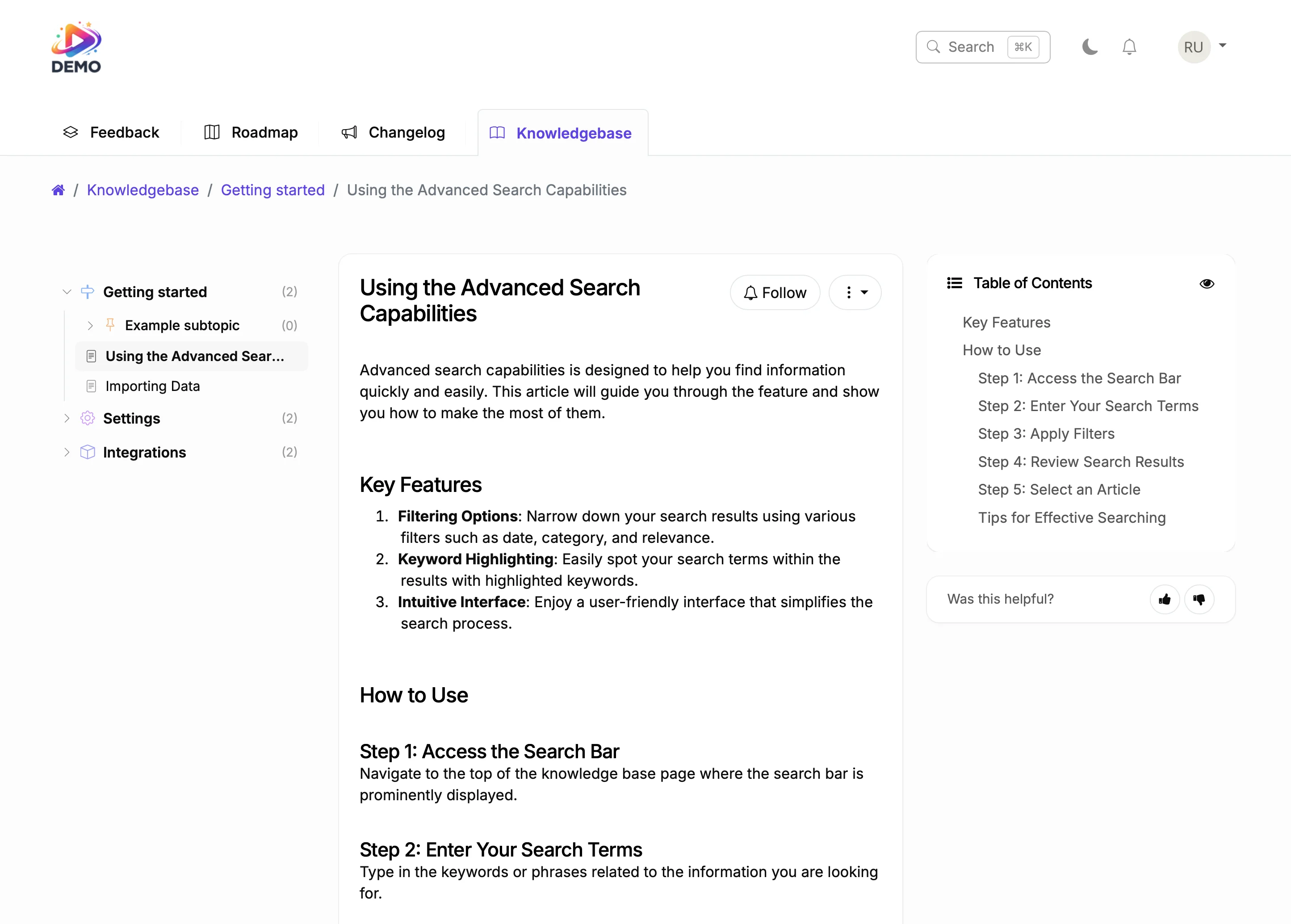
Generate a help article from shipped features. AI writes the draft.

Moodle Knowledge Base Plugin

Students and members paying for access want to know the platform keeps improving. A public roadmap is proof. When learners see their suggestions move from planned to shipped, they renew with confidence.

ProductLift connects your roadmap to feedback and changelog in one platform. Learners vote on what matters, you build it, and they get notified. That feedback loop drives retention and word of mouth.

Ruben Buijs

Ruben Buijs

Founder of ProductLift

Why Moodle Institutions Need a Public LMS Roadmap

Moodle's open-source flexibility is its greatest strength, but it also means every institution runs a different combination of plugins, themes, and configurations. When educators and administrators can't see what IT is planning, frustration builds. A public roadmap bridges that communication gap.

Academic institutions have complex stakeholder groups: faculty, students, department heads, and IT staff all have different priorities. A voting-based roadmap gives every group a voice and provides IT teams with data to justify their development decisions to leadership.

Plugin management is one of the biggest pain points in Moodle administration. With hundreds of available plugins and limited IT resources, institutions need a way to prioritize which plugins to evaluate, upgrade, or replace. A roadmap with voting makes those decisions transparent.

For institutions facing accreditation reviews, a public roadmap demonstrates a commitment to continuous improvement. It shows that the LMS isn't just maintained but actively developed based on stakeholder input.

Explore More ProductLift Features

See what else you can add to your Moodle site

Changelog

Keep your Moodle users updated with a changelog

Learn More

Feedback Board

Collect feedback from your Moodle visitors

Learn More

Knowledge Base

Help your Moodle users find answers

Learn More

Moodle Product Roadmap Plugin FAQ

How do I add a roadmap to my Moodle site?

Add the ProductLift embed code to a custom page in Moodle. Most course platforms support custom HTML blocks or code injection. Alternatively, host on a subdomain like feedback.yoursite.com and add a link to your Moodle navigation menu.

Do I need to install a Moodle plugin?

No. ProductLift is hosted on its own servers and embedded via a small code snippet. There's nothing to install, no database tables created, and no performance impact on your Moodle site.

Can users vote on roadmap items?

Yes. Every roadmap item has a vote button. Users upvote the features they want most, and you see real-time vote counts in your dashboard. Anonymous or authenticated voting, your choice.

Do voters get notified when items move?

Yes. When you move an item from Planned to In Progress or to Shipped, every user who voted on that item gets an email notification. This happens automatically.

Can I make some roadmap items private?

Yes. Control visibility per item or per board. Show a public roadmap on your site while keeping internal items on a private board visible only to your team.

Can I customize the appearance?

Full customization for colors, fonts, columns, and layout. White-label branding removes all ProductLift references. Use a custom domain like roadmap.yoursite.com.

Is there a free trial?

Yes. ProductLift offers a 14-day free trial with full access, no credit card required. Plans start at $19/mo (billed annually).

See What Your Learners Would Vote For

Create your roadmap in 10 minutes. Your first voter could be today.

No credit card required · 14-day free trial · No plugin to install · Works with any theme