Ship Updates. Your Community Finds Out Automatically.





from 124+ reviews
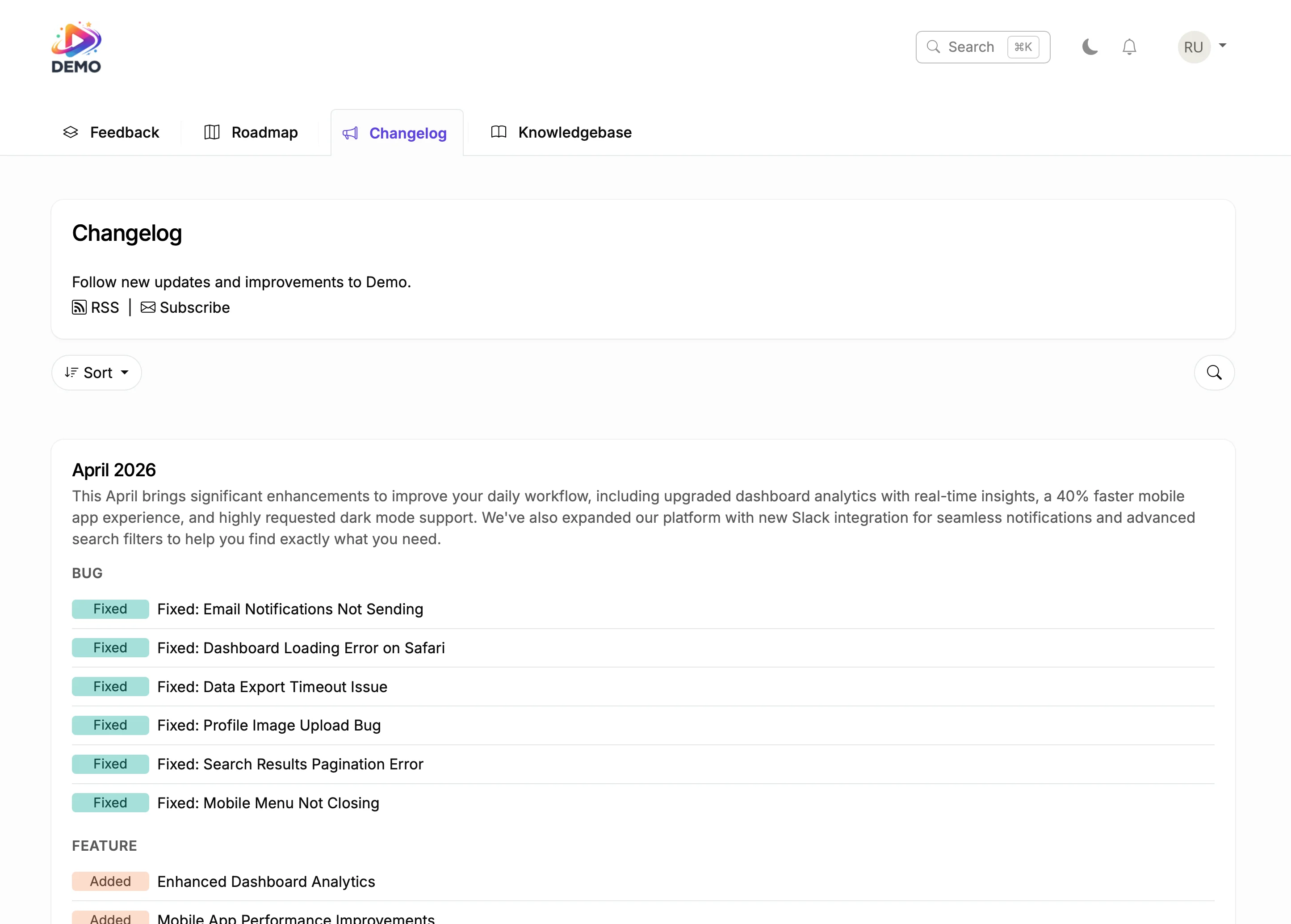





Try It Right Now
How It Actually Works
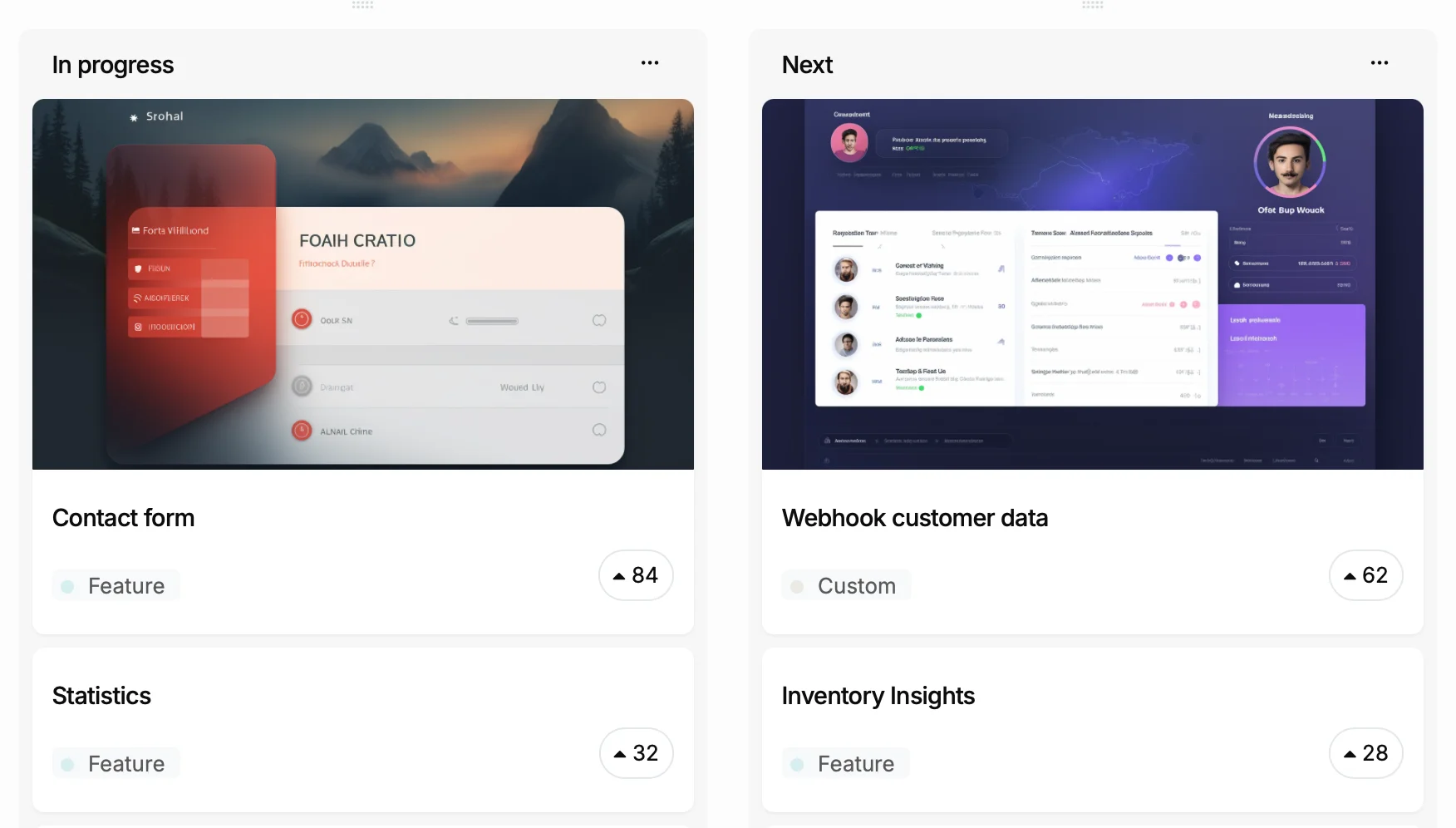
You ship a feature
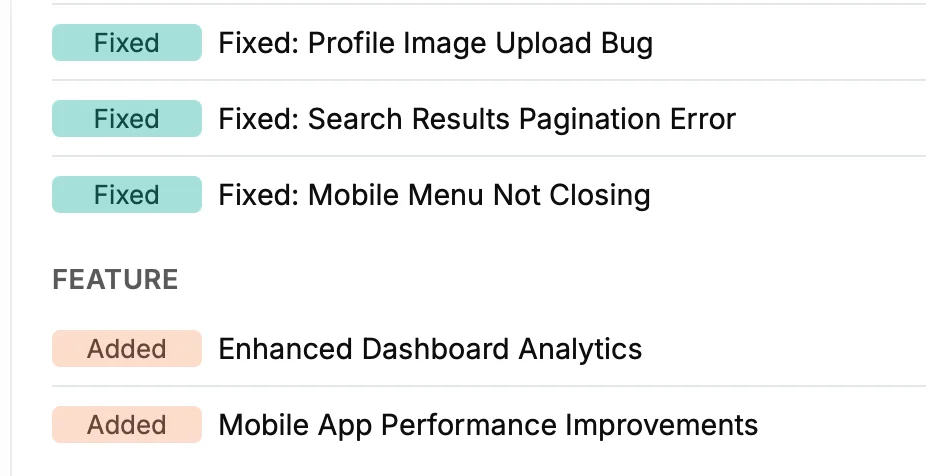
It becomes a changelog entry
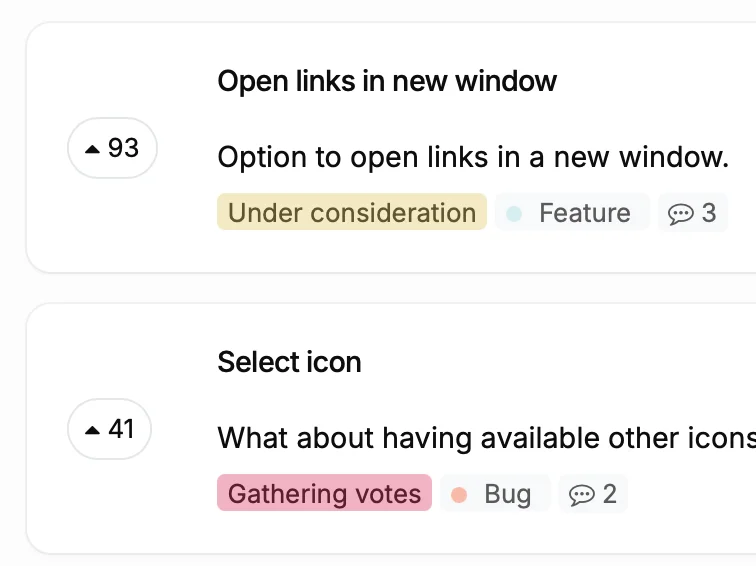
Voters get notified
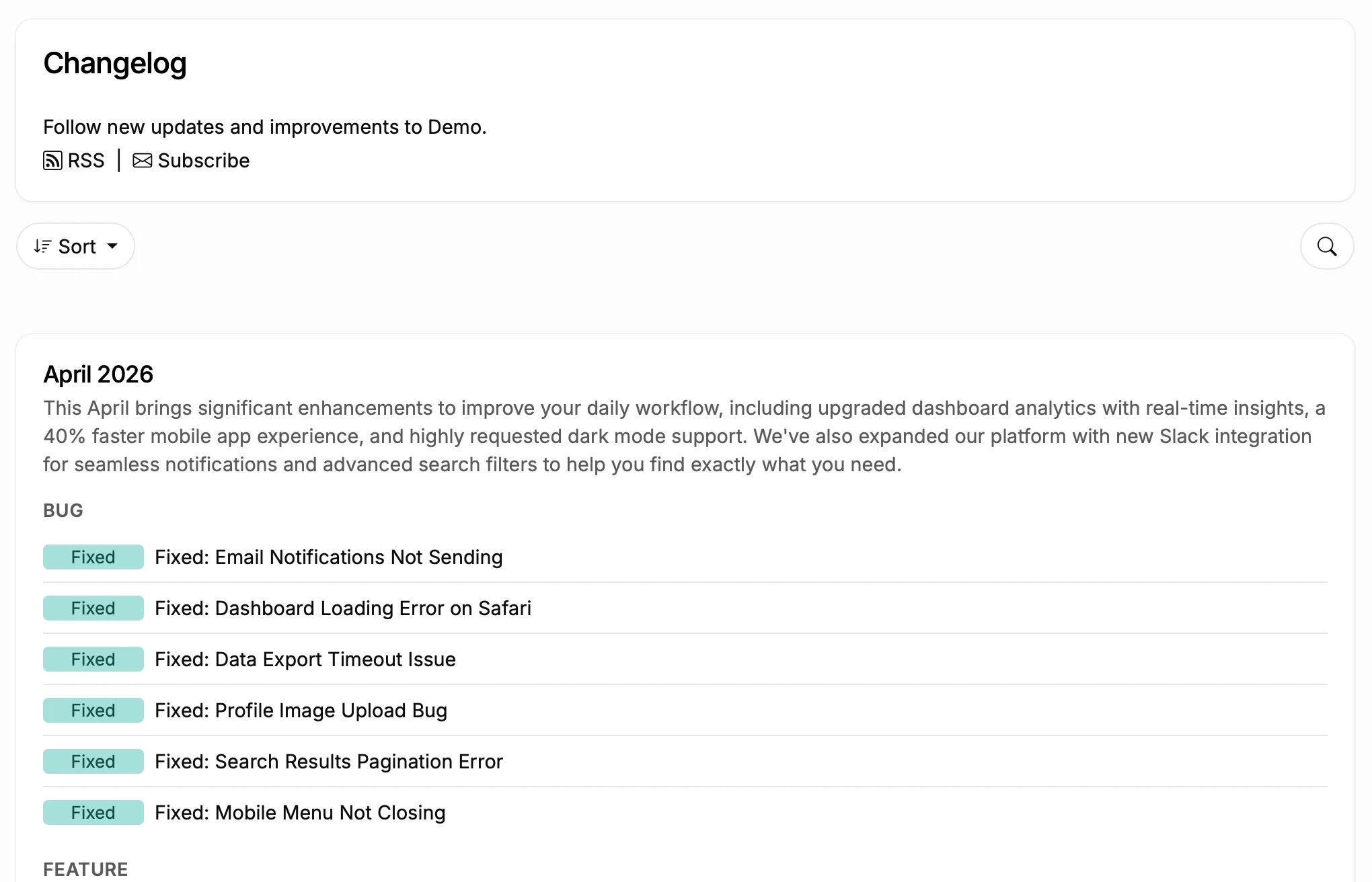
Subscribers stay in the loop
What Happens Without a Umbraco Changelog
Before
With ProductLift
What You Can Do With This
Turn Git Commits into Changelog Entries
Categorize and Schedule Updates
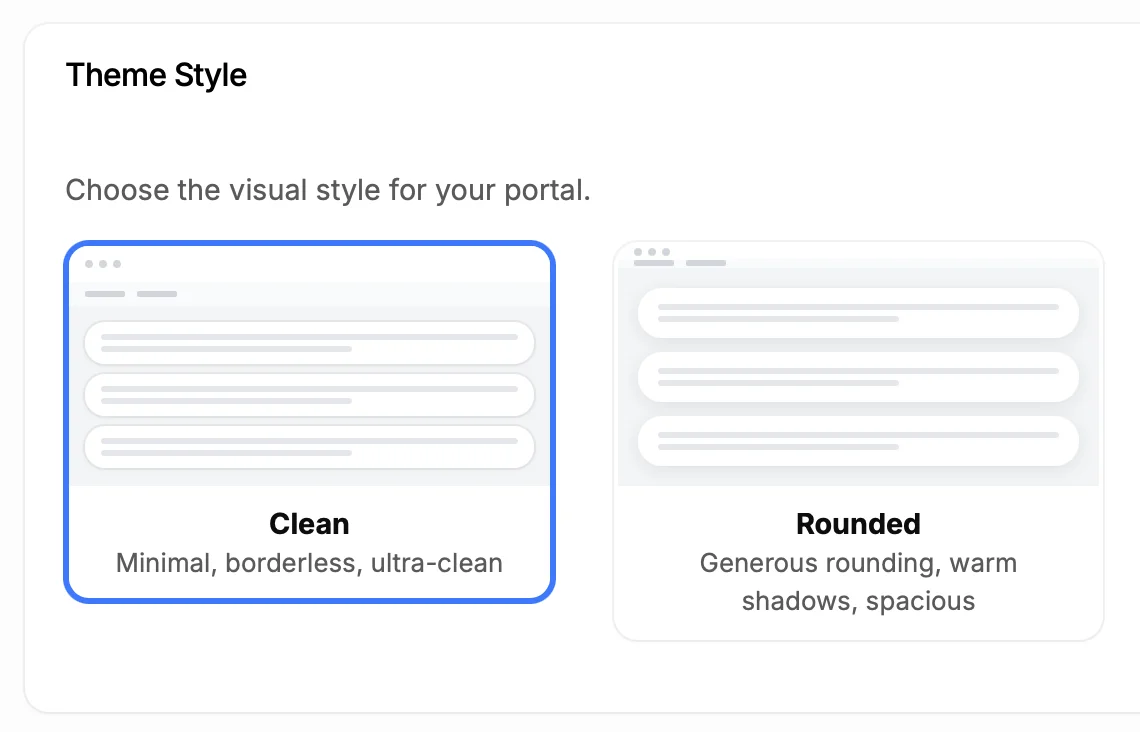
Make It Look Like Part of Your Site
5,204
Teams using ProductLift changelogs
4.8
Rating on G2 and Capterra
5 min
To set up on Umbraco
Trusted by Website Owners And Developers Worldwide

Sebastian F.
Entrepreneur
★★★★★
This app will help you connect with your users and gather feedback like never before. The UI is clean and focused. The different pages and forms can be fully customized. Ruben is an amazing developer and entrepreneur with a proven track record. ProductLift is going places and you should get onboard.
AppSumo
Aaron Dye
★★★★★
An excellent product with equally excellent support! Everything just works, and when I had questions, the team was incredibly responsive.
Timothy M.
Product Manager
★★★★★
This tool is literally a needle in a haystack. I was using Frill, and this doesn't even compare. The user interface, the way it lays out — so amazing. Also amazing support team!
AppSumo
Ben
Product Owner
★★★★★
Helped us quickly move away from our antiquated spreadsheet to a user-interactive system. User feedback is now collected in real-time. Support has been super speedy!
AppSumo
Marco
★★★★★
Based in Europe, ideal for privacy-conscious customer interaction. Constant improvements by Ruben together with thorough support make ProductLift a solid and future-proof choice.
AppSumo
Chris R.
Founder
★★★★★
By far the most customizable of all the feedback tools and much better than Feedbear. Developer is super responsive and support has been great. Highly recommend!
AppSumo
Who Uses a Changelog on Umbraco
Plugin and Extension Developers
Agency Teams
Content Publishers
From Idea to Shipped Feature
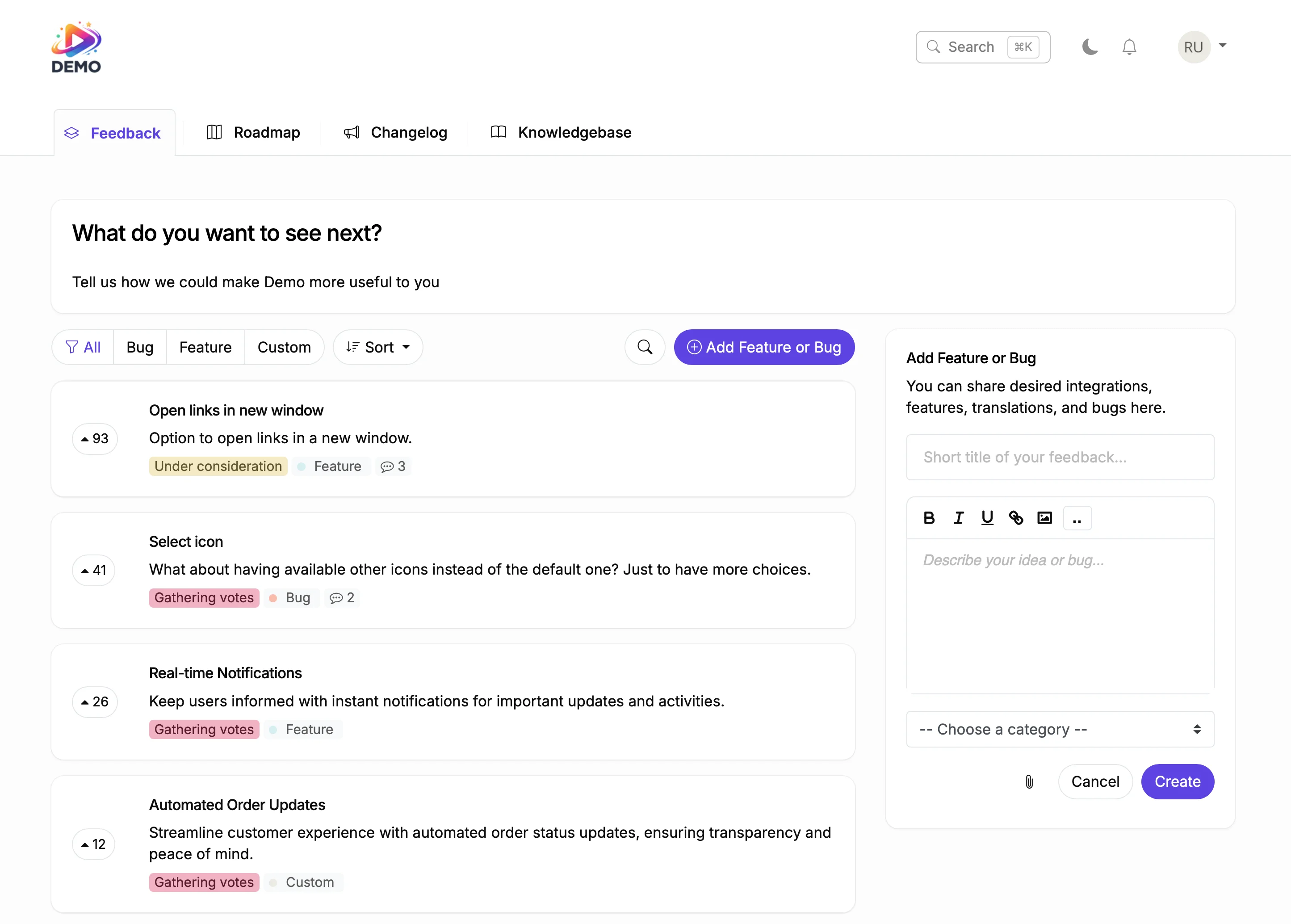
Collect Feedback
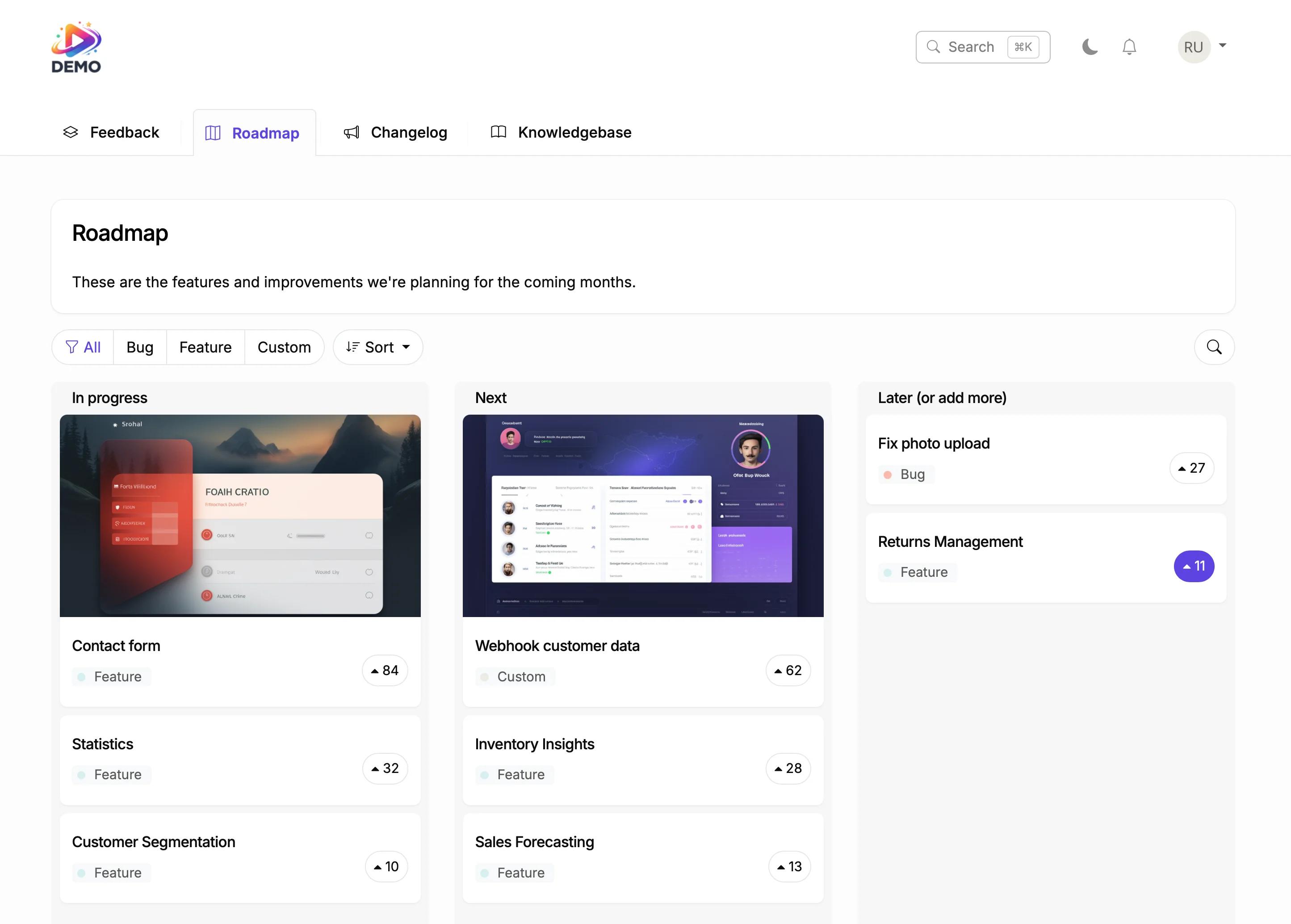
Plan on Your Roadmap
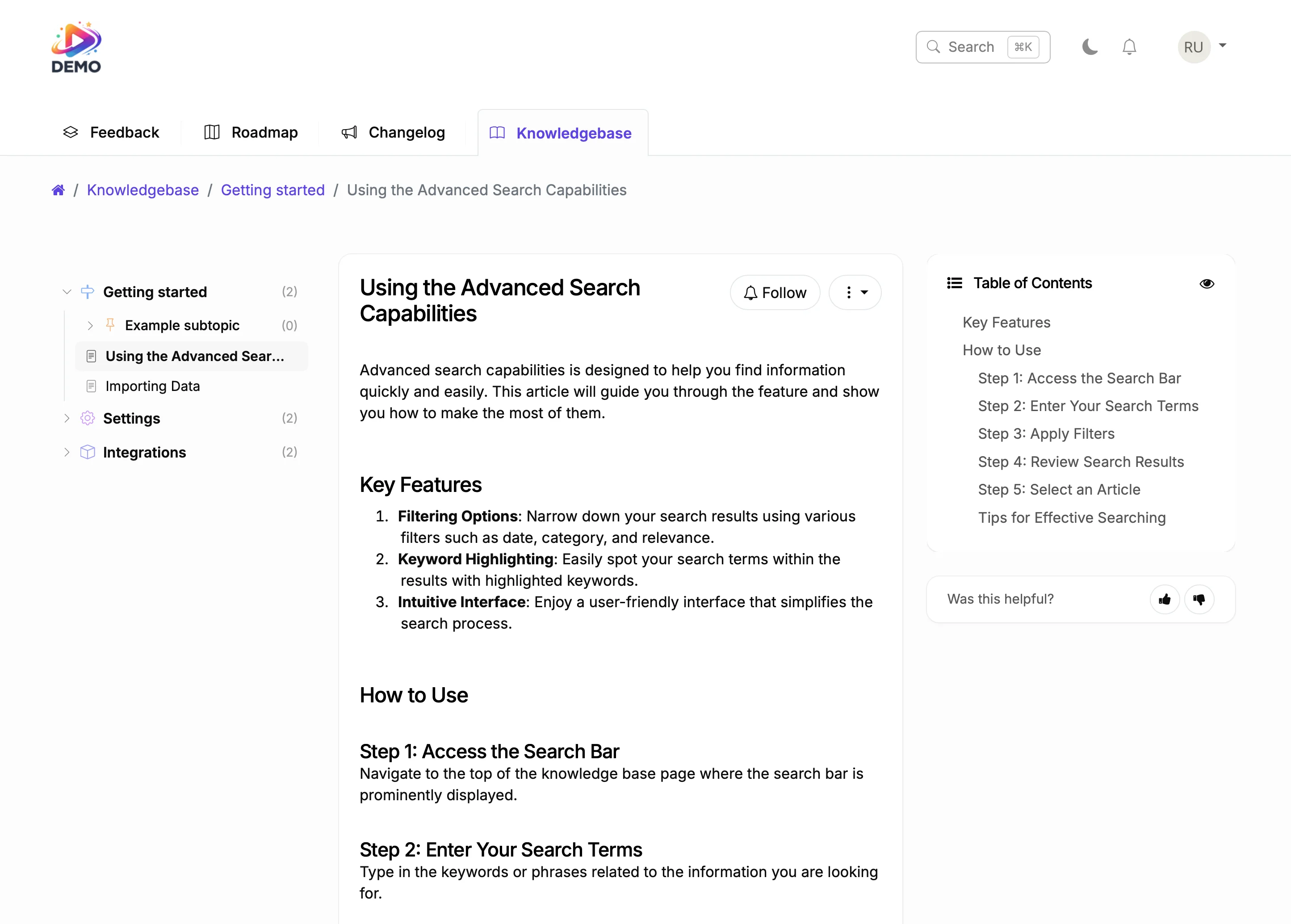
Document It
In the CMS world, users judge software by its update history. A professional changelog with categorized entries signals active maintenance, security awareness, and community responsiveness.
ProductLift connects your changelog to feedback and roadmap. Community members who requested features get notified when you ship. That transparency builds trust and drives adoption.

Ruben Buijs
Founder of ProductLift
Why Umbraco Deployments Need Professional Change Communication
Enterprise Umbraco deployments often involve .NET platform upgrades, backoffice customizations, content type changes, and security patches. Communicating all of this through developer release notes means content editors and stakeholders miss critical information.
A professional changelog on your Umbraco site gives every stakeholder a categorized view of changes. Developers see platform updates. Content editors see backoffice changes. Administrators see security patches. Everyone stays informed in language they understand.
Embedding the changelog in a Razor view or content page takes minutes. There's no NuGet package required, no Umbraco package dependencies, and no impact on your content delivery or backoffice performance.
For enterprise environments with compliance needs, the changelog provides a persistent, auditable record of every platform change. Categories, timestamps, and detailed descriptions create the documentation trail that governance processes require.
Explore More ProductLift Features
Feedback Board
Knowledge Base
Public Roadmap
Umbraco Changelog Plugin FAQ
How do I add a changelog to my Umbraco site?
Do I need to install a Umbraco plugin?
Can I categorize changelog entries?
Will users get notified about new updates?
Does it support images and videos?
Can I customize it to match my brand?
Is there a free trial?
Comparing Changelog Tools?
Still shopping? Compare 10 of the top changelog tools and changelog software side-by-side in our best changelog tool guide. Real pricing, free-plan detail, voter auto-notification support, in-app widget quality, and roadmap integration for ProductLift, Beamer, AnnounceKit, Canny, FeatureBase, Headway, and more.